
A blinking red light on a wired smoke detector can make anyone feel uneasy, especially if you’re unsure what it means. Is it a warning, a malfunction, or just a routine signal? Many people ignore these signals or misunderstand them, which can lead to safety risks.
In this guide, you’ll discover exactly what a wired smoke detector blinking red means, how to interpret different blinking patterns, and the steps you should take to keep your home safe. You’ll also learn about common mistakes, practical troubleshooting, and how to avoid false alarms.
By the end, you’ll feel confident handling your smoke detector and know when to act.
Understanding Wired Smoke Detectors
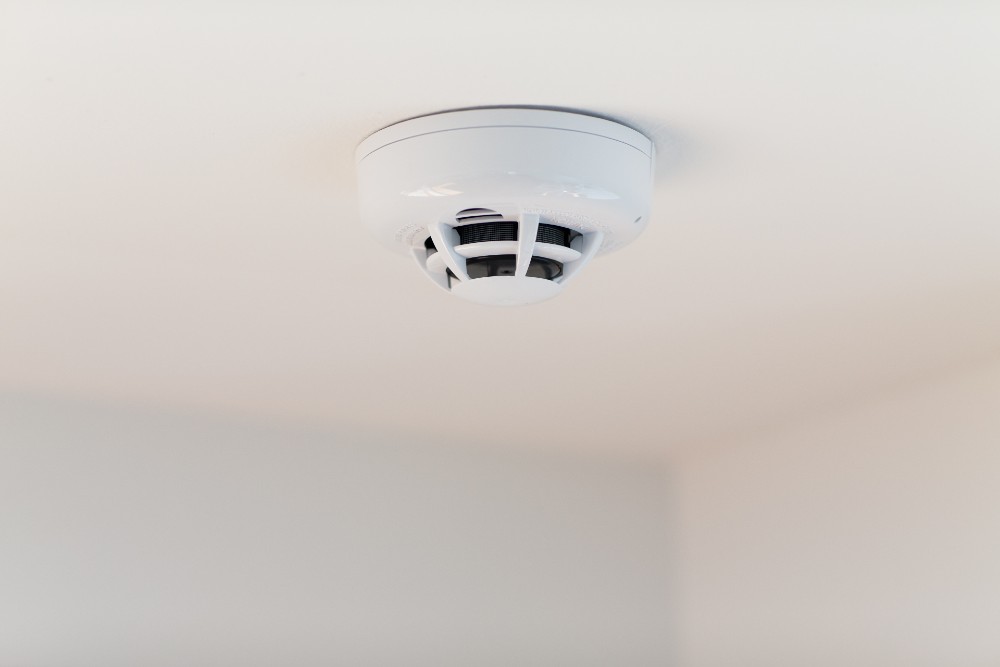
Wired smoke detectors are connected directly to your home’s electrical system. Unlike battery-powered models, they rely on continuous power and often work together in a network. This means if one alarm detects smoke, all alarms in the system will go off.
Most wired detectors also have a backup battery, so they keep working during power outages.
These devices use sensors to detect smoke particles in the air. The two main types are ionization and photoelectric detectors. Ionization models react quickly to fast-burning fires, while photoelectric detectors are better for slow, smoldering fires. Some modern detectors combine both technologies for better protection.
Wired smoke detectors are more reliable than battery-only models because they are less likely to lose power. They’re often required by building codes in new homes and apartments. But they also need regular maintenance and attention to signals like blinking lights.
Key Features Of Wired Smoke Detectors
- Continuous power supply (hardwired)
- Battery backup for emergencies
- Interconnected alarms for whole-home alerts
- Regular self-tests and signals for maintenance
Knowing these basics helps you understand why your detector might blink red and what action to take.
What Does A Blinking Red Light Mean?
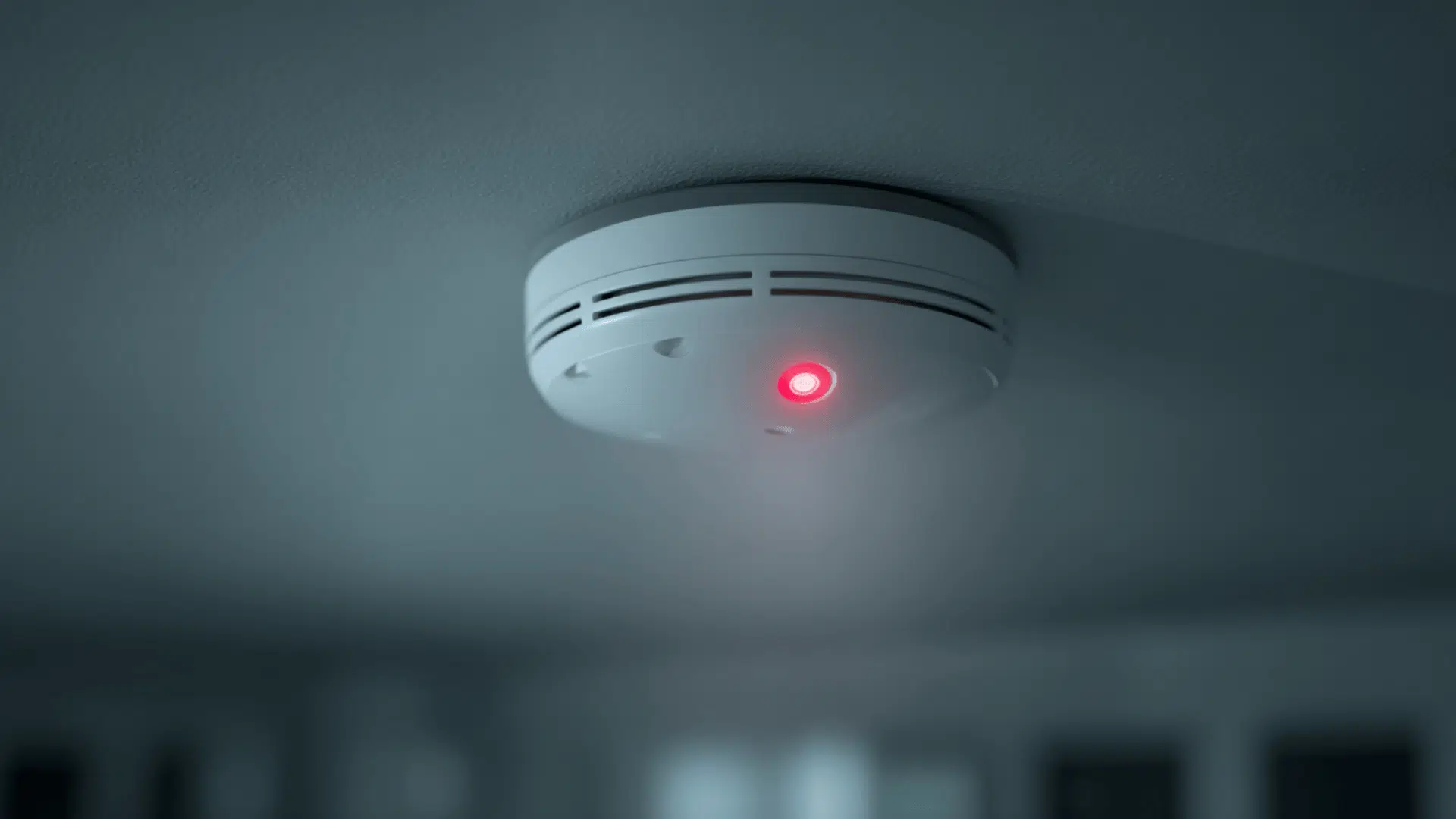
A blinking red light on a wired smoke detector is not always a sign of danger. It’s a form of communication from the device. Depending on the pattern and frequency, it could indicate:
- Normal operation
- Low battery
- Malfunction
- Smoke detected
- End of life
Manufacturers use different blinking patterns to signal these states. For example, one quick blink every minute often means normal operation, while a steady or rapid blinking can mean something is wrong.
Let’s look at common patterns:
| Blinking Pattern | Possible Meaning | Action Needed |
|---|---|---|
| Single blink every 60 seconds | Normal operation | No action |
| Rapid blinking | Smoke detected or alarm triggered | Check for fire |
| Steady blinking | Low battery or malfunction | Replace battery or troubleshoot |
| Double blink every minute | End of life warning | Replace detector |
If you see a blinking red light, the first step is to check the pattern. Then, look up your detector’s manual for exact meanings, as brands like Kidde, First Alert, or BRK may use unique signals.
Credit: www.vivint.com
Common Causes Of A Blinking Red Light
Understanding why your wired smoke detector is blinking red helps you respond correctly. Here are the most frequent causes:
1. Normal Operation
Many detectors blink red once every minute to show they’re working. This is called a heartbeat signal. It reassures you the device is powered and ready.
2. Smoke Or Fire Detected
If the detector senses smoke, the red light will blink rapidly or stay on. The alarm will sound, and all interconnected detectors may go off. If you don’t see smoke but the alarm is sounding, check for hidden sources like electrical fires or oven issues.
3. Low Battery
Even wired detectors need batteries for backup. A blinking red light—often paired with a chirping sound—means the battery is low. Replace the battery promptly to keep your detector reliable during power outages.
4. Malfunction
A steady or unusual blinking pattern can signal a malfunction. This can happen if the sensor is dirty, the wiring is loose, or the circuit board is faulty. Malfunctions may cause false alarms or silence during real emergencies.
5. End Of Life
Smoke detectors have a limited lifespan, typically 7–10 years. When they reach the end, they may blink red to signal replacement. Old detectors may not sense smoke reliably, so don’t ignore this warning.
6. Power Issues
If there’s a problem with your home’s electrical supply, the detector may blink red. This can happen after power outages, surges, or loose wiring.
Troubleshooting A Wired Smoke Detector Blinking Red
When you notice a blinking red light, follow these steps to diagnose and fix the issue:
- Check the blinking pattern: Note how often and how quickly the light blinks.
- Read the manual: Each brand has slightly different signals. Find your model’s manual online if you don’t have it.
- Listen for sounds: Chirping or beeping often means low battery or malfunction.
- Inspect the detector: Look for dust, spider webs, or damage.
- Test the alarm: Press the test button. If it sounds, the detector is powered.
- Replace the battery: If the detector has a backup battery, change it even if you think it’s fine.
- Reset the detector: Power off at the circuit breaker, wait a few minutes, then turn it back on.
- Check wiring connections: Loose wires can cause malfunction. If you’re comfortable, gently check the connections.
- Replace if needed: If the detector is old or keeps blinking, install a new one.
Example Scenario
Imagine you see a blinking red light and hear a chirp every minute. You check the manual and see this means low battery. Replacing the battery stops the blinking. If the blinking continues, it may be a malfunction or end-of-life warning.
Always check the age of your detector.

Credit: preparedhero.com
Wired Vs. Wireless Smoke Detectors
Many homeowners wonder if wired smoke detectors are better than wireless models. Here’s a quick comparison:
| Feature | Wired Smoke Detector | Wireless Smoke Detector |
|---|---|---|
| Power Source | Home electrical plus battery backup | Battery only or plug-in |
| Reliability | High (less likely to lose power) | Moderate (battery can fail) |
| Interconnectivity | All alarms sound together | Wireless linking (may require setup) |
| Installation | Professional recommended | DIY-friendly |
| Maintenance | Check wiring and battery | Change batteries regularly |
Wired detectors are usually more dependable, but require more effort to install and maintain.
How To Maintain Your Wired Smoke Detector
Proper maintenance keeps your detector working and prevents false alarms or missed warnings.
Monthly Tasks
- Test the alarm using the button.
- Check for blinking lights and listen for unusual sounds.
- Clean the detector with a soft brush or vacuum to remove dust.
- Check the battery backup, even if it’s hardwired.
Yearly Tasks
- Replace the battery (even if not chirping).
- Inspect wiring for wear, corrosion, or loose connections.
- Review the detector’s age—replace if it’s over 10 years old.
Practical Tips
- Avoid painting over detectors; this can block sensors.
- Don’t install near kitchens or bathrooms to avoid steam and cooking smoke false alarms.
- Keep records of installation and maintenance dates.
When Should You Replace Your Smoke Detector?
Smoke detectors lose effectiveness over time. Here are signs it’s time to replace:
- End-of-life blinking: Usually double blink every minute.
- Detector age: More than 10 years old.
- Frequent malfunctions: False alarms or silence during tests.
- Physical damage: Cracks, burns, or water exposure.
Even if your detector seems fine, old sensors may not detect smoke quickly. New models often have improved features like voice alerts or smart home integration.
How To Choose A New Detector
Look for:
- UL-listed products (safety certified)
- Combination of ionization and photoelectric sensors
- Interconnectivity for whole-home alerts
- Easy access to battery compartment
- Clear signals for maintenance
Avoid models with confusing signals or hard-to-reach batteries.
Safety Risks Of Ignoring A Blinking Red Light
Ignoring a blinking red light can lead to serious safety issues:
- Missed alarms: If the detector is malfunctioning, you may not be warned about fire.
- False sense of security: The detector may look fine but not work.
- Increased risk: Homes without working detectors have twice the fire death rate.
- Legal issues: Many states require working detectors by law.
According to the National Fire Protection Association (NFPA), 40% of fire deaths occur in homes without working smoke detectors. Don’t let a blinking light go unchecked.
Common Mistakes When Handling Smoke Detectors
Many people make errors with smoke detectors that can reduce safety:
- Ignoring signals: Thinking blinking lights are always normal.
- Not checking the manual: Assuming all brands use the same signals.
- Skipping battery changes: Forgetting backup batteries in wired models.
- Installing in wrong locations: Near kitchens or bathrooms.
- Not cleaning detectors: Dust and insects can block sensors.
- Using old detectors: Keeping units past their lifespan.
- Overlooking wiring issues: Not checking for loose or corroded wires.
- Painting over sensors: This blocks detection.
Avoid these mistakes to keep your home safe.
Real-life Example: Troubleshooting A Red Blink
Let’s look at a typical scenario.
Emily noticed the red light on her wired smoke detector was blinking twice every minute. She checked her manual and learned this was an end-of-life warning. Her detector was installed 12 years ago, so she decided to replace it with a new model.
After installation, the new detector blinked once every minute—a sign of normal operation. Emily’s quick response meant her home stayed protected.
In another case, John’s detector blinked red rapidly and sounded the alarm, but there was no smoke. He cleaned the sensor and reset the unit, which stopped the false alarm. Sometimes dust or insects can cause false readings.
Credit: www.jackcooper.com
How To Reset A Wired Smoke Detector
Resetting your detector can fix some blinking issues. Here’s how:
- Turn off power at the circuit breaker.
- Wait 5 minutes to let the unit discharge.
- Turn power back on.
- Press the test button to check operation.
If the blinking continues, check for wiring problems or replace the detector.
Data: Smoke Detector Performance And Safety
Smoke detectors reduce fire-related deaths by half. Homes with working detectors have a 50% lower fatality rate in fires. Wired models are more reliable, but both types save lives when maintained.
According to the NFPA:
- Three out of five fire deaths happen in homes without working detectors.
- Most failures are due to missing or dead batteries.
- Detectors should be installed in every bedroom, hallway, and level of the home.
Comparing Popular Wired Smoke Detector Brands
Here’s a look at three top brands and their blinking red signals:
| Brand | Blinking Red Signal | Best Features |
|---|---|---|
| Kidde | Single blink (normal), double blink (end-of-life), rapid blink (smoke) | Easy battery access, reliable interconnectivity |
| First Alert | Single blink (normal), steady blink (malfunction), rapid blink (smoke) | Voice alerts, dual sensors |
| BRK | Single blink (normal), rapid blink (smoke), steady blink (malfunction) | Long lifespan, professional grade |
Always check your model’s manual for details.
Professional Help Vs. Diy Troubleshooting
If you’re comfortable, basic troubleshooting is safe. But call a professional if:
- Wiring is damaged
- Blinking continues after reset
- Detector is hard to reach
- Alarm sounds without clear cause
Electricians can safely check wiring and ensure detectors meet code. For most maintenance, DIY is fine, but safety comes first.
Smoke Detector Regulations And Laws
Many states and cities require wired smoke detectors in homes. Regulations often include:
- Installation in every bedroom
- Interconnected alarms
- Battery backup
- Replacement every 10 years
Check your local rules to stay compliant. Landlords must often provide working detectors in rental units.
For more details, visit the NFPA Home Fire Safety Tips.
Frequently Asked Questions
What Does A Single Red Blink Every Minute Mean?
This usually means normal operation. The detector is powered and ready. Always check your manual to confirm, as patterns can vary by brand.
Why Is My Wired Smoke Detector Blinking Red And Chirping?
A blinking red light with a chirp often signals a low battery or malfunction. Replace the battery and test the unit. If the blinking continues, clean the sensor or check wiring.
How Often Should I Replace My Smoke Detector?
Replace smoke detectors every 7–10 years, even if they seem to work. Sensors lose sensitivity over time, which can lead to missed alarms.
Can I Use A Wired Detector Without A Backup Battery?
No. The battery backup is essential for power outages. Without it, the detector may fail during emergencies. Always keep the battery fresh.
What Should I Do If Blinking Continues After Troubleshooting?
If blinking persists, replace the detector or call a professional. Persistent signals mean malfunction or end-of-life. Don’t ignore ongoing warnings.
Final Thoughts
A blinking red light on a wired smoke detector is your home’s way of asking for attention. Whether it’s a routine signal or a warning, understanding the meaning keeps your family safe. Check the blinking pattern, maintain your detector, and act quickly if you see unusual signals.
Avoid common mistakes like ignoring warnings or skipping battery changes. With proper care and timely replacements, your smoke detector can protect you for years. Stay alert, stay safe, and always respect the signals your detector gives you.