
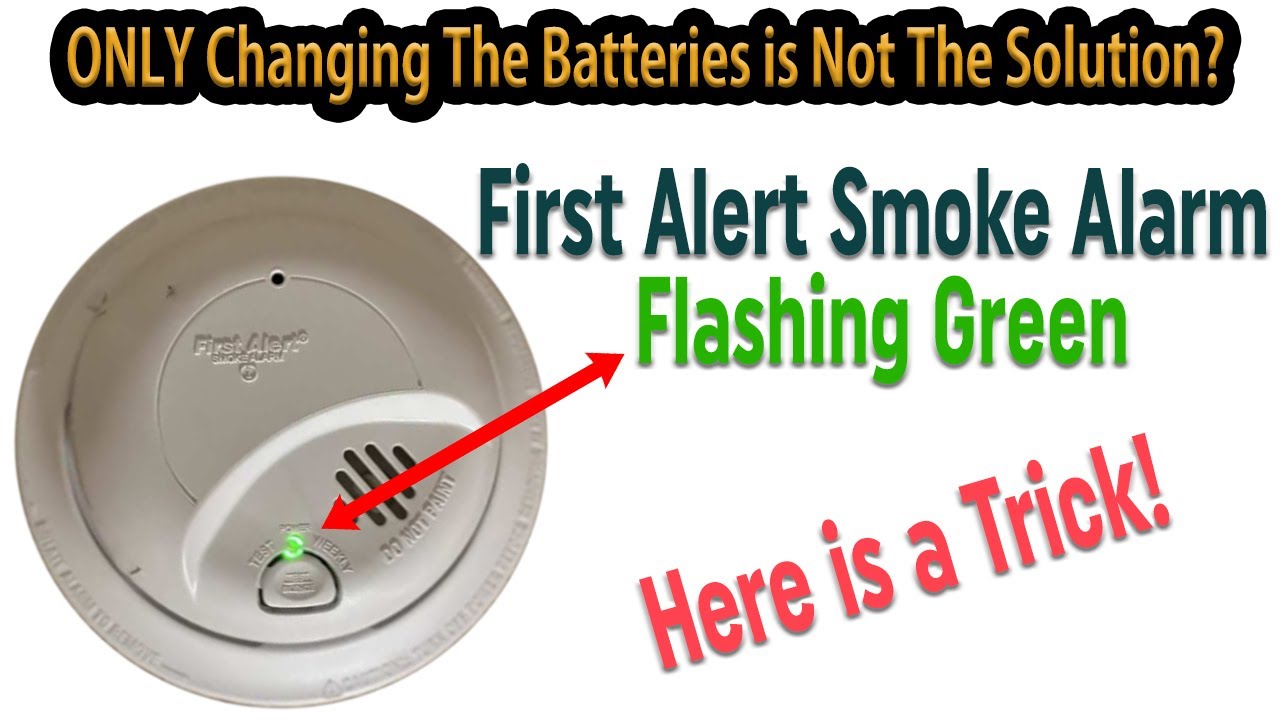
A blinking green light on your First Alert smoke detector can be confusing, especially if you aren’t sure what it means. Many homeowners worry it signals a problem, while others ignore it until their device fails a safety test. Understanding what this blinking green light means, how to respond, and how to check your device can save you stress—and keep your home safe.
This article walks you through everything you need to know about the blinking green light on First Alert smoke detectors, from common causes to troubleshooting steps and safety insights.
What Does The Blinking Green Light Mean?
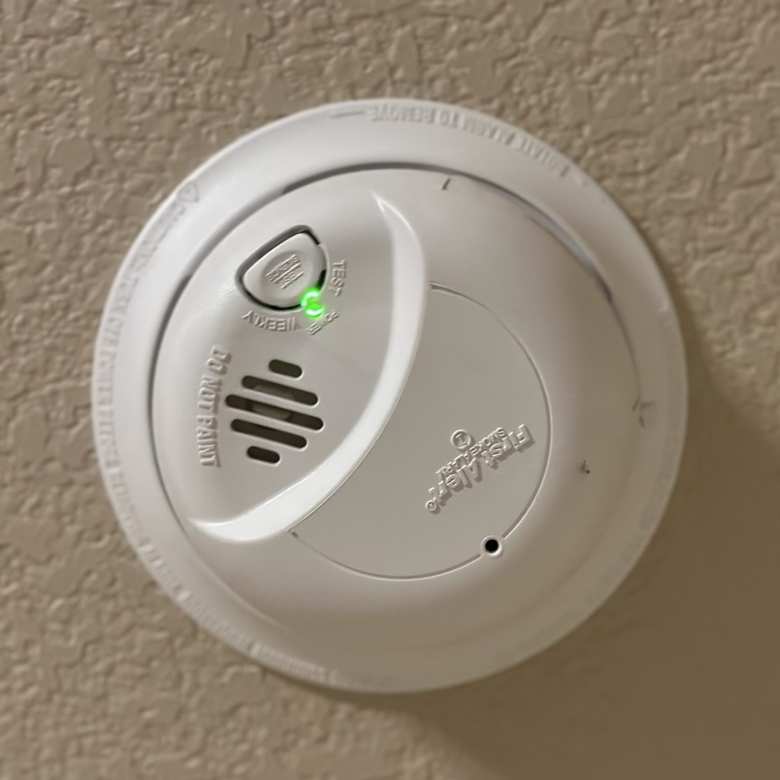
First Alert smoke detectors use indicator lights to communicate their status. The green light is typically linked to power, battery, or self-testing. But blinking patterns can mean different things:
- Blinking every few seconds: Usually normal, showing that the device is powered and running self-checks.
- Rapid blinking: Can signal a battery charging issue or a problem with the device.
- No green light: May mean loss of power or a dead battery.
First Alert models use different blink patterns, so always check your device’s manual for specifics. However, most newer models use a slow blinking green light to show the detector is working properly and plugged in (for wired units).
Common Causes For A Blinking Green Light
A blinking green light doesn’t always mean trouble. Here are the most frequent reasons you’ll see it:
- Power-Up Sequence: When you first install or reconnect your smoke detector, the green light blinks while the device initializes.
- Battery Charging: On units with rechargeable batteries, blinking indicates charging.
- Self-Testing: Some First Alert detectors run regular self-tests, with the green light blinking to show activity.
- End of Life Warning: If the green blink changes to an unusual pattern, it may signal the detector needs replacing.
- Loose Wiring: For wired models, blinking can indicate loose connections or interrupted power.
Non-obvious insight: Many users mistake self-testing blinks for malfunction, but this is a normal feature that ensures your detector is ready in case of smoke or fire.
Credit: www.youtube.com
How To Interpret Different Blink Patterns
Understanding the blink pattern is key to knowing whether your detector needs attention. Here’s a guide:
| Blink Pattern | Possible Meaning | Action Needed |
|---|---|---|
| Slow blink (every 5-10 seconds) | Normal operation | No action |
| Rapid blink (every 1 second) | Battery charging or error | Check battery and connections |
| No blink, solid green | Device powered, idle | No action |
| No green light | No power | Check power source |
| Blinking with chirping | Error or low battery | Replace battery or device |
If your detector is blinking green but also chirping, this is a stronger sign that something needs fixing.
Troubleshooting A Blinking Green Light
When the green light blinks and you aren’t sure why, follow these steps:
- Check Your Manual: Look up your model number and review the indicator light section.
- Inspect Power Source: For plug-in models, make sure the device is firmly attached to the base and connected to power.
- Replace Battery: If your device uses batteries, swap them with new ones and see if the blink stops.
- Reset the Detector: Press and hold the test button for 15 seconds (most models), then release. This often resets the indicator light.
- Look for Loose Wiring: For hardwired units, turn off power at the circuit breaker, detach the unit, and inspect the connections.
- Check Age of Device: Smoke detectors have a lifespan of about 8-10 years. An odd blinking pattern may mean it’s time to replace the unit.
Non-obvious insight: Many people overlook the reset function. After changing batteries or fixing wiring, always reset your smoke detector to clear any error states.
When Should You Replace Your Smoke Detector?
Smoke detectors don’t last forever. Even with a blinking green light, you may need to replace your device if:
- It’s older than 10 years
- The green light blinks in a pattern not described in the manual
- The detector fails a test (pressing the test button doesn’t sound an alarm)
- You notice physical damage or corrosion
Some First Alert models have a built-in end-of-life warning, often a different blink pattern or series of chirps. Always check your device for these signs.
Comparing First Alert Smoke Detector Models
Different First Alert smoke detectors have different indicator systems. Here’s a comparison of three popular models:
| Model | Blinking Green Light | Battery Type | Power Source |
|---|---|---|---|
| SA511CN2-3ST | Slow blink during self-test | AA batteries | Battery |
| SC7010B | Blinks during power-up | Backup battery | Hardwired |
| PRC700 | Rapid blink when charging | Rechargeable | Plug-in |
Always check your model’s manual, as the indicator lights can vary even among similar-looking units.

Credit: support.firstalert.com
Safety Tips For Maintaining Smoke Detectors
Keeping your smoke detector working is critical for safety. Here are practical tips:
- Test Monthly: Press the test button and make sure the alarm sounds.
- Replace Batteries Annually: Even if the green light blinks, swap batteries at least once a year.
- Clean the Device: Dust and debris can block sensors. Wipe the device with a dry cloth every few months.
- Check Expiry Date: Smoke detectors have expiration dates. Replace old units before they fail.
- Avoid Paint or Stickers: Covering the detector can block sensors and cause false readings.
A common mistake is ignoring blinking lights because the alarm isn’t sounding. Always investigate indicator lights, as they provide early warnings about device health.
What If The Green Light Blinks After Battery Change?
Sometimes, the green light starts blinking after you change the battery. Here’s why:
- The device is recalibrating after new batteries are installed.
- The battery may not be properly seated.
- The new battery could be low quality or already drained.
Try these steps:
- Remove and reinstall the battery, ensuring it clicks firmly.
- Use high-quality batteries (like Duracell or Energizer).
- If blinking continues, reset the detector.
If your detector continues to blink, check for model-specific advice in your manual or contact First Alert support.
How Power Source Affects Green Light Behavior
The power source affects how the green light behaves:
| Type | Green Light Behavior | Typical Issues |
|---|---|---|
| Battery Only | Blinks during self-test, may go off when battery is low | Dead battery, loose contacts |
| Hardwired | Solid green when powered, blinks if backup battery is charging | Power loss, wiring issues |
| Plug-in | Blinks during startup and charging | Outlet issues |
For hardwired models, if you see a blinking green light after power loss, the detector is likely running on backup battery and will revert to solid green once main power returns.
Environmental Factors That Affect Indicator Lights
Environmental factors can change how your smoke detector behaves:
- Humidity: High moisture can cause false alarms and odd light behavior.
- Temperature: Extreme cold or heat may affect battery performance and indicator lights.
- Dust: Accumulated dust can block sensors, causing blinking lights or false alarms.
Install detectors away from kitchens, bathrooms, and heating vents to reduce these issues.
Signs Your Smoke Detector Needs Urgent Attention
You should act quickly if:
- The green light blinks alongside chirping or beeping
- You smell burning plastic or see smoke near the device
- The unit fails the test button check
- The light blinks in a pattern not described in the manual
Ignoring these signs can put your safety at risk. If in doubt, replace the device or consult a professional electrician.
When To Call For Professional Help
If you have tried all troubleshooting steps and your smoke detector’s green light continues to blink, call for expert help in these situations:
- You notice electrical issues (sparks, flickering lights)
- The device is hardwired and you aren’t comfortable checking wiring
- Multiple detectors show the same issue
A licensed electrician can check connections, power sources, and ensure your detectors are safe and up to code.
For official guidance, visit the First Alert Smoke Detector Support page.
Credit: felixwong.com
Frequently Asked Questions
Why Is My First Alert Smoke Detector’s Green Light Blinking After Installation?
The green light usually blinks as the device powers up and runs initial self-tests. This is normal and should stop after a few minutes. If it continues, check the battery and power connections.
Can I Ignore The Blinking Green Light If My Smoke Detector Isn’t Chirping?
No, you should always check your device’s manual. The blinking light can signal normal operation, but sometimes it indicates battery charging or an error. Ignoring it could mean missing early signs of failure.
What Should I Do If The Green Light Blinks And The Alarm Chirps?
This often means a battery issue or device error. Replace the battery, reset the detector, and check for loose wiring. If the problem continues, replace the device.
How Often Should I Replace My First Alert Smoke Detector?
Most smoke detectors should be replaced every 8-10 years, even if the green light blinks normally. Older detectors may fail to detect smoke or fire properly.
Is It Safe To Use A Smoke Detector If The Green Light Blinks Rapidly?
Rapid blinking is usually not normal. It can mean battery charging, power issues, or device error. Test the alarm, check connections, and replace the device if needed.
—
Conclusion
A blinking green light on your First Alert smoke detector is usually a sign that the device is working, but it’s important to check what the blink pattern means for your specific model. Regular testing, battery replacement, and careful attention to indicator lights help keep your home safe.
When in doubt, check your manual or reach out for expert help—your smoke detector is one of the most important safety devices in your home.