
If you own a Speed Queen washer or dryer, blinking lights can be confusing and stressful. Many people worry their machine is broken or needs expensive repairs. But these blinking light codes are actually messages from your appliance. They help you understand what is happening and what action to take. Learning how to read and respond to these codes can save you time, money, and frustration.
This guide explains Speed Queen blinking light codes in clear, simple English. You’ll discover what each code means, how to fix common problems, and when to ask for professional help. With examples, tables, and real tips, you’ll feel confident about handling your Speed Queen washer or dryer.
Understanding Speed Queen Blinking Light Codes
Speed Queen washers and dryers use blinking lights (sometimes called “indicator lights” or “error codes”) to communicate. Each pattern—how many times a light blinks, which lights blink, and their color—has a meaning. These codes help you diagnose problems without needing special tools or advanced skills.
Why Blinking Light Codes Matter
- Quick diagnosis: They show problems fast, often before bigger issues happen.
- Easy troubleshooting: You can fix many issues yourself, saving on service calls.
- Machine protection: Codes prevent damage by warning you early.
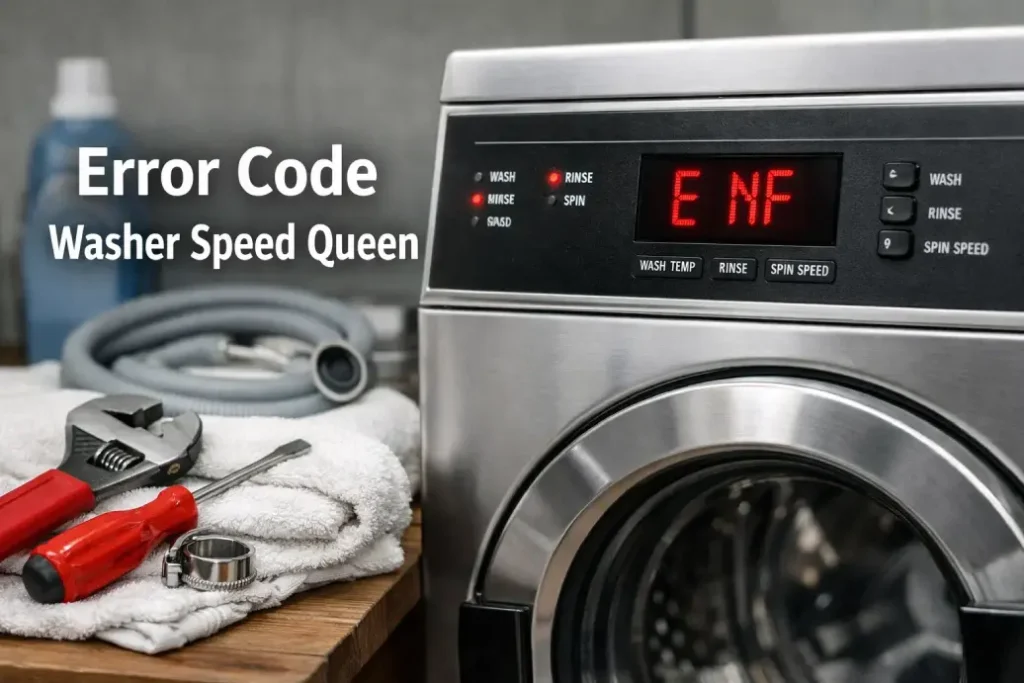
Most Speed Queen machines use a combination of blinking lights and sometimes display codes (like “E d” or “E t”). The codes can indicate errors, maintenance reminders, or even normal operation.
Types Of Blinking Light Codes
- Error codes: Indicate something is wrong (water, door, motor, etc.)
- Status codes: Tell you what part of the cycle the machine is in.
- Maintenance codes: Remind you to clean or check parts.
Not all machines use the same codes. Models from different years or regions may have different lights and meanings.
Common Speed Queen Washer Blinking Light Codes
Speed Queen washers are known for durability, but even the best machines experience issues. Understanding the most frequent blinking codes will help you respond quickly.
Most Frequent Washer Error Codes
Below is a table showing the most common blinking light codes for Speed Queen washers, what they mean, and suggested actions.
| Code/Light | Meaning | Action |
|---|---|---|
| Door Lock Light Blinking | Door not locked or faulty lock | Check door, close firmly, inspect lock mechanism |
| Fill Light Blinking | Water not filling properly | Check faucets, hoses, water supply |
| Spin Light Blinking | Spin cycle interrupted | Redistribute load, check lid, restart cycle |
| Wash Light Blinking | Wash cycle error | Restart machine, check detergent, inspect drum |
| All Lights Blinking | Major system fault | Power cycle machine, call technician if persists |
Example: Door Lock Light Blinking
If the door lock light blinks, your washer thinks the door isn’t closed or locked. This is a safety feature—machines won’t start with the door open.
- Check if clothes or objects block the door.
- Close the door firmly.
- If blinking continues, inspect the lock for damage.
Most people overlook the possibility of small objects stuck in the door seal—like socks or coins. Removing them often solves the issue.
Water Fill Light Blinking
This code means the washer isn’t getting enough water. It could be a blocked hose, closed faucet, or kinked pipe.
- Open the water faucet fully.
- Unplug the washer and check hoses for bends or clogs.
- Clean the inlet filter.
A non-obvious tip: Low water pressure can trigger this code even if hoses look fine. Try running another faucet; if water is weak, contact your water provider.
Common Speed Queen Dryer Blinking Light Codes
Speed Queen dryers use blinking lights for similar reasons, but their codes focus more on airflow, heating, and door issues.
Most Frequent Dryer Error Codes
The following table shows typical blinking light codes for Speed Queen dryers.
| Code/Light | Meaning | Action |
|---|---|---|
| Door Light Blinking | Door not closed | Close door firmly, check latch |
| Lint Filter Light Blinking | Dirty or blocked lint filter | Clean filter, check vent |
| Cycle Light Blinking | Cycle interrupted | Restart cycle, check settings |
| Heat Light Blinking | Heating issue | Check power supply, inspect heating element |
| All Lights Blinking | System error | Reset dryer, call technician if needed |
Example: Lint Filter Light Blinking
When the lint filter light blinks, your dryer is warning you about a dirty filter. This is important for safety and efficiency.
- Remove lint filter and clean it.
- Check vent hose for blockages.
Many people forget to clean the filter before every load. A blocked filter can cause overheating or fire risk.
Heat Light Blinking
A blinking heat light often means a problem with the heating element or power supply.
- Make sure the dryer is plugged in securely.
- Check circuit breaker.
- If still blinking, call a professional.
A less obvious tip: Some dryers have a thermal fuse that blows if the dryer gets too hot. If this fuse is bad, the heat light may blink. Replacing the fuse is usually a simple fix.
How To Read Blinking Light Codes: Step-by-step
If your Speed Queen washer or dryer shows blinking lights, follow these steps:
- Observe the blinking pattern: Note which lights blink, how many times, and their color.
- Check the user manual: Every model is slightly different. Find your manual online if lost.
- Compare with code tables: Use the tables above or in your manual to match the blinking pattern.
- Take action: Follow the suggested steps—restart, check parts, clean, or call for help.
- Reset the machine: Some issues clear by unplugging for 1-5 minutes.
Example: How To Reset A Speed Queen Washer
- Unplug the washer from the wall.
- Wait at least 1 minute.
- Plug back in and try starting a new cycle.
This simple reset fixes many blinking light issues, especially after power surges.
Advanced Blinking Light Codes And Diagnostics
Some Speed Queen models offer more complex codes. These are usually for service technicians but can help owners too.
Diagnostic Mode
Certain models let you enter a diagnostic mode to see detailed error codes.
- Turn off the machine.
- Press and hold specific buttons (often “Start” and “Pause”) for several seconds.
- Lights will blink in a sequence showing the error code.
Check your model’s manual for the exact steps. In diagnostic mode, you might see codes like “E d” (door error), “E t” (temperature error), or others.
Interpreting Advanced Codes
Here’s a comparison of advanced codes on select Speed Queen models:
| Code | Meaning | Common Cause | Action |
|---|---|---|---|
| E d | Door error | Faulty latch, obstruction | Check door, replace latch |
| E t | Temperature error | Bad sensor, overheating | Inspect sensor, clean filter |
| E f | Fill error | Low water pressure, blocked hose | Check supply, clean hoses |
Many owners miss the importance of cleaning internal sensors—dust or lint buildup can trigger advanced codes.
When To Call A Technician
Most blinking light codes are simple fixes, but some need professional help.
Signs You Need A Technician
- Blinking persists after resets and basic checks.
- All lights blink together (system fault).
- Error codes repeat every cycle.
- Machine leaks, smokes, or makes loud noises.
If you see strange codes not listed in your manual, contact Speed Queen customer support or a qualified technician. Trying to repair advanced electronics yourself can make problems worse.

Credit: www.youtube.com
Preventing Blinking Light Errors
You can avoid many blinking light codes by taking simple steps.
- Clean lint filters and hoses: After each use, remove lint and check for blockages.
- Check door seals: Wipe seals and remove trapped objects like coins or socks.
- Use correct detergent: Wrong detergent can cause build-up and sensor errors.
- Avoid overloading: Too many clothes can trigger spin or cycle errors.
- Inspect water supply: Make sure faucets and hoses are clear.
A practical tip: Monthly maintenance keeps your machine running smoothly. Set a reminder to check filters, hoses, and seals.
Real-world Examples: Speed Queen Owners’ Experiences
Let’s look at some real stories from Speed Queen users.
Example 1: Washer Door Lock Code
Maria in Texas noticed her washer’s door lock light blinking. She checked the door, but it seemed fine. After reading online, she found a small sock stuck in the seal. Removing it fixed the issue instantly.
Example 2: Dryer Lint Filter Code
John in Florida saw his dryer’s lint filter light blinking after every load. He cleaned the filter, but the light kept blinking. He discovered lint trapped in the vent hose. Cleaning the hose stopped the blinking and improved drying speed.
Example 3: All Lights Blinking
Emily in California saw all lights blinking on her washer. A quick reset didn’t help. She called a technician, who found a loose wire inside. After tightening the connection, the machine worked perfectly.
These examples show how blinking light codes help you find and fix problems fast.
Comparing Speed Queen To Other Brands
Speed Queen is famous for reliability, but how do their blinking codes compare to other brands? Here’s a quick comparison.
| Feature | Speed Queen | Other Brands |
|---|---|---|
| Blinking Code Simplicity | Easy to read, clear meanings | Often complex, hidden in menus |
| Durability | Very high, fewer errors | Varies, more frequent faults |
| Manual Access | Available online, detailed | Sometimes hard to find |
| Diagnostic Mode | Simple steps for most models | Requires special tools |
Many owners prefer Speed Queen because codes are straightforward and don’t require advanced knowledge.
Resources For Speed Queen Owners
If you need more information, visit the official Speed Queen website. They offer manuals, troubleshooting tips, and support.
For more technical details, you can also check manufacturer forums or the Speed Queen service manual for your model. Manuals are available as PDFs and often include code charts.
One useful resource for appliance troubleshooting is Speed Queen Support. Here, you’ll find official guides and answers to common questions.

Credit: www.youtube.com
Frequently Asked Questions
What Does It Mean When All Lights Blink On My Speed Queen Washer?
When all lights blink, your washer has a major system error. First, unplug the machine for one minute and plug it back in. If the problem continues, check for loose wires or call a technician. This code often means the control board needs inspection.
How Do I Reset My Speed Queen Washer Or Dryer?
To reset, unplug your machine for at least one minute. Plug it back in and start a new cycle. This clears many minor errors. If blinking lights return, check for blockages or errors listed in your manual.
Why Does My Dryer’s Lint Filter Light Keep Blinking Even After Cleaning?
If the lint filter light blinks after cleaning, check the vent hose and exhaust for blockages. Sometimes, small amounts of lint get trapped inside hoses. Cleaning these often solves the problem. If not, a sensor may need replacement.
Can I Fix Blinking Light Codes Myself, Or Do I Need A Technician?
Most blinking light codes can be fixed by owners. Check doors, filters, hoses, and reset the machine. For codes like “all lights blinking” or repeated errors, call a technician. Never open the control board or attempt repairs without proper training.
Where Can I Find The Manual For My Speed Queen Appliance?
You can find manuals at the official Speed Queen website or support page. Search by model number for the correct manual. Manuals include blinking light code charts, troubleshooting steps, and maintenance tips.
Final Thoughts
Speed Queen blinking light codes are your first line of defense against appliance problems. Instead of ignoring blinking lights, learn what they mean and how to respond. Most codes are simple to fix, and regular maintenance can prevent many issues.
If you see a code you don’t understand, check your manual or ask for help. By understanding these codes, you protect your machine, save money, and enjoy reliable laundry for years.
Remember, blinking lights are not just warnings—they’re guides. Use them to keep your Speed Queen running smoothly and confidently handle laundry day.
Credit: www.expressrepairny.com