
A Ninja blender is a trusted kitchen tool in many homes. It makes smoothies, soups, and sauces easy to prepare. But if you see a red blinking light on your Ninja blender, you might feel frustrated or confused. What does this light mean? Is your blender broken? Or is it something simple you can fix in minutes? Let’s explore the real reasons behind the red blinking light, how to solve it, and ways to keep your blender working smoothly.
What Does The Red Blinking Light Mean?
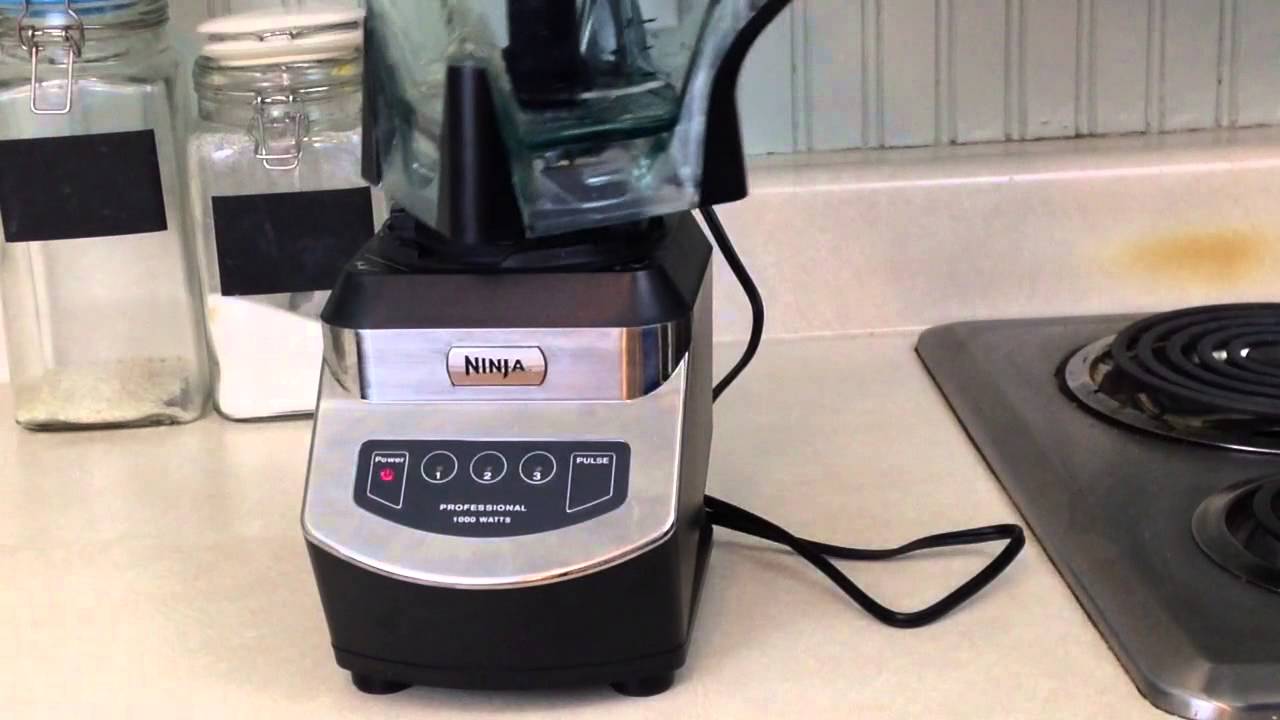
The red blinking light is a warning signal. It tells you that something is wrong, or the blender is not ready to start. This safety feature helps protect the motor and prevent accidents. Most Ninja blenders use a combination of lights and beeps to let you know if there’s a problem.
This light is not always a sign of a serious issue. In fact, it often points to a simple fix. Some common triggers for the red blinking light include:
- The pitcher is not sitting correctly on the base
- The lid is not properly locked
- The components are not assembled in the right order
- The blender has overheated or needs a break
Understanding these causes helps you solve the problem quickly without stress.
Main Causes Of The Red Blinking Light
Let’s look at the most frequent reasons for the red blinking light and how you can address each one.
1. Pitcher Not Locked Correctly
Ninja blenders have a safety interlock system. The blender will not run unless the pitcher clicks securely onto the motor base. If the pitcher is off by even a small amount, the red light will blink.
Solution: Remove the pitcher. Place it back on the base, making sure it fits tightly. You should hear or feel a “click.” The handle should face you and be locked.
2. Lid Not Secured
Every Ninja blender lid has a locking mechanism. If the lid is not set properly, the blender will not start, and the red light blinks.
Solution: Check that the lid’s arrows line up with the pitcher. Press down firmly until you hear a click. The small white tab on the lid should be pressed down by the handle.
3. Parts Assembled In The Wrong Order
Ninja blenders require a specific order for assembly:
- Place the pitcher on the base.
- Insert the blade assembly.
- Add ingredients.
- Secure the lid.
If you add the blade or ingredients before the pitcher is on the base, the system might not detect everything correctly.
Solution: Disassemble and reassemble in the correct order. Always start with the pitcher.
4. Overheating
Blenders can overheat with heavy use. If you blend thick mixtures for a long time or run the motor without stopping, the blender will protect itself by blinking red and stopping.
Solution: Unplug the blender. Let it cool for 15-30 minutes. Once cooled, the light should stop blinking, and the blender will work again.
5. Power Issues
Sometimes, electrical problems or a loose plug can cause the red light.
Solution: Check that the blender is plugged in firmly. Try a different outlet. If you use an extension cord, plug the blender directly into the wall.
How To Fix The Red Blinking Light: Step-by-step Guide
If you see the red blinking light on your Ninja blender, follow these steps to solve the problem quickly.
- Unplug the blender for safety.
- Check the pitcher: Remove and reattach it securely.
- Inspect the lid: Make sure it is locked and aligned.
- Examine the blade: Ensure it is seated correctly.
- Review assembly order: Disassemble and reassemble if needed.
- Let the blender cool: If overheated, wait 15-30 minutes before trying again.
- Test the power supply: Use another outlet if needed.
- Check for visible damage: Look for cracks, broken tabs, or burnt smells.
If you follow all these steps and the light keeps blinking, your blender might need professional repair.
Which Ninja Blenders Have Red Blinking Lights?
Not all Ninja blenders use a red blinking light. Some have different signals or displays. Here’s a comparison of common Ninja blender series and their indicator systems:
| Model Series | Red Blinking Light? | Other Indicators |
|---|---|---|
| Ninja Professional | Yes | Blinking, steady, or off |
| Ninja Auto-iQ | Yes | Display panel with error codes |
| Ninja Foodi Power Blender | Yes | Beeping and light |
| Ninja Nutri Blender Pro | No (uses green light) | Solid green/amber light |
Knowing your blender’s model helps you understand what the signals mean and how to troubleshoot them.
Common Mistakes When Using Ninja Blenders
Many people make the same small errors that lead to the red blinking light. Here are the most frequent ones:
- Forcing the pitcher or lid: This can break tabs or locks, which are needed for safe operation.
- Ignoring the assembly order: Skipping steps or adding ingredients before the pitcher is on the base.
- Running the blender too long: Overheating can trigger the safety system.
- Not cleaning components: Food stuck in the lid or base can block sensors.
A non-obvious insight: Sometimes, minor food spills inside the base sensor slot can stop the blender from detecting the pitcher or lid. Cleaning these areas carefully with a dry cloth or cotton swab can solve stubborn blinking light issues.
When To Contact Customer Support
If you’ve tried all the steps above and your Ninja blender still shows a red blinking light, you may need professional help. Here are signs it’s time to contact support:
- The red light stays on after all troubleshooting
- You see cracked or broken parts
- There is a burning smell or smoke
- The blender started making strange noises before the error
Ninja’s support team can often guide you through more advanced steps or arrange repairs. Their website also provides manuals, error code charts, and warranty information.
Preventing The Red Blinking Light In The Future
Keeping your blender in good shape reduces the chance of warnings or breakdowns. Here are some habits that help:
- Assemble carefully: Always follow the correct order and listen for clicks.
- Don’t overload: Too many ingredients or thick mixtures can stress the motor.
- Let it rest: Blend in short bursts and avoid long runs.
- Clean regularly: Wipe down the lid, pitcher base, and sensors after use.
- Store safely: Avoid dropping or banging the pitcher or lid.
A tip many users miss: If you blend hot liquids, always vent the lid. Steam can build up pressure, causing leaks or even damage to the locking mechanism—leading to errors.
Comparing Ninja Blender Error Lights
Different blenders use different light signals. Here’s a quick comparison for popular kitchen blenders:
| Brand | Blinking Light Color | Common Error Meaning |
|---|---|---|
| Ninja | Red | Assembly or overheating |
| NutriBullet | Blue | Jar not detected |
| Vitamix | Amber/Red | Overload or lid error |
| Oster | Red | Overheat or safety lock |
This comparison shows that blinking lights are common safety features in modern blenders, not just Ninja.
Credit: www.youtube.com
Real User Experiences
Many Ninja blender owners have faced the red blinking light. Most find the solution is simple—realigning the pitcher or lid. One user shared that after cleaning a small crumb from the lid lock, their blender started working again. Another noticed that after running back-to-back smoothie batches, letting the blender cool solved the problem.
A less obvious lesson: If you recently washed your blender, water trapped in the base or lid lock can stop the sensors from working. Let parts dry completely before reassembling.
How To Read Your Ninja Blender Manual
Your blender’s manual is a valuable tool. It often includes diagrams, troubleshooting steps, and safety warnings. Search for your model’s manual online if you lost the paper copy. The Ninja website has a manual library with PDFs you can download.
A practical tip: Manuals sometimes include a section on “Error Codes.” If your blender has a digital display, check for any codes and match them to the solutions in the manual.
Credit: www.reddit.com
When Repair Or Replacement Makes Sense
Most red blinking light issues are easy to fix at home. But if your blender is old, parts are worn out, or repairs would cost as much as a new model, it may be time to consider replacement.
Ninja blenders usually last 3–5 years with regular use. If your blender is within the warranty period, repairs may be free or discounted. Always check your warranty status before buying new parts or a new blender.
You can compare the cost of repair versus replacement in this table:
| Option | Average Cost (USD) | When to Choose |
|---|---|---|
| Repair (out of warranty) | $40–$90 | Blender is < 3 years old, minor issue |
| Replacement Pitcher/Lid | $20–$40 | Cracked or broken component |
| New Ninja Blender | $70–$180 | Major failure, old blender |
Frequently Asked Questions
Why Is My Ninja Blender’s Red Light Still Blinking After Reassembly?
If the red light stays on, double-check all locks and alignment. Make sure there is no food or moisture blocking the safety tabs. If the light still blinks, let the blender cool down and try a different outlet.
Does The Red Blinking Light Mean My Blender Is Broken?
Usually, no. The light is a warning, not a sign of permanent damage. Most times, it means something is not locked or aligned. Only if you see smoke, smell burning, or hear unusual noises should you suspect a real problem.
Can I Use My Ninja Blender If The Red Light Is Blinking?
No. The blender will not run with the red light on. This is a safety feature to protect you and the motor. Always solve the error first.
How Can I Prevent The Red Blinking Light Problem?
Assemble carefully, don’t overload, clean after each use, and let the blender rest between jobs. Dry all parts fully before reassembly and check for food blockages in locks or sensors.
Where Can I Find More Help For Ninja Blender Problems?
For further support, visit the official Ninja Kitchen Support site. They offer manuals, troubleshooting, and contact options for repair or warranty service.
A red blinking light on your Ninja blender can be annoying, but it usually has a simple solution. Most issues are quick to fix if you know what to look for. By following the steps above, you’ll keep your blender running smoothly and avoid unnecessary worry.
With regular care and attention, your Ninja can stay a reliable helper in your kitchen for years.