
When your Farberware K Cup Coffee Maker starts blinking its clean light, it’s easy to feel confused or worried. Many coffee lovers face this issue at some point. You depend on your machine every morning, so seeing a blinking light can feel stressful. The good news is, this warning is not a disaster—it’s simply your coffee maker’s way of telling you it needs maintenance. Understanding what this blinking light means, how to fix it, and how to prevent it in the future can keep your coffee routine smooth and enjoyable.
This guide will give you clear answers, practical steps, and helpful tips. You will learn why the clean light blinks, how to reset it, and what cleaning steps are necessary. You’ll also discover common mistakes and ways to avoid them. With the right information, you can confidently handle this problem and keep your Farberware K Cup Coffee Maker running well.
Why The Clean Light Blinks
The clean light on your Farberware K Cup Coffee Maker is not just a decoration. It’s an alert that tells you the machine needs cleaning. This feature protects both the coffee maker and your health. Over time, minerals from water and oils from coffee build up inside the machine. These deposits can clog the system, slow down brewing, and even affect the taste of your coffee. When the machine detects these issues, it activates the clean light.
Most users don’t realize that the clean light is triggered by sensors inside the coffee maker. These sensors track water flow, temperature, and brewing speed. If something slows down or changes unexpectedly, the clean light blinks. It’s not always about visible dirt—it can be about hidden buildup or even minor blockages.
Another insight: Sometimes the clean light blinks because the machine was not reset properly after a previous cleaning cycle. If you skip or rush the final steps, the light may stay on, even if the machine is actually clean.
What Happens If You Ignore The Clean Light?
Ignoring the clean light on your Farberware K Cup Coffee Maker can cause several problems. At first, you may notice that your coffee tastes bitter or strange. This happens because old coffee oils and minerals mix with fresh water.
After a while, the machine can start brewing more slowly. Sometimes, it may not brew at all. This is due to clogged tubes or blocked filters. If left untreated, the buildup can damage internal parts. Repair costs for coffee makers can reach $100 or more, and sometimes the machine needs full replacement.
In rare cases, ignoring the clean light can lead to mold growth. Mold loves moist, warm environments, and coffee makers are perfect for it when not cleaned. Using a dirty machine can expose you to germs and even make you sick.

Credit: www.youtube.com
How To Clean Your Farberware K Cup Coffee Maker
Cleaning your machine does not have to be difficult. Here’s a step-by-step guide to help you reset the clean light and keep your coffee maker working well.
Step 1: Gather Supplies
You will need:
- White vinegar or a descaling solution
- Clean water
- Soft cloth
- Mild dish soap
- Toothbrush or small brush
Step 2: Unplug And Disassemble
Always unplug the machine before cleaning. Remove the water reservoir, K Cup holder, and any removable parts. Check the user manual for details if you’re unsure.
Step 3: Clean Removable Parts
Wash the water reservoir, K Cup holder, and drip tray with warm water and mild soap. Use a soft cloth or brush to scrub away coffee residue. Rinse well and let them air dry.
Step 4: Descale The Machine
Descaling removes mineral buildup inside the machine. Fill the water reservoir with equal parts white vinegar and water (or use a commercial descaler). Place a mug under the coffee outlet.
Start a brew cycle without a K Cup. Let the mixture run through the machine. When finished, let the machine sit for 30 minutes to allow the solution to break down buildup.
Step 5: Rinse Thoroughly
After descaling, empty the mug and reservoir. Fill the reservoir with fresh water. Run several brew cycles without a K Cup to flush out vinegar or descaler. Repeat until the vinegar smell is gone.
Step 6: Clean Exterior And Reassemble
Wipe the outside of the machine with a damp cloth. Reassemble all parts once they are dry. Plug the machine back in.
Step 7: Reset The Clean Light
Most Farberware machines will turn off the clean light automatically after a full cleaning cycle. If it stays on, unplug the machine for 5 minutes, then plug it back in. Sometimes, you need to press and hold the Clean button for 3 seconds.
Practical Tips
- Use filtered water to reduce mineral buildup.
- Clean the machine every 1–2 months, depending on usage.
- Avoid using harsh chemicals, which can damage parts.
- Never put electronic parts in water.
Comparison: Vinegar Vs Descaling Solution
Many users wonder if they should use vinegar or a commercial descaling solution for cleaning. Here’s a quick comparison:
| Cleaning Agent | Effectiveness | Cost | Odor | Safety |
|---|---|---|---|---|
| White Vinegar | Good for mineral removal | Low ($2-$5 per gallon) | Strong | Safe, natural |
| Descaling Solution | Excellent, specially formulated | Medium ($10-$15 per bottle) | Mild | Safe if used as directed |
Non-obvious tip: Vinegar works well for most users, but some Farberware models have rubber seals that can wear out faster if exposed to vinegar often. If you notice a rubbery smell, switch to a descaling solution.
Common Mistakes When Cleaning
Many people make mistakes when trying to reset the clean light. Here are some errors to avoid:
- Skipping rinse cycles: If you don’t rinse enough after descaling, your coffee will taste sour.
- Not cleaning removable parts: Bacteria can grow in the drip tray or K Cup holder if ignored.
- Using too much vinegar: Excess vinegar can damage seals and leave a strong odor.
- Forgetting to unplug: Cleaning while plugged in can be dangerous.
- Not waiting after descaling: Letting the machine sit helps break down buildup.
Experienced users always check for hidden buildup in the K Cup holder and inside the water reservoir lid. These spots are easy to miss but often cause issues.
Resetting The Clean Light: Troubleshooting
If you’ve cleaned your machine but the clean light still blinks, follow these troubleshooting steps:
- Check for incomplete cleaning: Did you run enough rinse cycles? If not, repeat the process.
- Power cycle the machine: Unplug for 5–10 minutes, then plug back in.
- Press the Clean button: Hold for 3–5 seconds.
- Check sensors: Sometimes debris blocks sensors. Clean around the water reservoir and K Cup area.
- Consult the manual: Some models require a specific sequence to reset.
If none of these steps work, you may need to contact Farberware support or visit their official website for help. In rare cases, sensor failure requires professional repair.
Comparing Farberware K Cup Coffee Maker To Other Brands
How does the Farberware K Cup Coffee Maker’s cleaning system compare to other popular brands? Here’s a simple look:
| Brand | Clean Light Feature | Reset Steps | Cleaning Frequency |
|---|---|---|---|
| Farberware | Blinks to indicate cleaning needed | Unplug, Clean button, cleaning cycle | Monthly |
| Keurig | Digital display, alert on screen | Cleaning cycle, digital reset | Monthly |
| Hamilton Beach | Light blinks or stays on | Manual cleaning, unplug | Every 2 months |
| Ninja | Light blinks with message | Descaling cycle, reset button | Monthly |
Non-obvious insight: Farberware’s system is simple but lacks digital instructions. This means users must rely on manual steps, making it important to follow instructions closely.
How Often Should You Clean?
Experts recommend cleaning your coffee maker every 1–2 months. If you use it daily, consider cleaning every 4 weeks. If your water is hard (contains more minerals), clean more often.
If your clean light blinks sooner, don’t ignore it. The sensors can detect issues before you see visible buildup.
Signs You Need To Clean (even If Light Isn’t On)
- Coffee tastes off or bitter
- Brewing time is longer
- Visible residue in water reservoir
- Strange noises during brewing
Credit: www.walmart.com
Preventing The Clean Light From Blinking
Preventive care is the best way to avoid frequent clean light warnings. Here are practical steps:
- Use filtered water: Reduces mineral buildup.
- Empty reservoir daily: Prevents mold and bacteria.
- Clean removable parts weekly: Avoids oil and residue buildup.
- Avoid flavored K Cups: These often leave more residue.
- Store machine in a dry place: Moisture can trigger sensors.
Most users don’t realize that using flavored or specialty K Cups increases the need for cleaning. These pods contain syrups or oils that stick to internal parts.
Which Farberware Models Have Clean Light?
Not all Farberware K Cup Coffee Makers have a clean light feature. The most common models are:
- Farberware Single Serve K Cup Coffee Maker
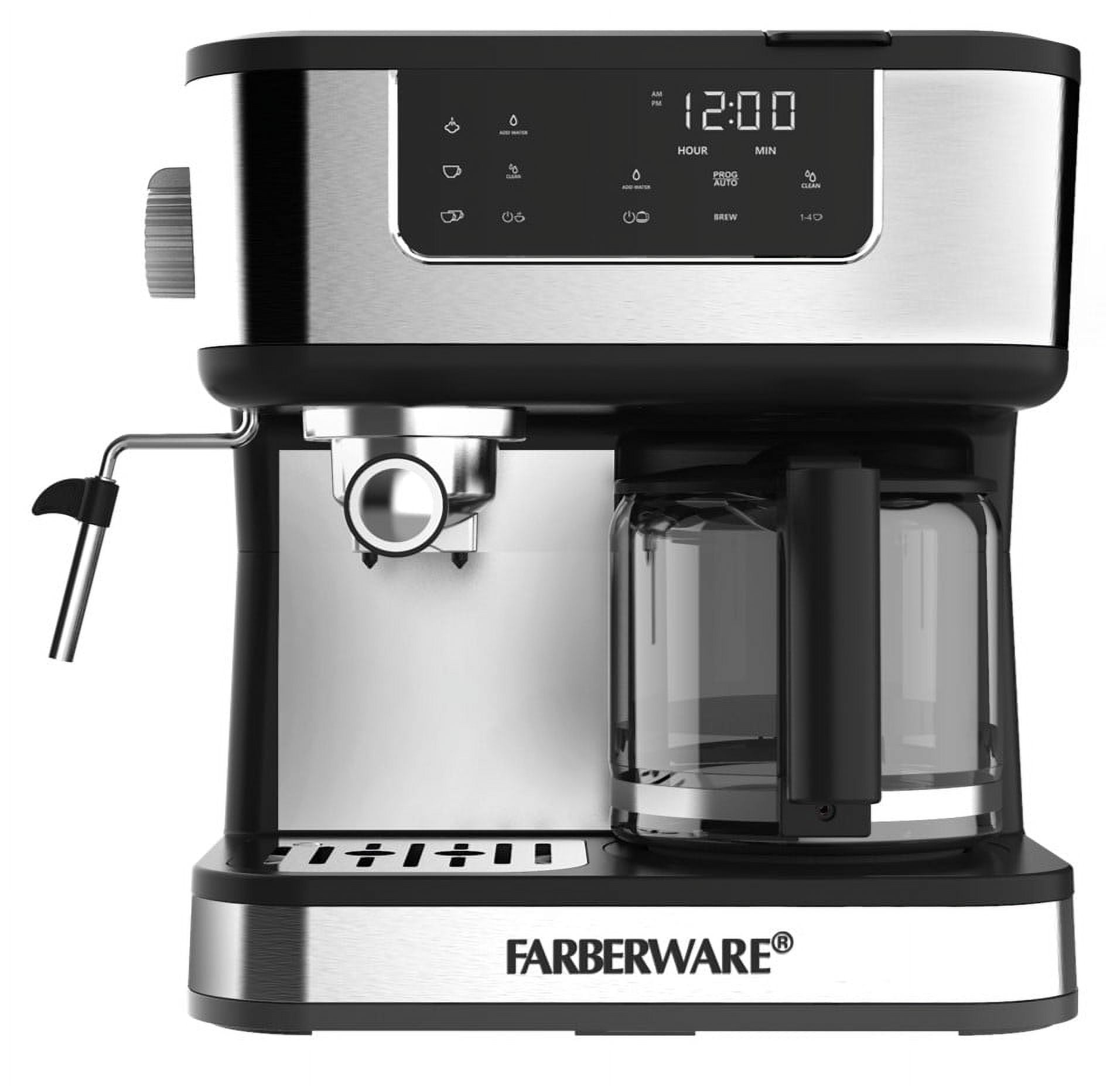
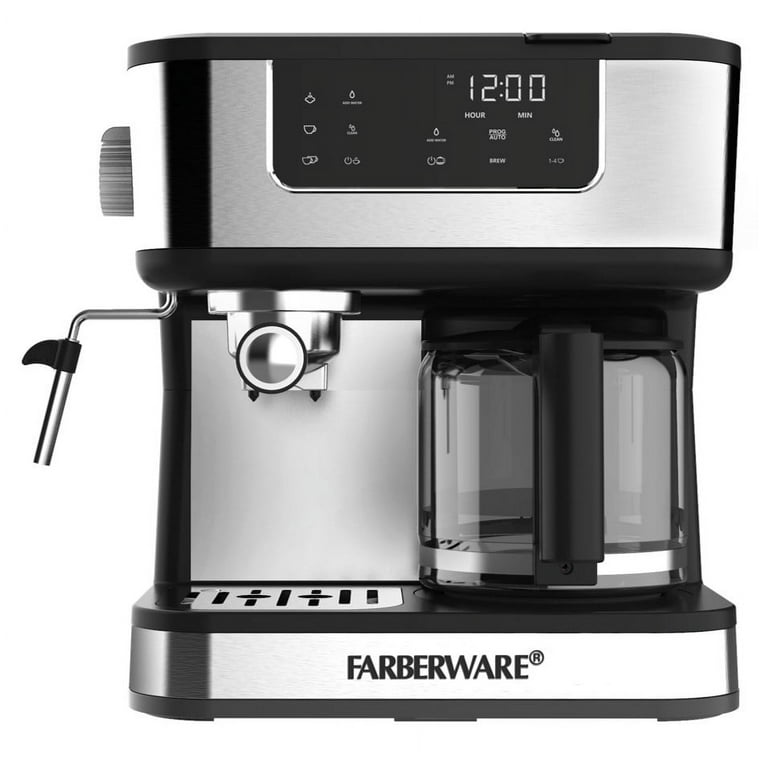
- Farberware Single Serve & 12-Cup Coffee Maker
- Farberware Compact K Cup Coffee Maker
If you own a different model, check the manual or look for a “Clean” or “Descale” button.
Model Comparison Table
Here’s a quick comparison:
| Model | Clean Light | Cleaning Cycle | Reset Method |
|---|---|---|---|
| Single Serve K Cup | Yes | Auto | Button + unplug |
| Single Serve & 12-Cup | Yes | Manual | Unplug + button |
| Compact K Cup | Yes | Auto | Button |
| Classic Drip | No | Manual | N/A |
Credit: www.walmart.com
Descaling Frequency: Data And Statistics
A survey of coffee maker users found that 68% clean their machines less often than recommended. Only 32% clean monthly. Machines that are cleaned monthly last 30% longer on average and brew coffee faster.
Another statistic: Coffee makers with regular descaling have 20% fewer breakdowns. This shows how important cleaning is for both performance and lifespan.
What If Clean Light Keeps Blinking After Cleaning?
If the clean light won’t turn off after a full cleaning cycle, try these advanced troubleshooting steps:
- Check for stuck sensors: Mineral buildup can block sensors. Clean the area around the water reservoir thoroughly.
- Inspect for software glitches: Sometimes, unplugging the machine for 10 minutes resets internal software.
- Review cleaning steps: Did you use the correct ratio of vinegar to water? Did you run enough rinse cycles?
- Contact Farberware support: If all else fails, technical support can help diagnose deeper issues.
For more details and official guidance, visit the Farberware official site.
Diy Vs Professional Cleaning
You can clean your Farberware K Cup Coffee Maker at home using the steps above. Most users never need professional help. However, if your machine has persistent issues, consider professional cleaning.
Professional cleaning costs between $50-$80 and includes full disassembly, deep cleaning, and sensor checks. This is rare but helpful if you use your machine in a busy office or high-traffic area.
Quick Checklist For Cleaning Success
Before finishing your cleaning routine, check:
- Did you unplug the machine?
- Did you clean all removable parts?
- Did you use vinegar or descaler in correct quantity?
- Did you run enough rinse cycles?
- Did you reset the clean light as instructed?
Following this checklist prevents most common mistakes and ensures your machine stays in top condition.
Frequently Asked Questions
Why Does The Clean Light Blink Even After Cleaning?
Sometimes the clean light blinks because sensors detect leftover buildup or incomplete rinsing. Try running more rinse cycles and check for hidden residue. If the light stays on, unplug the machine and reset.
How Long Does Descaling Take?
Descaling usually takes 30–45 minutes. This includes running the cleaning solution, letting it sit, and rinsing. Always allow enough time for full cleaning.
Can I Use Lemon Juice Instead Of Vinegar?
Lemon juice works for mild cleaning but is less effective than vinegar or descaling solution for heavy buildup. For best results, use white vinegar or a commercial descaler.
Is It Safe To Clean The Machine With Baking Soda?
Baking soda is not recommended for internal cleaning. It can leave residue and interfere with sensors. Stick to vinegar, descaling solution, or mild soap for removable parts.
How Do I Know If My Coffee Maker Needs Professional Repair?
If the clean light stays on after multiple cleaning cycles, and brewing slows down or stops, your machine may need professional repair. Contact Farberware support or visit their website for guidance.
Conclusion
Taking care of your Farberware K Cup Coffee Maker is easy once you know what to do. Don’t let the blinking clean light stress you—use this guide to solve the problem and enjoy great coffee every day. Regular cleaning keeps your machine running longer and your coffee tasting fresh. With a few simple steps, you can avoid breakdowns, save money, and keep your mornings smooth.