
When your Ezgo charger starts blinking red, it’s natural to feel worried—especially if your golf cart is your main way to get around. Whether you use your cart for golf, work, or fun, a red blinking light can mean your cart isn’t charging properly. Many owners see this and don’t know what to do next. The good news is, understanding this problem can often help you fix it without calling for expensive service.
Knowing what a blinking red light means on your Ezgo charger can save you time, money, and frustration. This guide will explain why the red light blinks, what it’s trying to tell you, and how to solve the most common issues.
You’ll also find tips for preventing future problems and real-world advice that new owners often overlook. If you want your Ezgo charger to work reliably, this article will help you understand and act with confidence.
What Does A Blinking Red Light Mean On An Ezgo Charger?
Most Ezgo chargers have indicator lights to show their status. When you plug in your charger, you expect to see a steady green light or maybe a short red blink before charging begins. But when the red light blinks repeatedly, it’s a warning sign. This signal usually means:
- There is a problem with the battery pack
- There’s a fault in the charger itself
- The charger cannot start the charging process safely
The exact meaning can change depending on your Ezgo charger model. Some chargers use single or double red blinks to show different problems. Checking your manual is a good start, but many people don’t have it handy. The most common reasons for a blinking red light are:
- Low battery voltage
- Bad battery connections
- Charger detecting battery issues
- Internal charger fault
- Wrong AC power source
Understanding these can help you quickly find and fix the real problem.
Main Causes Of A Blinking Red Light
1. Low Battery Voltage
One of the most frequent reasons for a blinking red light is low battery voltage. Ezgo chargers are designed with safety features. If your battery pack is deeply discharged (for example, below 16 volts for a 36V system), the charger won’t even attempt to start. This is to avoid damaging the batteries or the charger.
Why Does This Happen?
- Accidentally leaving the cart lights on
- Not charging for a long period
- Battery age and wear
Some owners don’t realize that golf cart batteries can discharge naturally, even when not in use.
2. Poor Battery Connections
The charger checks for a good connection before it starts charging. If the battery cables are loose, corroded, or dirty, the charger might not sense the pack correctly and will flash red. Even a little corrosion can stop the charger from working.
Common Connection Problems:
- Loose main battery cables
- Corrosion on battery terminals
- Damaged or frayed wires
3. Faulty Batteries
If one or more batteries in the pack are weak or dead, the charger will often blink red. Batteries in a pack work together, so one bad cell can trigger a charger warning.
Signs Of Battery Problems:
- Some batteries are much lower voltage than others
- Swollen or leaking battery cases
- Batteries more than 4–5 years old
4. Charger Faults
Chargers themselves can develop issues. Modern Ezgo chargers have electronics inside to manage charging safely. If these components fail, the charger may blink red to warn you.
Typical Charger Faults:
- Internal fuse blown
- Failed circuit board
- Cooling fan not working
5. Incorrect Ac Power Source
Your charger needs the right input voltage, usually 110V or 220V AC. If the wall outlet doesn’t provide enough power, or if there’s a wiring problem, the charger can blink red instead of charging.
Examples:
- Plugging into a faulty or overloaded outlet
- Using extension cords that are too thin or too long
How To Troubleshoot A Blinking Red Light
Solving a blinking red light often means working through a process of elimination. Here’s a step-by-step way to check the most common causes.
Step 1: Check The Outlet And Power Cord
Before you do anything with the batteries, make sure the charger is getting power.
- Plug something else (like a lamp) into the same outlet. If it works, the outlet is fine.
- Avoid using long or cheap extension cords—they can cause voltage drops.
- Check for any burn marks or unusual heat at the plug.
Step 2: Inspect Battery Connections
Look at all battery cables and terminals.
- Tighten any loose connections. Use a wrench, but don’t overtighten.
- Clean corrosion with a mix of baking soda and water. Wear gloves and eye protection.
- Make sure all cables are in good condition—no fraying or exposed wires.
Step 3: Test Battery Voltage
Use a digital voltmeter to check the total pack voltage.
- For a 36V system, you should see at least 30–36 volts.
- For a 48V system, expect 40–48 volts.
- If voltage is much lower, the charger may not start.
If you see very low voltage (for example, 10V on a 36V pack), you may need to “jump” the batteries (see below).
Step 4: Try Charging Again
After checking connections and voltage, plug the charger in.
- Watch the charger lights. If the red blinking stops and green comes on, you’ve solved the problem.
- If red blinking continues, move to the next step.
Step 5: Test Individual Batteries
Sometimes one battery in the pack is much weaker than the others.
- Use your voltmeter to check each battery individually.
- Compare voltages. If one is more than 1–2 volts lower, it’s probably bad.
- Replace any battery that is much lower or won’t hold a charge.
Step 6: Try “jump Starting” (if Voltage Is Very Low)
If your pack is very low (below 16V for 36V, 22V for 48V), some people use a 12V automotive charger to bring up the voltage of individual batteries.
- Charge each battery for 10–20 minutes.
- When total pack voltage is high enough, try the Ezgo charger again.
Note: This is a temporary fix. If your batteries keep dying, they may need replacement.
Step 7: Check The Charger
If the charger still blinks red after all battery checks:
- Try your charger on another Ezgo cart (if possible).
- If it blinks red on another cart, the charger is likely faulty.
- If it works, the issue is with your cart’s batteries or wiring.
Step 8: Call For Service
If you’ve tried everything above, and the charger still blinks red, it may need professional repair. Do not open the charger if you are not trained—this can be dangerous and may void your warranty.
Understanding Ezgo Charger Light Codes
Not all Ezgo chargers use the same light codes. Some show single or double red blinks, others have combinations of red and green lights. Knowing what the codes mean for your model helps solve problems faster.
Below is a quick reference for common Ezgo charger lights:
| Light Signal | Meaning | Action Needed |
|---|---|---|
| Steady Green | Charging normally | None |
| Blinking Green | Nearly charged | Wait for steady green |
| Steady Red | Charger error | Check manual |
| Blinking Red | Battery/connection issue | Troubleshoot batteries |
| Red & Green Blinking | Charger fault | Service required |
Always check your specific manual for details, as light codes may change with different charger models.

Credit: www.youtube.com
Common Myths And Mistakes With Ezgo Chargers
Many owners believe certain things about Ezgo charger red blinking lights that are not true. Here are the most common myths:
- Myth: If the red light blinks, the charger is always broken.
- Truth: Most often, the issue is with the batteries or connections—not the charger itself.
- Myth: You can use any automotive battery charger.
- Truth: Car battery chargers may damage golf cart batteries or not charge them properly.
- Myth: If you replace one battery, the problem is fixed.
- Truth: Mixing old and new batteries can cause more issues. Always replace all batteries at the same time for best results.
- Myth: Blinking red means you need new batteries immediately.
- Truth: Sometimes, cleaning connections or charging each battery individually will solve the problem.
How To Prevent Ezgo Charger Problems
Prevention is always better than repair. Here’s how you can avoid seeing the blinking red light in the first place:
- Charge your cart regularly—even if you don’t use it often. This helps batteries stay healthy.
- Check water levels in your batteries every month. Top up with distilled water only.
- Clean terminals and apply battery terminal grease to prevent corrosion.
- Store your cart in a dry place to avoid moisture and battery drain.
- Use the right charger for your battery voltage—never mix 36V and 48V chargers and packs.
Credit: saltcitygolfcart.com
How Battery Age Affects Charging
Batteries naturally lose capacity as they get older. Most golf cart batteries last 4–6 years with good care. As they age:
- Charging time increases
- They hold less charge
- The chance of faults and red blinking lights goes up
If your batteries are over five years old and the charger often blinks red, it may be time for a new battery pack.
Real-world Example: Diagnosing A Blinking Red Light
Let’s look at a typical scenario:
Situation:
You come home, plug in your Ezgo charger, and see the red light blinking steadily.
Steps taken:
- Checked the wall outlet—works fine.
- Inspected battery cables—found white corrosion on several terminals.
- Cleaned terminals with a baking soda solution, tightened all cables.
- Checked pack voltage—32V on a 36V system.
- Plugged in charger again—red light still blinks.
- Tested each battery—one battery showed 4V, others at 6V.
- Replaced the dead battery, rechecked connections.
- Plugged in charger—green light comes on, charging starts.
Lesson:
Most red blinking issues come from battery problems or bad connections, not the charger itself.
Comparing Ezgo Charger Models
Different Ezgo charger models may react differently to battery issues. Here’s a comparison of two popular types:
| Charger Model | Common Light Codes | Battery Fault Response | User Serviceability |
|---|---|---|---|
| DPI Gen IV | Green, Red, Amber | Blinks red for low voltage | Easy fuse replacement |
| Ezgo Delta Q | Red, Green (blinking patterns) | Red blink + beep for battery issues | Requires professional service |
Always check your manual for your specific charger’s instructions.
Battery Care Tips Most Owners Miss
Many new golf cart owners overlook simple steps that keep batteries and chargers running well.
Monitor Water Levels
Flooded lead-acid batteries need water. If you run them dry, they can fail and cause charger errors. Check every month, especially in hot weather.
Equalize Your Batteries
Some Ezgo chargers have an “equalize” mode—a special charge cycle to balance battery cells. Use it every 6–8 weeks if available. This can extend battery life and reduce red blinking problems.
Charge After Every Use
Don’t wait until the batteries are empty. Charging after each trip keeps the pack healthy. Deep discharging (using most of the battery before charging) shortens battery life and can trigger charger warnings.
Store Batteries Correctly
If you put your cart away for winter, charge the batteries fully first. Disconnect the main cables and check every few months. Batteries self-discharge slowly even when not used.
When To Replace Your Ezgo Charger
If you’ve tried all the troubleshooting steps and your charger still blinks red on every cart and battery pack, it may be time for a new charger. Signs you need a new charger:
- Charger gets very hot or smells burnt
- No lights come on at all (even when plugged in)
- Charger trips your home circuit breaker
- Internal parts rattle or show visible damage
Buying a new charger can be expensive, but using a faulty one can damage new batteries quickly.
How To Choose The Right Replacement Charger
If you need to replace your Ezgo charger, consider these points:
- Voltage and amperage: Match your cart’s battery pack (36V or 48V). Most chargers are 12–20 amps.
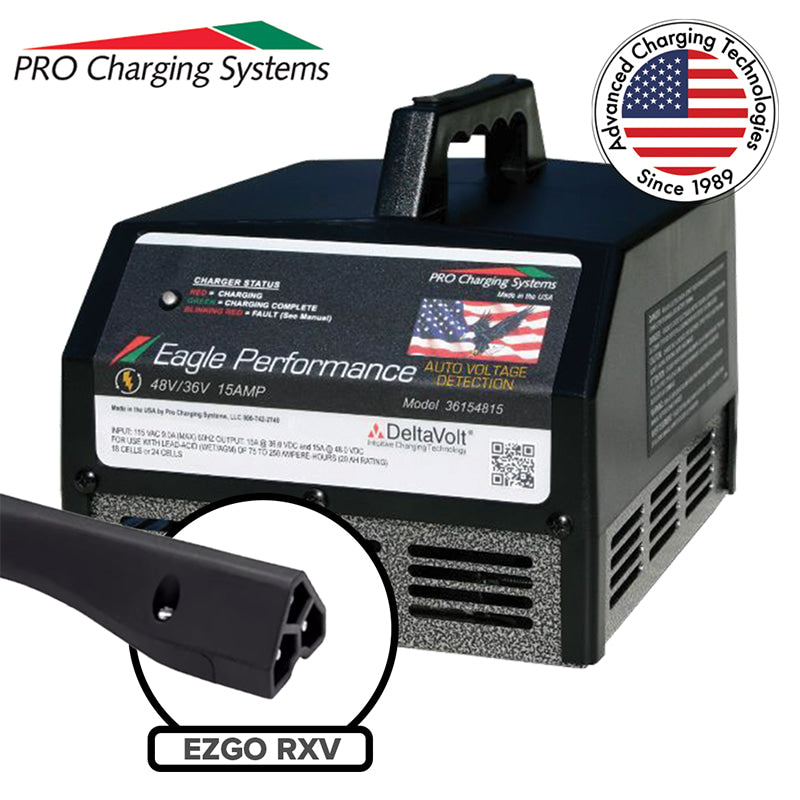
- Plug type: Ezgo chargers use different plugs. Match the plug shape to your cart.
- Smart charging: New “smart” chargers adjust charging for battery health.
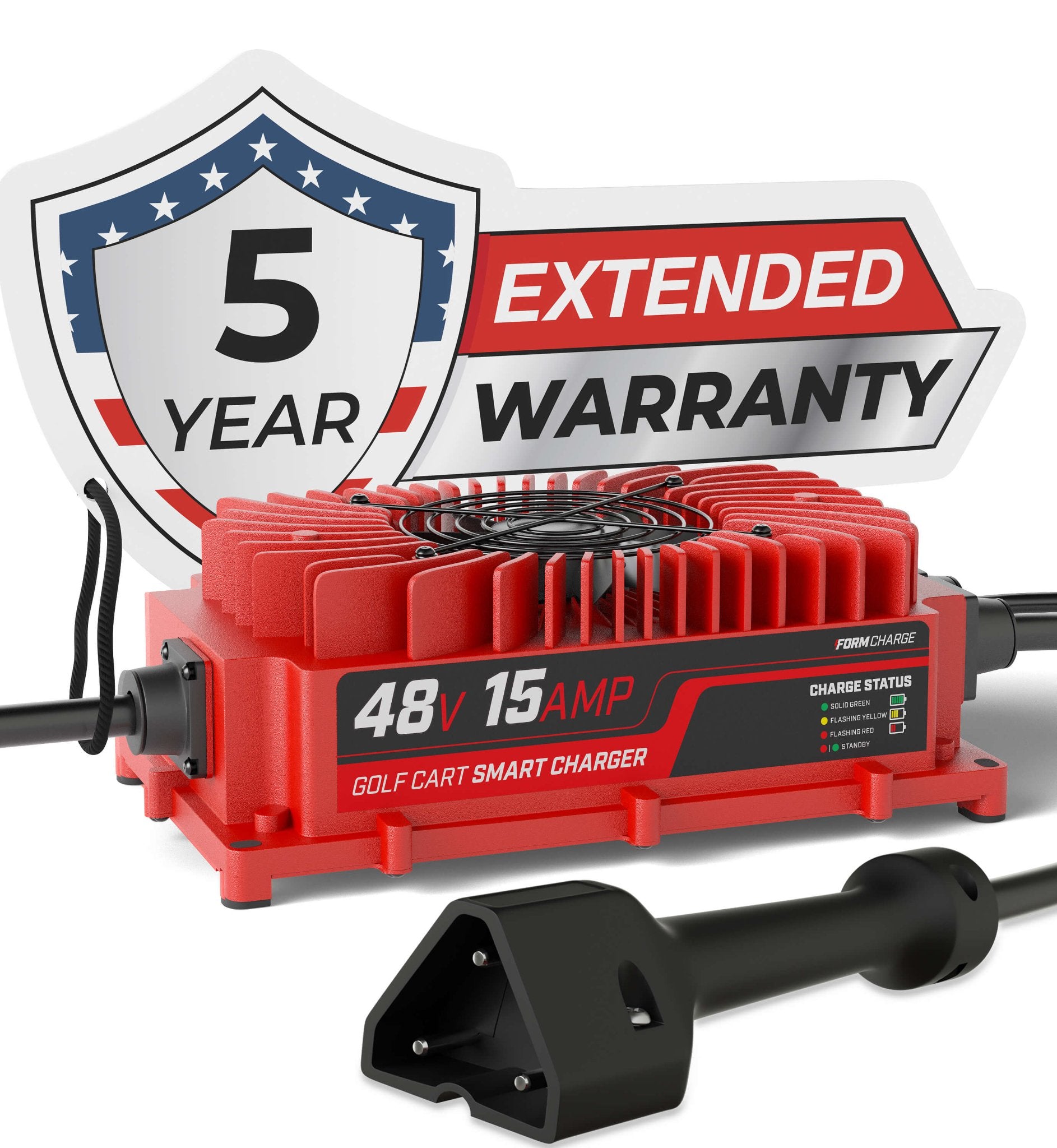
- Warranty and support: Choose a charger with at least a one-year warranty and good support from the seller.
Buying a high-quality charger protects your batteries, which are the most expensive part of your cart.
Essential Tools For Ezgo Charger Troubleshooting
Having the right tools makes solving red light issues much easier. Keep these on hand:
- Digital voltmeter (for checking battery voltage)
- Wrenches (for tightening battery cables)
- Battery cleaning brush (for removing corrosion)
- Safety glasses and gloves (for battery maintenance)
- Distilled water (for topping up batteries)
These basic tools help you avoid most common mistakes and keep your Ezgo charger working well.
Professional Maintenance Vs. Diy
Most owners can handle basic checks and cleaning. But if you see:
- A persistent blinking red light after all basic steps
- Signs of battery swelling, leaking, or strong odors
- Charger overheating, sparking, or making loud noises
…it’s time to call a professional. Working with high-voltage systems can be dangerous if you’re not trained.
The Cost Of Ignoring A Blinking Red Light
Ignoring a red blinking light can lead to:
- Shorter battery life (replacement packs cost $600–$1200)
- Permanent charger damage
- Getting stranded with a dead cart
Paying attention to the warning now prevents bigger, more expensive problems later.
Where To Find More Help
If you’ve checked everything and still need help, reliable resources include:
- Your local Ezgo dealer or golf cart repair shop
- Online forums for Ezgo owners
- The official Ezgo website for manuals and support
These sources can offer model-specific advice and up-to-date troubleshooting tips.
Credit: www.formcharge.com
Frequently Asked Questions
Why Is My Ezgo Charger Blinking Red And Not Charging?
A blinking red light usually means a battery issue or bad connection. Check battery voltage, clean terminals, and make sure cables are tight. Low battery voltage or a dead cell often causes this problem.
Can I Use A Car Battery Charger To Fix Low Voltage On My Golf Cart?
You can use a 12V car charger to bring up the voltage on each individual battery, but only as a temporary fix. Do not use it for regular charging, as it may damage the batteries.
How Often Should I Check My Battery Water Levels?
Check battery water levels at least once a month. In hot climates or with heavy use, check more often. Only use distilled water, and fill after charging.
What Does A Steady Red Light Mean On My Ezgo Charger?
A steady red light (not blinking) often means a charger fault or internal error. Check your manual for the exact code. If the charger is hot, smells, or won’t reset, call for professional service.
How Long Should An Ezgo Charger Last?
With good care, an Ezgo charger can last 5–10 years. Keeping it clean, dry, and plugged into a good outlet helps extend its life.
When your Ezgo charger blinks red, don’t panic. Start with the basics—check connections, voltage, and battery health. Most problems can be solved at home with simple tools. Regular care and quick action keep your charger and cart running well for years to come.