
The Wii U console is a unique gaming system that brought new ways to play and connect with friends. But like all electronics, it sometimes shows error signs. One of the most worrying for owners is the blinking red light. If you see this flashing on your Wii U, you might feel concerned—does it mean your console is broken? Can you fix it at home, or is it a sign you need a replacement? This article will help you understand exactly what the Wii U’s blinking red light means, why it happens, and how you can solve it. You’ll find tips, step-by-step solutions, and important facts every Wii U owner should know. Whether you’re a parent, a gamer, or someone new to consoles, you’ll find clear answers and practical advice here.
What Does The Wii U Blinking Red Light Mean?
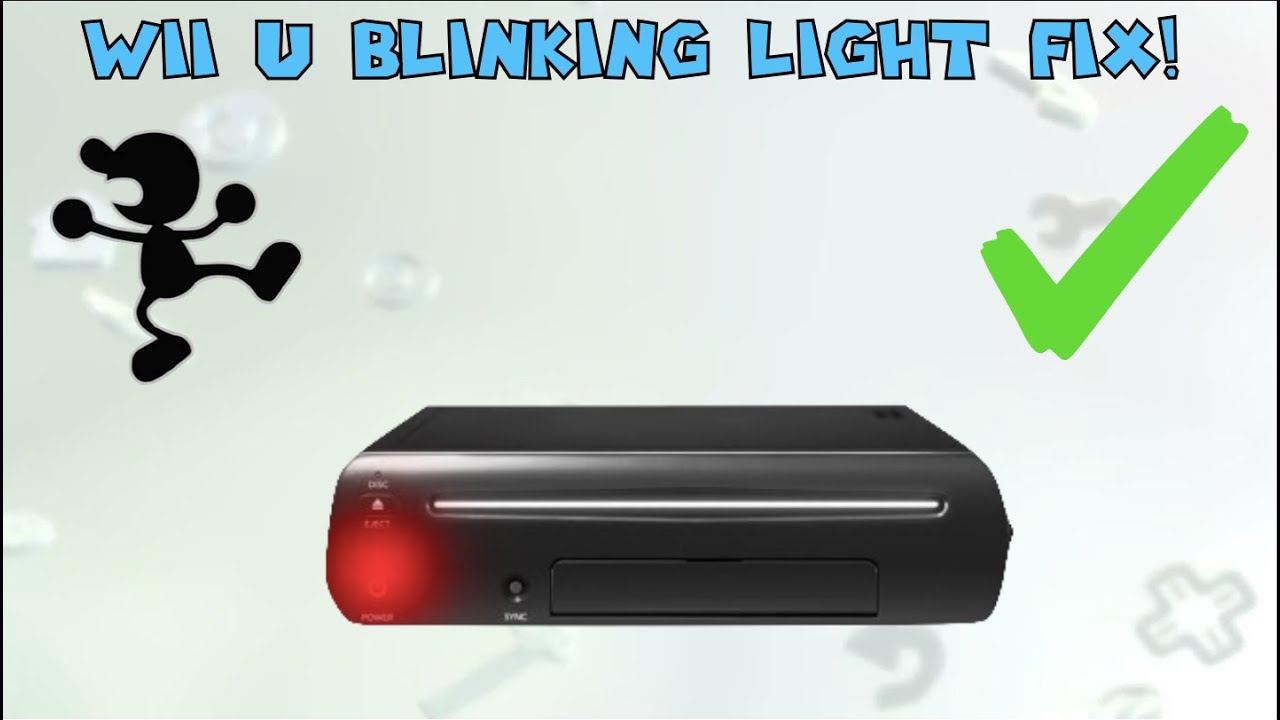
When your Wii U shows a blinking red light on the power button, it’s sending a warning. This is not just a random color or effect. The blinking red light usually means that the Wii U is overheating or has a power-related problem. Unlike a steady red light (which shows the console is off), the blinking version is a sign that something is wrong. The system is trying to protect itself from damage.
This warning is important. If you keep using the Wii U without fixing the problem, it could lead to hardware failure. Sometimes, the console will not turn on at all, or it may shut down suddenly during use. Understanding this light can save you from losing your games, data, and even the console itself.
Why Does The Wii U Console Blink Red?
Several reasons can cause the blinking red light. Here are the most common:
- Overheating: If the air vents are blocked or the fan is not working, the system may get too hot.
- Power Supply Issues: A problem with the power adapter, outlet, or cable can cause the system to lose power.
- Dust and Debris: Buildup inside the console can block airflow, making the Wii U overheat.
- Internal Hardware Faults: Less common, but sometimes a component inside the console fails.
- Long Use Without Breaks: Using the console for many hours without rest can heat up the device.
Most of the time, the blinking red light is a safety feature. It protects the console from damage by turning it off or not letting it start until the issue is fixed.
How To Fix The Wii U Blinking Red Light
If you see the blinking red light, don’t panic. There are clear steps you can take to solve the problem. Many people can fix this at home, but sometimes you’ll need professional help.
1. Power Cycle The Console
This is often the first and easiest fix.
- Unplug the Wii U from the wall and from the power adapter.
- Wait at least 5 minutes. This lets the system fully reset.
- Plug everything back in and try to turn the Wii U on.
This simple reset can clear temporary errors and is safe to try.
2. Check For Overheating
Touch the console. If it feels very warm, it has likely overheated.
- Move the Wii U to a spot with good airflow. Do not place it inside a closed cabinet.
- Make sure nothing is blocking the vents.
- Use a soft brush or a can of compressed air to gently clean any dust from the vents.
If the console cools down and turns on, overheating was the cause.
3. Inspect The Power Adapter And Cables
A faulty power adapter or cable can cause the blinking red light.
- Check for any cuts, bends, or damage to the cable.
- Try plugging the power adapter into a different outlet.
- If possible, test with a different Wii U power adapter (borrow one from a friend or buy a replacement).
A failing power brick is a common cause, and replacements are often available online.
4. Let The Console Rest
If you have been playing for many hours, let the console rest for at least 30 minutes. This gives it time to cool down fully. Sometimes, the blinking red light is just a sign that the system needs a break.
5. Check For Internal Dust And Dirt
Dust can build up inside the Wii U, blocking fans and vents.
- If you feel confident, you can open the console’s outer shell (this may void your warranty).
- Use compressed air to gently clean inside.
- Do not use water or spray liquids.
If you’re not comfortable opening the console, a repair shop can do this safely.
6. Update Firmware (if You Can Boot Up)
Sometimes, bugs in the system software can cause problems.
- If the console does turn on after cooling or resetting, check for system updates.
- Go to the System Settings, then select System Update.
- Follow the on-screen instructions.
Nintendo releases updates to fix known problems, including power and overheating issues.
7. Try Safe Mode
The Wii U has a hidden Safe Mode. To access:
- Turn the Wii U off.
- Hold the Power button for 5 seconds.
- The console may start with limited functions—this can sometimes bypass certain errors.
Safe Mode is helpful if you suspect a software glitch.
8. Seek Professional Repair
If none of the above steps work, the problem may be internal hardware. It’s best to contact a Nintendo repair center or a trusted electronics repair shop.
- Do not try to replace components unless you are experienced.
- Repairs for the Wii U are still available from some shops, even though the console is no longer in production.
Comparing Wii U Blinking Red Light With Other Console Warning Lights
Understanding how the Wii U’s warning system compares to other consoles can help you judge the seriousness of the issue. Here’s a comparison of common warning lights:
| Console | Blinking Red Light | Other Warning Lights | Common Causes |
|---|---|---|---|
| Wii U | Yes | Steady Red (Power off) | Overheating, power issues |
| PlayStation 4 | No | Blinking Blue, Blinking White | Hardware failure, boot errors |
| Xbox One | No | Blinking White, Blinking Orange | Power, HDMI, update issues |
| Nintendo Switch | No | None (uses screen warnings) | Dock, battery issues |
The Wii U’s blinking red light is unique. It gives a clear, physical warning about overheating or power problems, unlike some other consoles that use different colors or screen messages.
Preventing The Wii U Blinking Red Light
It’s easier to prevent problems than to fix them. Here are ways to avoid seeing the blinking red light in the first place.
- Keep Vents Clear: Never block the air vents. Leave at least 2-3 inches of space around the console.
- Clean Regularly: Dust the console and the area around it every few weeks.
- Use in Cool Rooms: Avoid playing in very hot rooms. High temperatures make overheating more likely.
- Don’t Stack Devices: Don’t put other electronics on top of the Wii U, as this traps heat.
- Give Breaks: Let the console rest after long gaming sessions (every 2-3 hours).
- Check Power Supply: Use only the official Nintendo power adapter. Unofficial adapters may not deliver the correct voltage.
- Update Software: Regularly check for system updates.
These simple steps can greatly reduce the risk of overheating and power faults.
Data Loss And Backups: Protecting Your Games
One risk with the blinking red light is data loss. If the Wii U shuts down suddenly, saved games or downloads can become corrupt.
- Use the Wii U Data Management tool to back up saves to a USB device.
- Consider moving important saves to an SD card.
- Do not turn off the console while it is saving data or updating.
Nintendo’s official support page explains how to back up your data safely.
When To Replace Your Wii U Console
Sometimes, the blinking red light is a sign of serious hardware damage. If you notice these symptoms, replacement might be your best choice:
- The console will not turn on, even after trying all fixes.
- You hear strange noises (buzzing, clicking) from inside the console.
- There are visible burn marks or smells of burning plastic.
- The blinking red light appears even after a professional repair.
The Wii U was released in 2012, and many units are now over 10 years old. Electronics wear out over time. If your console is showing multiple signs of failure, consider looking for a used replacement or upgrading to a newer system.
Real-world Examples: Common User Experiences
Many Wii U owners have shared their experiences online. Here are some real cases to give you better insight:
- Case 1: A gamer noticed the blinking red light after 4 hours of playing “Super Mario 3D World” in summer. The console was in a closed cabinet. After moving it to an open area and cleaning the vents, the problem never returned.
- Case 2: Another user found the blinking red light kept appearing, even after cleaning and changing outlets. The problem was traced to a faulty power adapter. Replacing the adapter fixed the issue.
- Case 3: A family reported the Wii U would shut off after 10 minutes with a blinking red light. The console was full of dust inside. After a professional cleaning, it worked normally again.
These examples show that most problems are caused by heat or power issues, not by permanent damage.

Credit: www.premierwellbeing.ie
Myths And Misunderstandings About The Blinking Red Light
Many users believe that the blinking red light always means the Wii U is “dead. ” This is not true.
- The light is usually a protective feature, not a sign of total failure.
- Some people think using a fan next to the console is enough. While it helps, you must also keep vents clear and clean the inside.
- Others believe only old consoles have this issue. But even new units can overheat if blocked or used in hot conditions.
Understanding the real causes helps you avoid mistakes and wasted repairs.
Wii U Maintenance: Long-term Care Tips
Keeping your Wii U healthy is about more than just fixing problems. Regular care will make your console last longer and work better.
- Clean once a month: Dust the outside, vents, and nearby areas.
- Check cables: Look for signs of wear or damage.
- Store in a cool, dry place: Avoid humid rooms or direct sunlight.
- Avoid power surges: Use a surge protector to protect against sudden spikes in electricity.
- Do not open the console unless needed: Opening can void your warranty and may cause more harm if done incorrectly.
Good care habits can extend your console’s life by years.
Comparing Repair And Replacement Costs
If your Wii U needs fixing, you might wonder if it’s better to repair or replace it. Here’s a summary of typical costs:
| Solution | Estimated Cost (USD) | Time Required | Success Rate |
|---|---|---|---|
| Clean vents/fans | Free – $10 | 10-30 mins | High |
| Replace power adapter | $15 – $30 | 5-10 mins | High |
| Professional repair | $50 – $100 | 1-2 weeks | Medium |
| Buy used Wii U | $150 – $250 | 1-3 days | High |
Repairing minor issues is often easy and cheap. But if the main hardware fails, replacement may be the better value, especially as the console gets older.
How Long Should A Wii U Last?
The average Wii U lifespan is around 6-10 years, depending on care and use. With proper maintenance, some consoles last even longer. Heavy use, high heat, and poor cleaning can shorten this time.
Two Insights Owners Often Miss
- Internal Dust Is a Hidden Enemy: Many people only clean the outside of the console. But internal dust buildup, often invisible, is a leading cause of overheating. Regular deep cleaning (by a professional if needed) can prevent many problems.
- Power Surges Can Cause Red Light Errors: Sometimes, the blinking red light is triggered by a power surge or unstable electricity, not just heat. Using a surge protector can stop these sudden failures, especially in areas with unreliable power.
There is a risk of data loss if the console powers off suddenly. It’s a good idea to back up your saved games regularly using the Wii U Data Management tool or an external USB device.
Frequently Asked Questions
What Should I Do First If My Wii U Shows A Blinking Red Light?
Unplug the console and let it cool down for at least 5 minutes. Then check the vents for dust or blockages and make sure the power adapter is working. Most problems are solved with a simple reset and cleaning.
Is It Safe To Keep Using My Wii U If The Red Light Is Blinking?
No, it’s not safe. The blinking red light is a warning. Using the console without fixing the problem can lead to permanent damage or data loss.
Can I Fix The Blinking Red Light Myself Or Do I Need A Repair Shop?
Many issues can be fixed at home, such as cleaning vents, resetting the console, or changing the power adapter. If these steps don’t work, or if you hear strange sounds from inside, a professional repair is best.
Will I Lose My Saved Games If My Wii U Shuts Down From Overheating?
Credit: www.youtube.com
Does Nintendo Still Repair Wii U Consoles?
Nintendo has officially stopped repairing Wii U consoles in many regions, but some third-party repair shops still offer services. Check with local electronics stores or search online for trusted repair centers.
Conclusion
The Wii U blinking red light can seem scary, but in most cases, it’s a fixable problem. By understanding what causes it, how to solve it, and how to prevent it in the future, you can keep your console running for years. Just remember: pay attention to warning signs, keep your system clean, and back up your data. With these steps, you’ll enjoy your favorite Wii U games without worry.