
If you use a weed pen (also called a vape pen), you know how helpful and discreet it can be. But what happens when the light on your weed pen starts blinking? For many users, a blinking pen is confusing or even stressful, especially if you’re new to vaping. It might start blinking red, green, white, or another color, sometimes just once, and sometimes many times in a row. What does it mean? Is your device broken, or is it an easy fix? Understanding these blinking signals can save you time, money, and frustration.
This guide covers why weed pens blink, what different colors and blink patterns mean, and how to troubleshoot them. Whether you use a disposable or a rechargeable model, you’ll find step-by-step solutions, tips to avoid mistakes, and clear explanations. By the end, you’ll feel confident handling any weed pen blinking issue—without guessing or wasting your oil.
Why Do Weed Pens Blink?
Weed pens are designed with simple lights to communicate many things. The blinking light is not just for decoration. It’s a coded message from your device. Usually, it’s trying to warn you about a problem or change.
Common reasons for blinking include:
- Low battery
- Connection problems
- Cartridge issues
- Overheating
- Short circuit
- End-of-life (for disposables)
Some pens blink for more than one reason, and the meaning depends on the color, pattern, and pen brand. A blinking light is rarely random—it’s a built-in signal.
The Role Of The Led Indicator
The small LED light on a weed pen is the only way the device can “talk” to you. Because pens don’t have screens or speakers, the blinking light is essential. Different brands use different colors and patterns, but most follow similar logic.
For example, a blinking red light usually means a problem, while a green light may signal charging or readiness. The number of blinks matters, too. Three blinks might mean something very different from ten blinks.
Non-obvious Insight: Not Every Blink Is Bad
Sometimes, a weed pen blinks during normal use. For example, some pens blink when you take a long draw, as a warning to stop. Others blink once every time you press the power button. Learning the exact signals for your pen model is important, but most blinking means something is wrong.
What Each Blink Color Means
Not all pens use the same color codes, but most brands stick to a few basic colors: red, green, blue, and white. Here’s what they usually mean and how to respond.
Red Light
Red is the most common warning color.
- Battery is low: Most pens blink red (usually 3 or 5 times) when the battery needs charging.
- Connection issue: If the pen blinks red and won’t hit, the cartridge and battery may not be connecting.
- Short circuit: Some pens blink red quickly (10 times or more) if there’s a short.
Green Light
Green usually signals something positive or normal.
- Charging: A solid green or slow-blinking green often means charging is in progress or finished.
- Ready to use: Some pens blink green when heated and ready.
- Voltage setting: For pens with settings, green can mean medium power.
White Light
White is often used for general errors or as a neutral indicator.
- Ready: Some pens blink white when powering on.
- Error: Fast white blinking can mean a connection or coil problem.
Blue Light
Blue is less common but often means medium battery or a special mode.
- Medium battery: Blue blinking means the battery is getting low, but not empty.
- Special mode: Some pens use blue for preheat or other settings.
Color Patterns And Their Meanings
Pay attention not just to the color but also the number of blinks and how fast they happen.
| Color | Number of Blinks | Common Meaning |
|---|---|---|
| Red | 3-5 | Low battery |
| Red | 10+ | Short circuit |
| Green | 2-3 | Ready/charging |
| White | 5-10 | Connection issue |
| Blue | 1-3 | Medium battery |
Non-obvious tip: Some pens change their blink patterns after a firmware update (for smart pens). If your pen’s light signals suddenly change, check if an update was applied, or consult the brand’s official website.
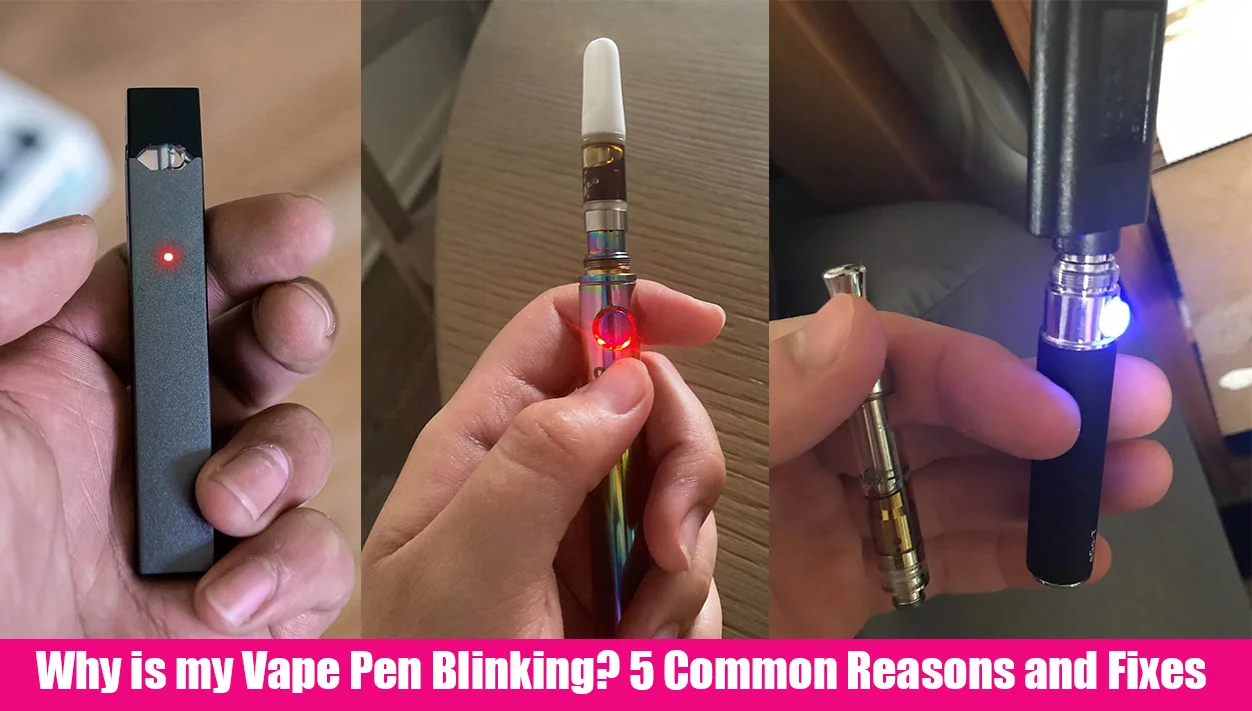
Credit: www.lookah.com
Types Of Weed Pens And Their Blink Behaviors
Weed pens come in different styles, and each type can blink for different reasons. Understanding your device type helps you troubleshoot faster.
Disposable Weed Pens
- Pre-filled and designed for one-time use
- Blinking usually means the battery is empty, or the pen is finished
- Cannot be recharged or refilled
If a disposable pen blinks, it’s usually time to replace it. Trying to fix it rarely works, and opening it can be unsafe.
Rechargeable Weed Pens
- Have a battery you can recharge with a USB cable
- Work with replaceable cartridges (510-thread, pod-based, etc.)
- Blinking can mean battery, cartridge, or connection problems
Rechargeable pens are more complex and have more possible causes for blinking.
Variable Voltage Pens
- Let you change power settings
- Often use different blink colors for each voltage
- Blinking can mean wrong voltage, coil issues, or user error
If you use a pen with variable voltage, check the manual for what each color and blink means.
Smart Weed Pens (with Apps Or Displays)
- May use more advanced signals
- App or screen often explains the problem
- Blinking may be paired with a phone alert
For these, always check the app or website for the most accurate info.
| Pen Type | Common Blink Cause | Fixable? |
|---|---|---|
| Disposable | Battery empty | No |
| Rechargeable | Low battery/connection | Yes |
| Variable Voltage | Wrong voltage | Yes |
| Smart Pen | Error code | Sometimes |
Most Common Reasons Your Weed Pen Is Blinking
Let’s look at the top causes, how to identify them, and what you can do.
1. Low Or Dead Battery
The most frequent reason for blinking is a low battery. Your pen blinks to warn you before it shuts off completely.
How to tell: Usually blinks red, 3–10 times when you try to take a hit. Sometimes, the light stays off until you press the button.
How to fix: Charge your pen using the correct cable. Most pens charge in 30–90 minutes.
Pro tip: Avoid draining the battery to zero. Frequent deep discharges shorten battery life.
2. Cartridge Connection Problem
If the battery is charged but the pen blinks, the cartridge connection may be the problem.
How to tell: Pen blinks (white or red) when you press the button, but no vapor comes out.
How to fix:
- Remove the cartridge.
- Clean the connection area with a cotton swab and isopropyl alcohol.
- Reattach firmly but do not over-tighten.
Note: Cheap or damaged cartridges often cause poor connections. Try another cartridge to see if the problem is the pen or the cartridge.
3. Short Circuit Or Device Error
A short circuit happens when the electrical current takes a wrong path, which can be dangerous. Pens are designed to detect this and blink to warn you.
How to tell: Rapid blinking (often 10 times or more), sometimes with a different color.
How to fix: Remove the cartridge and check for leaks or visible damage. If the pen blinks with every cartridge, the battery may be faulty.
Never use a pen if you smell burning or see smoke from the battery area.
4. Overheating
If you use your pen too much, too quickly, it may overheat. Pens blink to warn you to stop and let it cool.
How to tell: Blinks after a long session, usually with a warning color.
How to fix: Wait 5–10 minutes for the pen to cool before using again.
5. End Of Life (disposable Pens)
When a disposable pen blinks, it usually means it’s finished—even if there’s a little oil left.
How to tell: Pen blinks every time you try to use it, even after waiting or warming.
How to fix: Safely dispose of the pen. Do not try to recharge or open.
6. User Error (button Sequence Or Timing)
Some pens require a special button sequence to turn on or adjust. Accidentally pressing the button too many times can trigger blinking.
How to tell: Blinks in odd patterns, but the pen works after a reset.
How to fix: Press the power button 5 times quickly to reset or turn on/off.
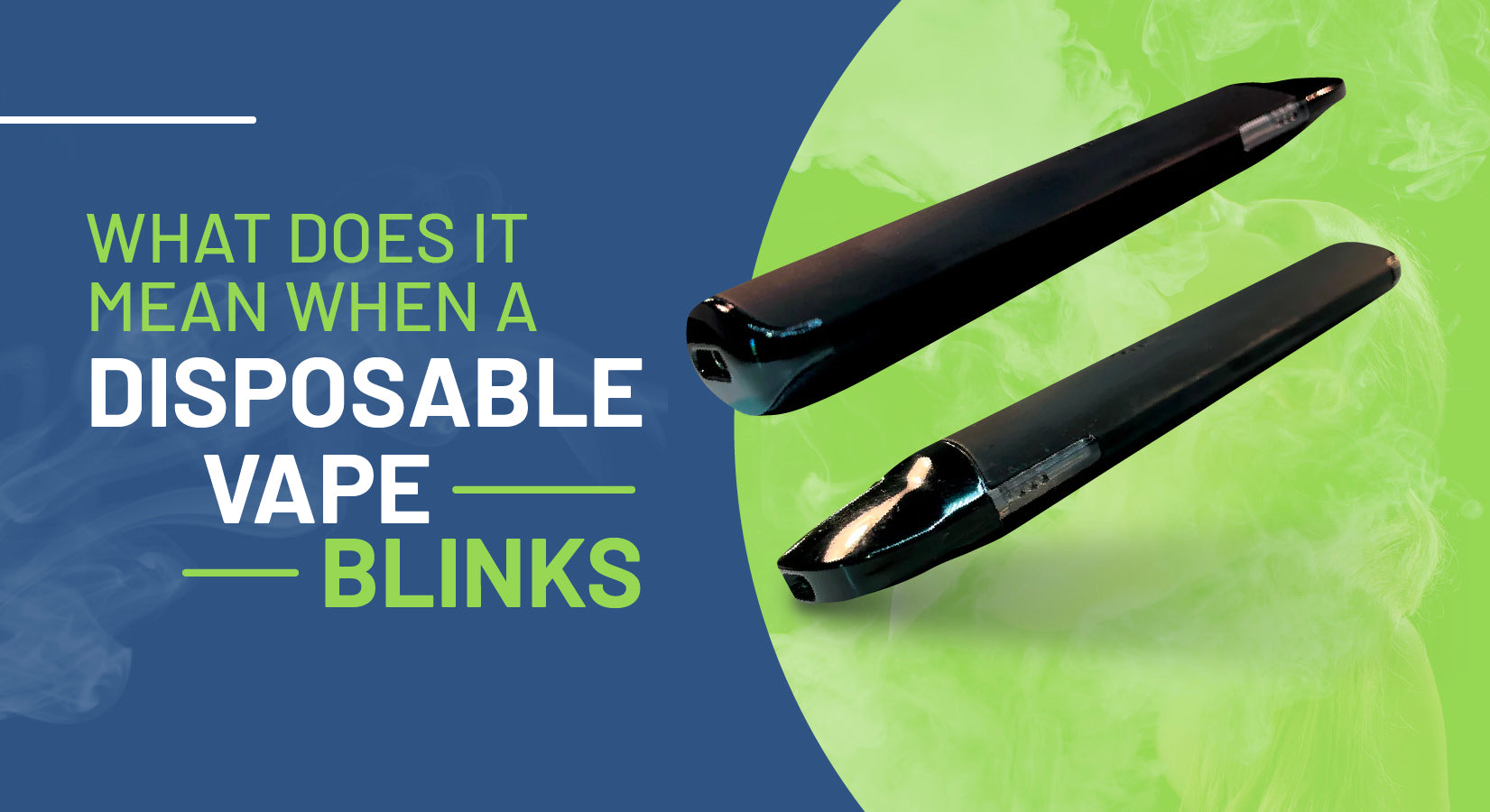
Credit: pinemd.com
Troubleshooting: Step-by-step Solutions
If your weed pen is blinking and you’re not sure why, use this checklist:
- Check the Battery
- Is the pen charged? Plug it in and watch the indicator light.
- Try a different charger if available.
- Inspect the Cartridge
- Remove and clean the cartridge and battery contacts.
- Try a new cartridge if possible.
- Review the Blink Pattern
- Count the number and color of blinks.
- Check your pen’s user manual or the brand’s website.
- Look for Damage
- Any cracks, leaks, or signs of burning?
- If yes, stop using the pen.
- Cool Down the Device
- If you’ve used the pen a lot, let it rest for 10 minutes.
- Reset or Power Cycle
- For button pens, try pressing the button 5 times quickly.
- Remove and reattach the cartridge.
If none of these steps work, your pen may be defective or at the end of its life.
How To Prevent Weed Pen Blinking Problems
You can avoid most blinking issues with good habits and a little care.
Use The Right Charger
Always use the charger that came with your pen, or one recommended by the brand. Wrong chargers can damage the battery or trigger safety warnings.
Clean Regularly
Dust, oil, and pocket lint can block connections. Clean your pen and cartridge threads every few days.
Store Properly
Keep pens out of extreme heat or cold, and never leave them in direct sunlight. Temperature swings can cause battery and oil problems.
Don’t Overdraw
Most pens blink if you take extra-long hits. Stick to 3–5 second draws to avoid overheating.
Buy Quality Cartridges
Cheap or fake cartridges often don’t fit well and can cause connection errors. Use trusted brands for best results.
Update Firmware (if Applicable)
Some smart pens let you update their software. Check for updates on the brand’s site. New firmware can fix bugs and change blink patterns.
When To Replace Your Weed Pen
No device lasts forever. Here are signs it’s time for a new weed pen:
- The pen blinks no matter what you do (after charging and cleaning)
- Visible damage to battery or cartridge
- Pen gets hot to the touch even when not in use
- Battery won’t hold a charge
- You’ve used the pen daily for over a year (batteries wear out)
Tip: If your pen is under warranty, contact the brand for help before buying a new one.
Advanced Troubleshooting: For Experienced Users
If you’ve tried all basic steps, here are some advanced tricks:
- Test with a Multimeter: You can check the battery voltage if you have a small electronics tester. A healthy pen battery is usually 3.7–4.2 volts.
- Inspect for Leaks: Sometimes oil leaks into the battery connection, causing shorts. Use a flashlight to look for sticky residue.
- Replace the Coil: For pens with replaceable coils, swap in a new one. Old coils can cause blinking.
Remember, opening or modifying your pen can void warranties and may be unsafe. Only try advanced fixes if you’re confident and the device is out of warranty.
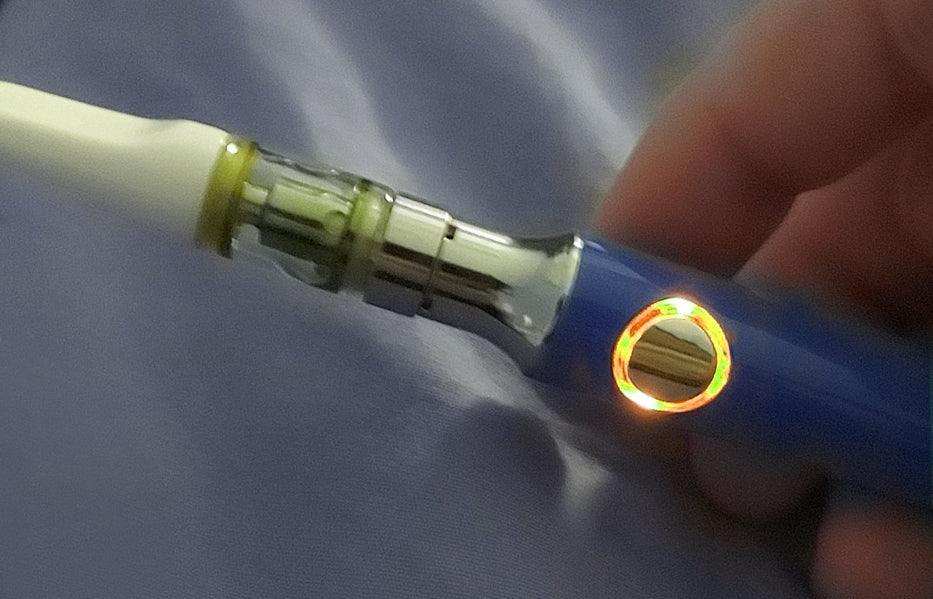
Credit: vapebatt.com
Comparing Popular Weed Pen Brands: Blink Patterns
Different brands use unique blink codes. Here’s a simple comparison:
| Brand | Red Blink | Green Blink | White Blink | Blue Blink |
|---|---|---|---|---|
| Stiiizy | Low battery (3 blinks) | Charging (solid) | Connection error (5 blinks) | N/A |
| Vaporesso | Short circuit (10 blinks) | Ready (2 blinks) | General error (10 blinks) | Medium battery (3 blinks) |
| PAX Era | N/A | Charging (pulsing) | Firmware update | Preheat mode |
Always check your own pen’s manual for the most accurate meanings.
Common Mistakes When Dealing With A Blinking Weed Pen
Even experienced users can make mistakes when a weed pen blinks. Here’s what to avoid:
- Forcing the cartridge: Over-tightening can damage threads and worsen connection issues.
- Using the wrong charger: This can fry the battery or confuse the pen’s safety circuits.
- Ignoring rapid blinking: Fast blinking often signals a safety problem. Never keep using the pen if it feels hot or smells burned.
- Trying to refill disposables: Most cannot be refilled and may leak or break if you try.
- Not checking for leaks: Oil leaks are a hidden cause of many connection errors and shorts.
Real-life Examples
- Sarah’s Dead Pen: Sarah’s disposable weed pen started blinking red every time she tried to use it. She tried charging it, but nothing happened. The battery was dead, and the pen was finished. She safely disposed of it and bought a new one.
- Jake’s Connection Error: Jake’s rechargeable pen blinked white when he pressed the button. Cleaning the cartridge and battery threads fixed the problem, and he got a smooth hit again.
- Lisa’s Overheating: Lisa noticed her pen blinking after several back-to-back hits. Waiting 10 minutes stopped the blinking, and the pen worked fine. She learned to take shorter breaks between sessions.
Where To Find More Information
If your pen’s blinking pattern isn’t covered here, check the brand’s official website or user manual. Many brands have support pages with troubleshooting guides. For general info on vape technology, see the Wikipedia entry on electronic cigarettes.
Frequently Asked Questions
Why Is My Weed Pen Blinking But Not Hitting?
A blinking pen that won’t hit usually signals a connection problem or low battery. Try charging the pen and cleaning both the cartridge and battery contacts. If it still blinks, test another cartridge. If nothing works, the pen may be defective.
What Does It Mean When My Disposable Weed Pen Blinks?
If a disposable pen blinks, it usually means the battery is dead or the device has reached the end of its life. Disposables cannot be recharged or refilled, so safely dispose of the pen and use a new one.
Can I Fix A Weed Pen That Keeps Blinking?
You can often fix a blinking rechargeable pen by charging it, cleaning the contacts, or resetting the device. If you use a disposable, blinking usually cannot be fixed. If you’ve tried all steps and the pen still blinks, it may need to be replaced.
What Color Should My Weed Pen Blink When Charging?
Most pens show a solid green or pulsing light while charging and turn off or stay green when fully charged. Some pens use white or blue instead. Check your pen’s manual for exact signals.
Is It Safe To Use A Weed Pen If It Blinks Rapidly?
No. Rapid blinking often means a short circuit, overheating, or another safety problem. Stop using the pen immediately and check for damage. Continuing to use a pen with safety warnings can be dangerous.
Handling a blinking weed pen doesn’t have to be a mystery. With the right steps, you can solve most problems and get back to smooth, reliable vaping. When in doubt, check the manual or brand website for your specific model.
If the device still blinks after you try all fixes, it may be time for a replacement. Taking care of your pen and understanding its signals will save you time, money, and hassle in the long run.