
A smoke detector is a vital device in every home and business. Its job is to warn you early about fire or smoke, helping keep people and property safe. Sometimes, you might notice your smoke detector blinking red and green. This can be confusing or even worrying, especially if you are not sure what it means. Is your home at risk? Do you need to replace the device? Or is it just a normal sign? Understanding these lights is key to safety and peace of mind.
Many people ignore smoke detector lights, thinking they are not important. But the colors and blinking patterns often give you important information. Sometimes, they show normal operation. Other times, they signal a low battery or a serious problem. Reacting quickly and correctly can make a big difference in an emergency.
This guide will explain what red and green blinking lights mean, why they happen, and what steps you should take.
Why Smoke Detectors Use Red And Green Lights
Smoke detectors use LED lights to show their status. These lights can be steady or blinking, fast or slow, and in different colors. Most common are red and green. The pattern and color can change based on the situation. Knowing what these lights mean will help you maintain your device and stay safe.
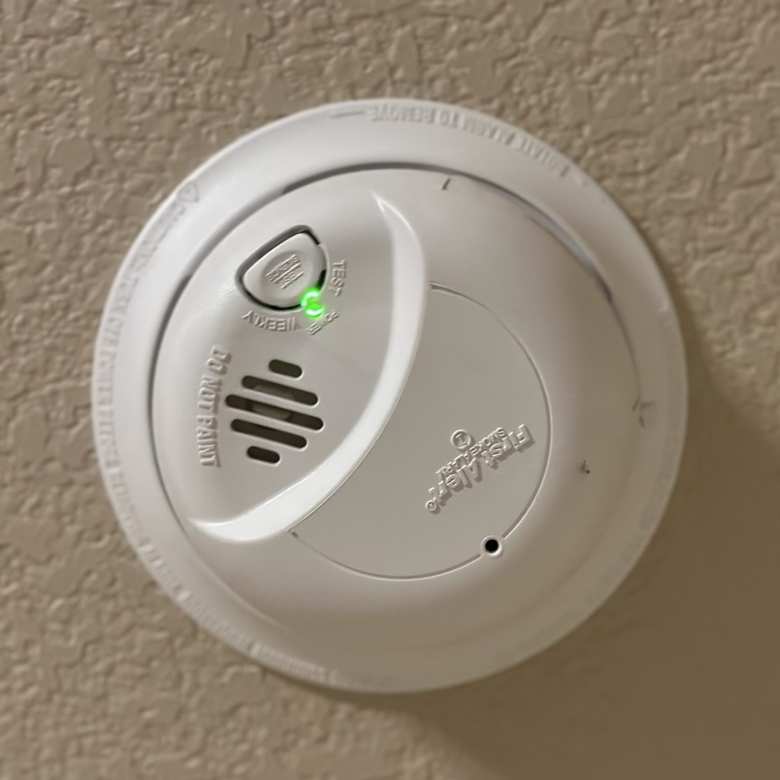
- Green light: Usually means the detector has power and is working well.
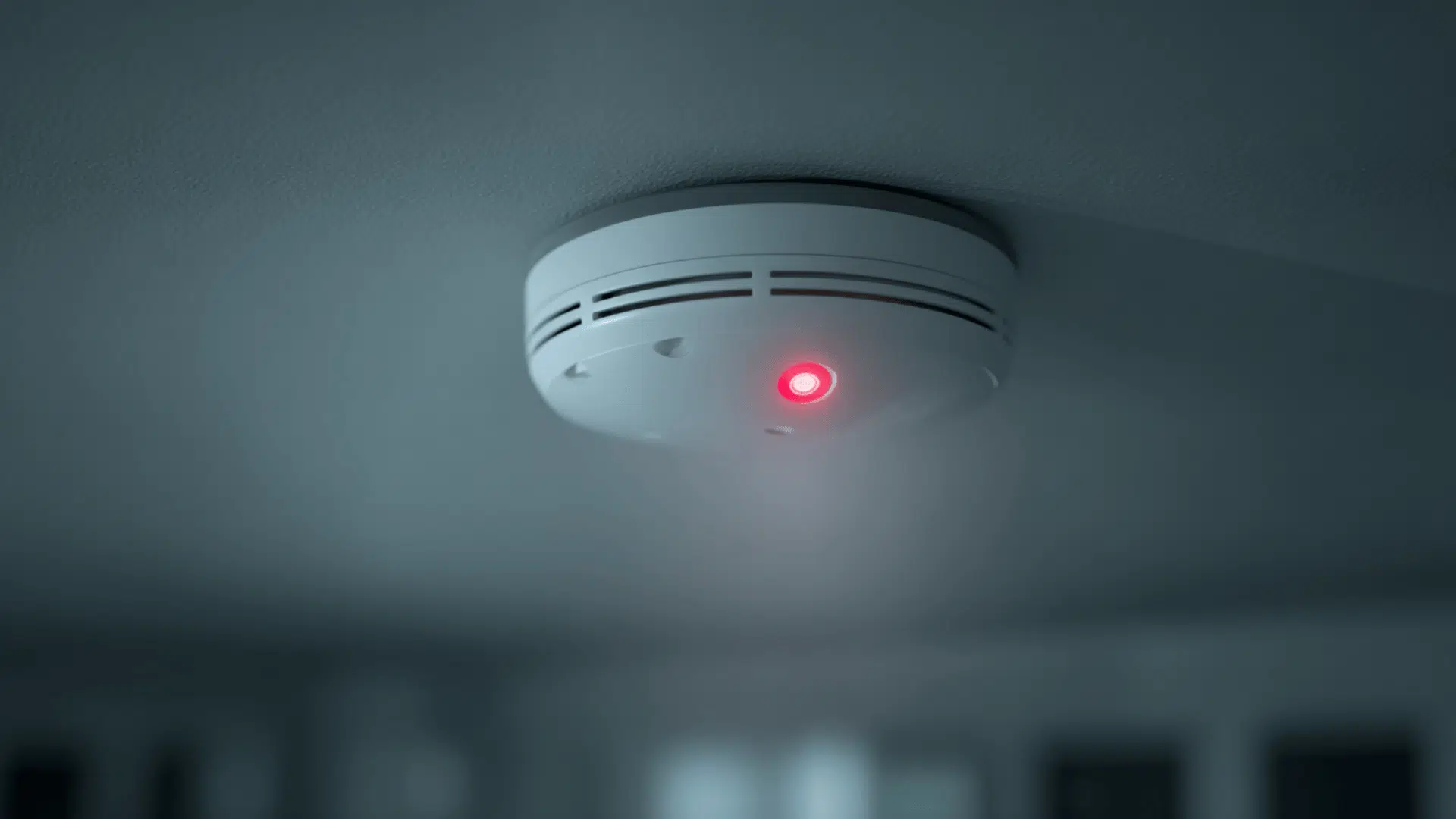
- Red light: Can signal an alarm, an error, or a low battery.
The patterns and meanings can change by brand and model. Always check your device manual for exact details. However, there are common reasons and patterns you can look for.
Common Reasons For Blinking Red And Green Lights
Understanding the main reasons for these lights helps you act quickly. Here are the most common causes:
- Normal Operation
- Many smoke detectors show a steady green or an occasional red blink to show they are working.
- Battery Status
- Blinking red often means a low battery or that it’s time to change it.
- Some detectors blink green when charging (for rechargeable models).
- Alarm Memory
- A red blink every minute after an alarm means the device detected smoke or fire recently.
- Malfunction or Error
- Alternating red and green lights usually mean there is a fault or error in the device.
- End of Life
- Some detectors blink both red and green when they need replacing, often after 8–10 years.
Let’s look deeper into what each type of blinking means and what you should do.
Credit: felixwong.com
Blinking Red: What Does It Mean?
The red blinking light is the most common warning. Its meaning can change based on the pattern:
- Quick blinking (every few seconds): Often signals a battery issue or that the device is in alarm mode.
- Slow blinking (every 30–60 seconds): Often means the device is working properly. Some brands use this as a “heartbeat.”
- Constant red or rapid flashing: Usually means smoke is detected, or there is a fault.
Examples By Brand
Brands may use different signals. Here’s a comparison for three popular brands:
| Brand | Normal Status | Low Battery | Alarm |
|---|---|---|---|
| Kidde | Green steady, red blinks every 30–60s | Red blinks + chirp | Red flashes rapidly |
| First Alert | Green steady, red blinks every 60s | Red blinks + chirp | Red flashes rapidly |
| Nest Protect | Green ring, no red | Yellow light + voice | Red ring + alarm |
Always check your own device’s manual for exact codes.
Blinking Green: What Does It Mean?
A green light on your smoke detector is usually a good sign. Here’s what it often shows:
- Steady green: The device has power (especially for hardwired models).
- Blinking green: May mean the battery is charging, the device is warming up after power loss, or it’s in a test mode.
- No green light: In battery-only models, this is normal. No light means less battery drain.
One insight many people miss: A green light does not always mean the device will sound in an emergency. It may just mean it’s getting power. Always test your detector monthly.
Credit: www.jackcooper.com
Both Red And Green Blinking: Main Causes
If your smoke detector is blinking both red and green, it’s a special signal you should not ignore. Here are the top reasons:
- Malfunction or Error
- The device has found a problem inside, like a sensor failure or wiring issue.
- End-of-Life Warning
- After 8–10 years, many detectors blink both lights to tell you to replace the unit.
- System Reset or Power Up
- After changing batteries or restoring power, some models blink both colors for a short time (usually less than a minute).
- Interconnected System Alert
- In systems where detectors are linked, one device may blink green, another red, to show which detected the problem.
Quick Comparison Of Blinking Patterns
| Blinking Pattern | Possible Meaning | Action Needed |
|---|---|---|
| Red and green alternate rapidly | Device malfunction or error | Check manual, reset, replace if needed |
| Both lights blink together every 30s | End-of-life warning | Replace detector |
| Short both-color blink after power loss | Normal reset | No action needed |
| Green steady, red quick blink | Normal operation | No action needed |
What Should You Do When You See Red And Green Blinking?
Here’s how to respond if your smoke detector is blinking both red and green:
- Check the Manual
- This is the best way to know what your device is telling you. Each brand and model can be different.
- Test the Detector
- Press the test button. If the alarm sounds, the device may be fine. If not, it may be faulty.
- Replace the Batteries
- Even if the battery seems fine, a fresh battery can solve many problems.
- Reset the Device
- For many models, holding the test button for 15–30 seconds will reset it.
- Clean the Detector
- Dust or insects inside the device can cause false signals. Use a vacuum or soft brush.
- Replace the Detector
- If your device is 8–10 years old, or the manual says it’s end-of-life, replace it.
Many people forget to check the device’s age. This is a common mistake. Most smoke detectors have a sticker or date on the back. Using an old detector can be risky, as sensors lose sensitivity over time.
How To Prevent Smoke Detector Issues
Prevention is better than cure. Here are tips to keep your smoke detector in good shape:
- Change batteries every year (or as soon as you hear a low battery chirp).
- Test the alarm monthly by pressing the test button.
- Clean the device every 6 months to remove dust and insects.
- Replace the detector every 8–10 years (check the date on the back).
- Install detectors in the right places: Every bedroom, outside sleeping areas, and on every level of your home.
Many people place smoke detectors near kitchens or bathrooms, which can cause false alarms. Keep them at least 10 feet from cooking appliances and steamy showers.
When To Call A Professional
Sometimes, the blinking lights won’t stop, even after you try the steps above. Call a professional if:
- The device keeps blinking red and green after reset and battery change.
- The alarm won’t sound during a test.
- There are wiring or electrical issues (for hardwired models).
- You are unsure what the signals mean.
A professional can check the wiring, replace the detector, or recommend upgrades. Remember, your safety is worth the small cost.
Key Differences: Battery Vs. Hardwired Smoke Detectors
How your smoke detector blinks can depend on its power source. Here’s a quick breakdown:
| Feature | Battery-Only | Hardwired |
|---|---|---|
| Green light | Usually none | Shows power is on |
| Red light | Shows alarm, low battery | Shows alarm, error, or interconnect |
| End-of-life signal | Red/green blinking or chirping | Red/green blinking or chirping |
| Interconnected alarms | No | Yes |
Many people do not realize that hardwired detectors can still need battery changes. They usually have a backup battery for power outages.
The Importance Of Regular Maintenance
Smoke detectors are easy to forget, but regular care is crucial. According to the National Fire Protection Association (NFPA), 3 out of 5 home fire deaths occur in homes without working smoke alarms. Missing or dead batteries are often the cause. Regular testing and battery changes can save lives.
A non-obvious tip: Write the install date on your detector with a permanent marker. This makes it easier to remember when to replace it.
Credit: www.vivint.com
Where To Find More Information
For more details on smoke detector lights, safety, and standards, the U.S. Consumer Product Safety Commission is a trusted source. You can read more at CPSC Smoke Alarm Safety.
Frequently Asked Questions
Why Is My Smoke Detector Blinking Red And Green At The Same Time?
This usually means there is a problem such as a malfunction, end-of-life warning, or an error. Check the manual for your specific model. If the problem does not go away after resetting or changing the battery, replace the detector.
How Do I Reset A Smoke Detector With Blinking Lights?
To reset most smoke detectors, press and hold the test button for 15–30 seconds until you hear a beep or the lights change. For some models, you may need to remove the battery or turn off power first.
Is It Safe To Ignore A Blinking Red Or Green Light?
No, it is not safe. These lights are warning you about something. Ignoring them can put you at risk if there is a fire or if the detector is not working.
How Often Should I Replace My Smoke Detector?
Replace your smoke detector every 8–10 years, even if it seems to work. Sensors lose sensitivity over time, and newer models are more reliable.
What If My Smoke Detector Keeps Blinking After Replacing The Battery?
If the blinking continues after you change the battery and reset the device, it may be faulty or at the end of its life. Consider replacing the detector or contacting a professional.
Keeping your smoke detector working and understanding its signals is key to protecting your home and family. Don’t ignore blinking lights—take action to stay safe.