
A sudden alarm from your smoke detector can be frightening. But what if, after the noise stops, your smoke detector starts blinking red? Many people feel confused or worried when they see this. What does it mean? Is it safe to stay in your home? Should you replace the detector? Knowing the answers can help you keep your family safe and avoid unnecessary panic.
This article explains why smoke detectors blink red after going off. You’ll learn what the blinking means, what actions to take, and how to prevent false alarms in the future. We’ll also look at differences between brands, share real examples, and answer common questions.
With clear advice and helpful tables, you’ll be ready to handle any smoke detector warning with confidence.
Why Smoke Detectors Blink Red After An Alarm
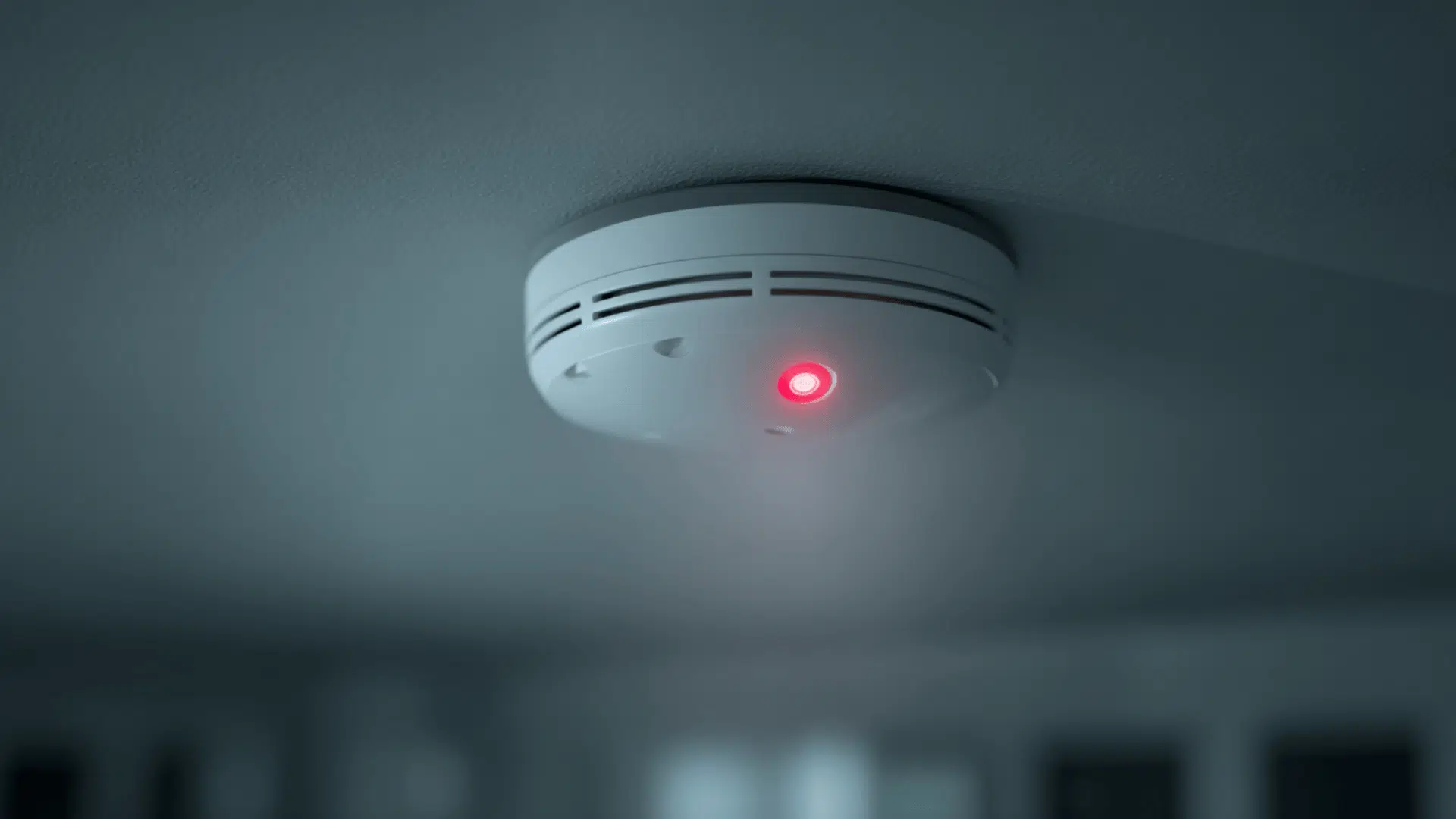
Smoke detectors use blinking lights to communicate their status. The red blinking light is a common signal, but its meaning can change depending on the situation and the brand.
Main Reasons For Red Blinking
- Recent Alarm Event: After detecting smoke, most detectors blink red to show an alarm was triggered. This lets you know the device worked and sensed something.
- Memory Feature: Some detectors keep a record of the last alarm. The red blink is a reminder, so you can check for any danger, even if you missed the sound.
- Low Battery Warning: A slow, regular red blink (sometimes paired with a beep) often means the battery is low.
- Malfunction: If the device has a problem, it may blink red in a unique pattern, sometimes with more rapid flashes.
What The Blinking Tells You
- A steady blink every 30–60 seconds after an alarm usually means “alarm memory.” It’s reminding you that smoke was detected.
- Fast, repeating blinks (often with beeps) can signal a problem or urgent issue.
- Sometimes, the red light keeps blinking until you press a reset button.
Many people ignore these blinks, but they are important. Ignoring them can mean missing a real fire risk or allowing a faulty device to stay in your home.
How Different Brands Use Red Blinking Lights
Not all smoke detectors use the same signals. In fact, the meaning of a red blinking light can change between brands.
Here’s a comparison of how popular smoke detector brands use the red light after an alarm:
| Brand | Red Light Pattern | What It Means | Action Needed |
|---|---|---|---|
| Kidde | Blinks every 30–40 seconds | Memory of recent alarm | Check for cause, reset if safe |
| First Alert | Blinks every 45 seconds | Alarm memory or low battery | Check manual, replace battery |
| Nest Protect | Glowing ring, not just blink | Status or alarm memory | Check app, follow instructions |
| BRK | Rapid or slow blinking | Alarm memory or error | Review manual, reset or replace |
As you can see, it’s best to check your detector’s manual or the brand’s website if you’re unsure. Modern smoke detectors often have more features, so the light patterns are not always the same.
What To Do When Your Smoke Detector Blinks Red
Seeing a red blinking light can be unsettling. Here’s what you should do:
- Stay Calm: The red blink is usually just a reminder, not an ongoing emergency.
- Check for Danger: Look for smoke, heat, or other signs of fire. If you see any, call emergency services.
- Ventilate the Area: Sometimes, cooking smoke or steam sets off the alarm. Open windows to clear the air.
- Reset the Detector: Most detectors have a reset button. Hold it for 10–20 seconds to clear the alarm memory.
- Replace the Battery: If the red blink is paired with a beep, the battery may be low. Change it as soon as possible.
- Clean the Detector: Dust or insects inside the device can cause false alarms and blinking. Use a vacuum or soft cloth.
- Check the Manual: Light patterns vary. The manual will explain exactly what your device’s red blink means.
- Consider Replacement: If the red light won’t stop and the device is old (over 8–10 years), it’s safer to install a new one.
Example Scenario
Imagine you cooked dinner and the smoke detector went off. After you cleared the smoke, the alarm stopped, but the red light keeps blinking every 40 seconds. In this case, it’s likely just showing “alarm memory. ” You can reset it by pressing the button.
But if you also hear beeps, change the battery right away.
Common Mistakes People Make
Many people misinterpret the red light. Here are some mistakes to avoid:
- Ignoring the Red Blink: Thinking it’s normal or not important can be risky. Always check for fire or other problems.
- Not Resetting After an Alarm: Some detectors need a manual reset to clear the memory and stop the blinking.
- Forgetting to Replace Batteries: A blinking red light with beeps usually means the battery is low. Waiting too long can leave you unprotected.
- Not Cleaning the Detector: Dust and insects can trigger false alarms and cause the red light to blink.
- Assuming All Brands are the Same: Light patterns differ. Always check your manual.
Credit: www.jackcooper.com
How To Prevent False Alarms And Red Blinking
A smoke detector blinking red after going off is often linked to false alarms. Preventing these can save you stress and keep your detector working well.
Tips To Reduce False Alarms
- Install Detectors Away from Kitchens and Bathrooms: Steam and cooking smoke are the top causes of false alarms.
- Choose the Right Type of Detector: Photoelectric detectors are less sensitive to cooking smoke than ionization types.
- Clean Regularly: Dust your detectors every few months.
- Don’t Paint Over Detectors: Paint can block sensors, causing malfunctions.
- Replace Batteries Twice a Year: A good habit is to change them when you adjust clocks for daylight savings time.
Where To Place Your Smoke Detector
Placement is key. Here’s a quick guide:
| Room | Recommended Placement |
|---|---|
| Bedroom | On ceiling, near sleeping area |
| Hallway | Central, outside bedrooms |
| Kitchen | At least 10 feet from cooking appliances |
| Basement | On ceiling, at bottom of stairs |
Correct placement reduces false alarms and unnecessary red blinking.
How Long Should The Red Blinking Last?
After an alarm, most smoke detectors will blink red for about 24 hours. This is the device’s way to store the recent event in memory. Once you reset it, or after the time passes, the light will usually return to normal (often a green or no light).
Some detectors keep blinking until you clear the memory. Others stop automatically after a set period. If your device keeps blinking red for several days, check the manual or consider replacing it.
When Should You Replace Your Smoke Detector?
Smoke detectors do not last forever. Over time, their sensors get less sensitive. The National Fire Protection Association (NFPA) recommends replacing smoke detectors every 10 years.
Here are signs it’s time for a new device:
- Frequent false alarms or unexplained red blinking
- No sound when testing
- Physical damage or corrosion
- Expired manufacturing date (found on the back)
If you’re not sure, check the date and consider getting a new one for peace of mind.
Data: Smoke Detector Effectiveness And Maintenance
Keeping your smoke detector in good condition is vital. Here are some key statistics:
| Fact | Data/Statistic |
|---|---|
| Homes with no smoke alarm | 3x more likely to have a fatal fire |
| Smoke alarm failures due to missing batteries | 43% of reported cases |
| Recommended replacement age | Every 10 years |
| Recommended test frequency | Once per month |
Regular testing and maintenance help keep you safe and avoid confusing signals like red blinking.

Credit: www.wikihow.com
Non-obvious Insights About Smoke Detector Blinking
- Electrical Surges Can Cause Memory Blinking: After a power outage or surge, some detectors blink red as if there was a smoke event, even if there wasn’t. Resetting usually fixes this.
- Interconnected Detectors Share Alarm Memory: In homes with wired detectors that talk to each other, a red blink on one unit may mean an alarm was triggered elsewhere in the house. Always check all detectors to find the source.
- Humidity Can Trigger False Memory: High humidity sometimes causes a false alarm, leading to a red blink. If this happens often, consider moving the detector or using a different type.
When To Call A Professional
If your smoke detector keeps blinking red and you cannot fix it by resetting or changing the battery, it may be a wiring problem or sensor failure. In these cases, contact a licensed electrician or fire safety expert. It’s better to be safe than sorry.

Credit: www.wikihow.com
Final Thoughts
A smoke detector blinking red after going off is usually not a reason to panic. It’s a helpful feature that reminds you of a recent alarm or maintenance need. By understanding the light patterns, taking action quickly, and keeping your detectors clean and up to date, you make your home much safer. Always check your manual, reset after alarms, and never ignore warning signs. With a little care, your smoke detector will protect you and your loved ones for years to come.
For more fire safety tips and official guidance, visit the National Fire Protection Association.
Frequently Asked Questions
Why Does My Smoke Detector Keep Blinking Red After The Alarm Is Silent?
Most likely, your smoke detector is showing the alarm memory. This means it detected smoke recently. The blinking usually stops after you reset the device or after 24 hours.
Is It Safe To Ignore A Red Blinking Smoke Detector?
No, you should never ignore it. The red blink could mean anything from an alarm memory to a malfunction or low battery. Always check for danger and follow your manual’s instructions.
How Do I Reset My Smoke Detector’s Blinking Red Light?
Look for the reset button on your device. Press and hold it for about 10–20 seconds. If the light keeps blinking, check the battery or consider replacing the detector.
Can A Smoke Detector Blink Red Without Beeping?
Yes. Some detectors blink red to show alarm memory or a system check, even if they are not beeping. Beeping usually means a more urgent issue like low battery.
What Should I Do If The Red Light Keeps Blinking After Changing The Battery?
Try resetting the detector again. If the red blink continues, the device may have a malfunction or need to be replaced, especially if it is more than 10 years old.