
Many vape users rely on their Lookah Turtle device for smooth sessions, but a blinking yellow light can quickly turn excitement into confusion. This signal isn’t just a random color—it’s the device’s way of telling you something is wrong. If you’ve seen your Lookah Turtle blinking yellow, you’re not alone. Many users search online for clear explanations and solutions, but often find scattered answers. This article brings everything you need in one place, with simple explanations and practical advice.
What Is The Lookah Turtle?
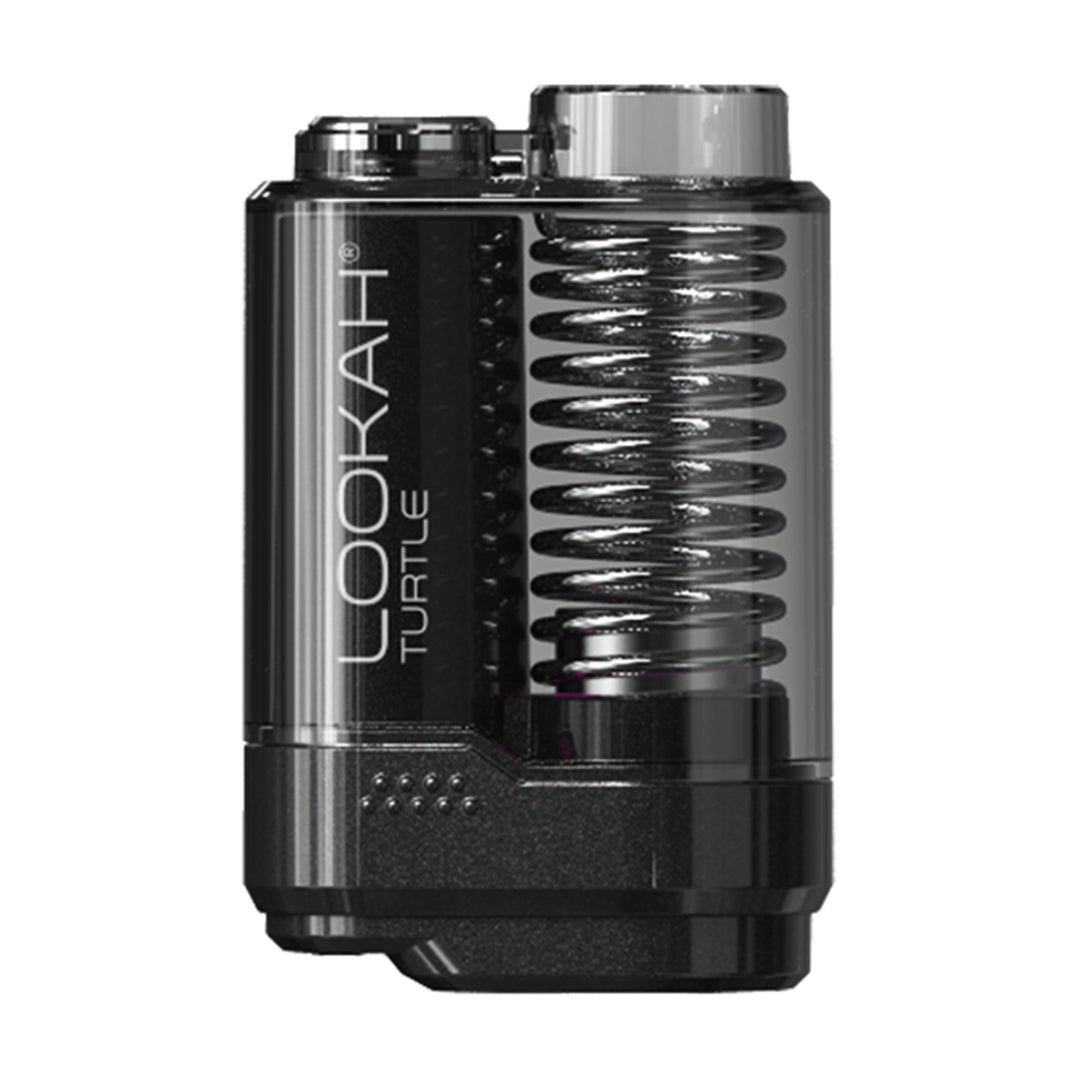
The Lookah Turtle is a compact vaping device popular for its easy use and reliable performance. It’s designed for wax and concentrates, offering features like quick heating, adjustable voltage, and a sturdy build. The device fits well in your hand and is known for its unique turtle shell design, which is both stylish and functional.
Inside, the Lookah Turtle uses a battery, a coil for heating, and a smart chip to manage power and safety. It has a single button to control operations and an LED indicator that shows different colors for various device states.
Knowing what these lights mean is key to solving any issues.
Understanding The Blinking Yellow Light
A blinking yellow light on the Lookah Turtle is not just a cosmetic effect—it’s a warning. This indicator usually appears when the device detects a problem. While the exact meaning can vary by model, most Lookah Turtle devices use yellow blinking to signal an electrical or connection issue.
Here’s what a blinking yellow light can mean:
- Battery problem (low charge, bad connection)
- Coil issue (improper installation, damaged coil)
- Short circuit or electrical fault
- Device protection mode triggered
If you see this light, the device is asking you to check for errors before you continue vaping.
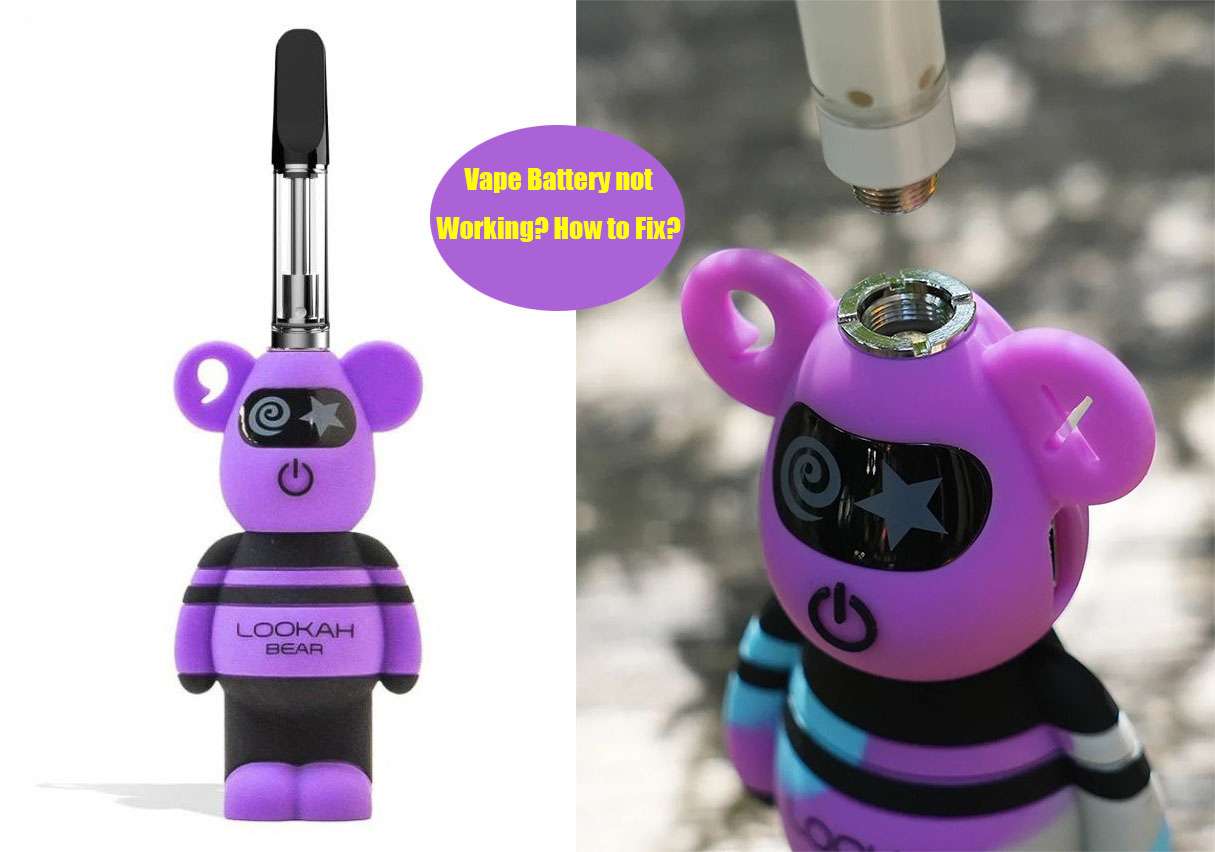
Credit: www.lookah.com
Common Reasons For Lookah Turtle Blinking Yellow
To fix the blinking yellow light, you need to know why it’s happening. Below are the most frequent causes:
| Cause | Typical Solution | Difficulty |
|---|---|---|
| Battery Not Charged | Recharge the device | Easy |
| Loose Coil Connection | Reinstall or tighten the coil | Easy |
| Faulty Coil | Replace the coil | Medium |
| Short Circuit | Check all parts for damage | Medium |
| Device Protection Mode | Let the device cool down | Easy |
Most problems are easy to fix, but some need more care. Always start with the simplest solution first.
Step-by-step Troubleshooting Guide
Solving the blinking yellow light doesn’t require deep technical skill. Follow these steps:
1. Charge The Device
Plug your Lookah Turtle into its charger. Wait at least 30 minutes. A low battery is the most common cause.
2. Check Coil Installation
Open the device and inspect the coil. Make sure it’s seated properly and not crooked. Remove and reinstall if needed.
3. Replace The Coil
If the coil looks burnt, damaged, or old, swap it with a new one. The coil’s lifespan is usually 2–4 weeks, depending on use.
4. Inspect For Short Circuit
Look for signs of liquid leaking inside the device. Check if any metal parts are touching that shouldn’t be. Clean gently with a dry cloth.
5. Let Device Cool Down
If you’ve been vaping continuously, the device might enter protection mode to prevent overheating. Let it rest for 10–20 minutes.
6. Reset The Device
Some Lookah Turtle models allow a simple reset by pressing the power button five times quickly. This can clear minor errors.
7. Check Charging Cable And Adapter
Sometimes, a faulty charger can cause blinking lights. Try a different cable or USB adapter.
8. Contact Support
If all else fails, reach out to Lookah’s customer service. They can guide you through advanced troubleshooting.
How To Prevent The Blinking Yellow Light
Prevention is easier than repair. These habits will keep your Lookah Turtle running smoothly:
- Charge regularly: Avoid letting the battery run completely dry.
- Clean connections: Wipe the coil and battery contacts every few days.
- Replace coils on schedule: Don’t wait for performance to drop.
- Store safely: Keep the device away from moisture and extreme heat.
- Use original accessories: Cheap chargers or coils can cause problems.
These steps help reduce unexpected errors and extend device life.
Lookah Turtle Vs Other Vape Devices
How does the Lookah Turtle compare to other popular vape devices when it comes to error signals and reliability? Here’s a quick overview:
| Device | Error Signal | Ease of Troubleshooting | Common Issues |
|---|---|---|---|
| Lookah Turtle | Blinking Yellow Light | Simple | Coil, battery, short circuit |
| Yocan Uni Pro | Blinking Red Light | Medium | Connection, battery |
| Puffco Plus | White/Red Flash | Easy | Coil, overheating |
| KandyPens Crystal | Green/Red Flash | Easy | Battery, coil |
The Lookah Turtle stands out for its clear signals and simple fixes. Most users can solve yellow light issues without professional help.

Credit: smokersdepotus.com
Useful Tips For Beginners
Many new users miss small details that can prevent problems. Here are some insights:
- Check coil compatibility: Not all replacement coils fit every Lookah Turtle model. Using the wrong coil can cause blinking yellow lights.
- Don’t over-tighten: Screwing the coil too tight can damage the threads and cause connection errors.
- Watch for condensation: Moisture inside the device can trigger errors. Always dry parts before reassembly.
These points are often overlooked but make a big difference in device performance.
When Should You Replace Your Lookah Turtle?
Devices last longer with proper care, but even the best need replacement after heavy use. Signs you should consider a new Lookah Turtle include:
- Frequent yellow light errors despite troubleshooting
- Battery won’t hold a charge
- Visible cracks or wear on the shell
- Device heats up unusually fast
Replacing the device ensures safety and better vaping experience.
Safety And Maintenance
Vape safety matters, especially with electrical devices. Always follow these precautions:
- Use the Lookah Turtle away from water or damp surfaces.
- Never use damaged coils or batteries.
- Clean the device every week with a dry cloth.
- Don’t leave the device charging overnight.
Proper maintenance not only prevents yellow light errors but also protects you from accidents.
Lookah Turtle User Statistics
Understanding how common blinking yellow light issues are can help set expectations. In a recent survey by Lookah:
- 24% of users reported seeing a blinking yellow light at least once in the first year.
- 60% solved the issue by charging or reinstalling the coil.
- Less than 5% needed professional repair or warranty service.
This shows most problems are minor and fixable at home.
Advanced Troubleshooting For Persistent Issues
If your Lookah Turtle keeps blinking yellow after all basic steps, try these advanced solutions:
- Update firmware: Some models allow firmware updates. Visit the official Lookah website for guidance.
- Inspect battery contacts: Use a magnifying glass to check for corrosion or dirt. Clean carefully.
- Test with another coil: Sometimes, batch defects occur. Testing with a different coil can reveal the issue.
- Check for internal damage: If the device was dropped, internal parts may be loose. Professional inspection is best.
If none of these help, a replacement may be necessary.
Pros And Cons Of Lookah Turtle’s Error Signaling
Every device has strengths and weaknesses. Here’s a comparison:
| Pros | Cons |
|---|---|
| Clear signal (yellow light) | Can be confusing for beginners |
| Easy troubleshooting steps | Limited error codes |
| Device protection mode | Some errors may require replacement |
| Durable design | Coil compatibility issues |
The pros outweigh the cons, especially for users who follow maintenance tips.
Credit: sc-mengen.de
Frequently Asked Questions
Why Does My Lookah Turtle Blink Yellow After Charging?
The yellow light can mean a coil connection issue or device protection mode, even after charging. Check the coil’s installation and let the device cool down before use.
How Do I Know If My Coil Needs Replacement?
If you see burnt taste, less vapor, or frequent yellow blinking, your coil is probably worn out. Most coils last 2–4 weeks. Replace as needed.
Is It Safe To Keep Vaping When The Yellow Light Blinks?
No. The blinking yellow light warns of a problem. Continuing to vape can damage the device or cause injury. Fix the issue first.
Can I Use Third-party Coils With Lookah Turtle?
It’s risky. Only use coils made for your Lookah Turtle model. Third-party coils may not fit or can cause errors.
Where Can I Find Official Troubleshooting Help?
Visit the Lookah official website or the Source Name for detailed guides and support.
The Lookah Turtle is a reliable device, and most blinking yellow light issues are easy to fix. By understanding the signals, following maintenance steps, and acting quickly, you can enjoy smooth vaping sessions every time. If problems persist, don’t hesitate to seek expert help or consider a device replacement.
This proactive approach keeps your vaping safe and enjoyable.