
When the lights on a Hunter ceiling fan start blinking unexpectedly, it can be annoying and even a little worrying. This issue is more common than many think, but the good news is that most causes are simple to fix. Whether your Hunter ceiling fan is new or has been in use for years, blinking lights are often a sign of an underlying issue that needs your attention.
Understanding why this happens can save you time, money, and frustration. It can also help you avoid unnecessary repairs or replacements. In this detailed guide, you’ll learn the most common reasons why Hunter ceiling fan lights blink, how to troubleshoot the problem, what solutions work best, and how to prevent the issue from returning.
If you’ve ever stood beneath your fan wondering why the light flickers or blinks, you’re in the right place.
Why Do Hunter Ceiling Fan Lights Blink?
Hunter ceiling fans are known for their quality and reliability. But even the best products can have issues. Blinking lights can happen for several reasons, ranging from simple to complex.
Common Causes
1. Loose Bulbs
A loose bulb is the simplest reason. When bulbs are not screwed in tightly, the contact is unstable, causing the light to blink.
2. Faulty Light Bulbs
Old or damaged bulbs can cause blinking. Some LED bulbs, especially low-quality ones, can flicker if they are not compatible with your fan.
3. Wiring Issues
Loose or damaged wires inside the fan or at the switch can disrupt the flow of electricity, leading to blinking.
4. Remote Control Problems
Some Hunter fans use remote controls. If the remote or its receiver malfunctions, it may send bad signals, causing the lights to blink.
5. Dimmer Switch Incompatibility
If your ceiling fan light is connected to a wall dimmer switch that isn’t designed for ceiling fans, it may cause the lights to blink or flicker.
6. Power Surges Or Fluctuations
Sudden changes in voltage can make lights blink. This is more likely in areas with unstable electrical supply.
7. Defective Light Kit Or Fan Module
Sometimes, the light kit or the internal module in the fan itself may be faulty.
8. Capacitor Or Circuit Board Failure
Hunter fans have internal components like capacitors and circuit boards. If these fail, they can cause blinking.
Less Obvious Triggers
- Interference from Other Devices
Nearby appliances or electronics can sometimes interfere with fan receivers, especially if they use similar frequencies.
- Incorrect Bulb Wattage
Using bulbs with higher wattage than recommended can overload the circuit, causing blinking.
Step-by-step Troubleshooting Guide
Before calling an electrician, many issues can be solved with basic troubleshooting. Here’s a practical step-by-step approach.
1. Check The Light Bulbs
- Turn off the fan and light at the switch.
- Wait for the bulbs to cool.
- Remove each bulb and check for damage or discoloration.
- Reinsert bulbs, making sure they are tightly screwed in.
- Replace with new bulbs if needed. Use compatible LED or incandescent bulbs only.
2. Inspect The Remote Control And Receiver
- Try changing the batteries in the remote.
- Turn the fan and light on and off using the remote.
- If the light blinks only when using the remote, the receiver might be faulty.
- Reset the remote if your model allows. Consult your Hunter manual for steps.
3. Examine The Wall Switch
- If your fan is wired to a wall switch, check if the switch feels loose or warm.
- Avoid using standard dimmer switches with ceiling fan lights unless they are specifically rated for fan use.
4. Review Wiring Connections
- Turn off the power at the circuit breaker.
- Carefully remove the fan canopy to inspect wiring.
- Look for loose or disconnected wires.
- Tighten any loose wire nuts.
- If wires are damaged, consider calling a professional.
5. Test With Different Bulbs
- Some Hunter fans are sensitive to bulb types.
- Try using traditional incandescent bulbs instead of LEDs, or vice versa.
- Check the owner’s manual for recommended bulbs.
6. Assess For Power Fluctuations
- Notice if other lights in your home are blinking or flickering.
- If so, the problem could be a household electrical issue.
- Contact your utility provider or an electrician if the problem is widespread.
7. Examine The Light Kit
- Some Hunter fans have light kits that are replaceable.
- If the blinking continues after checking all above, the light kit may be defective.
- Light kits can often be ordered directly from Hunter.
8. Check The Fan’s Internal Components
- If none of the above steps work, the issue may be with the internal capacitor or circuit board.
- These are not easy to replace without experience. If in doubt, contact Hunter customer support or a qualified electrician.
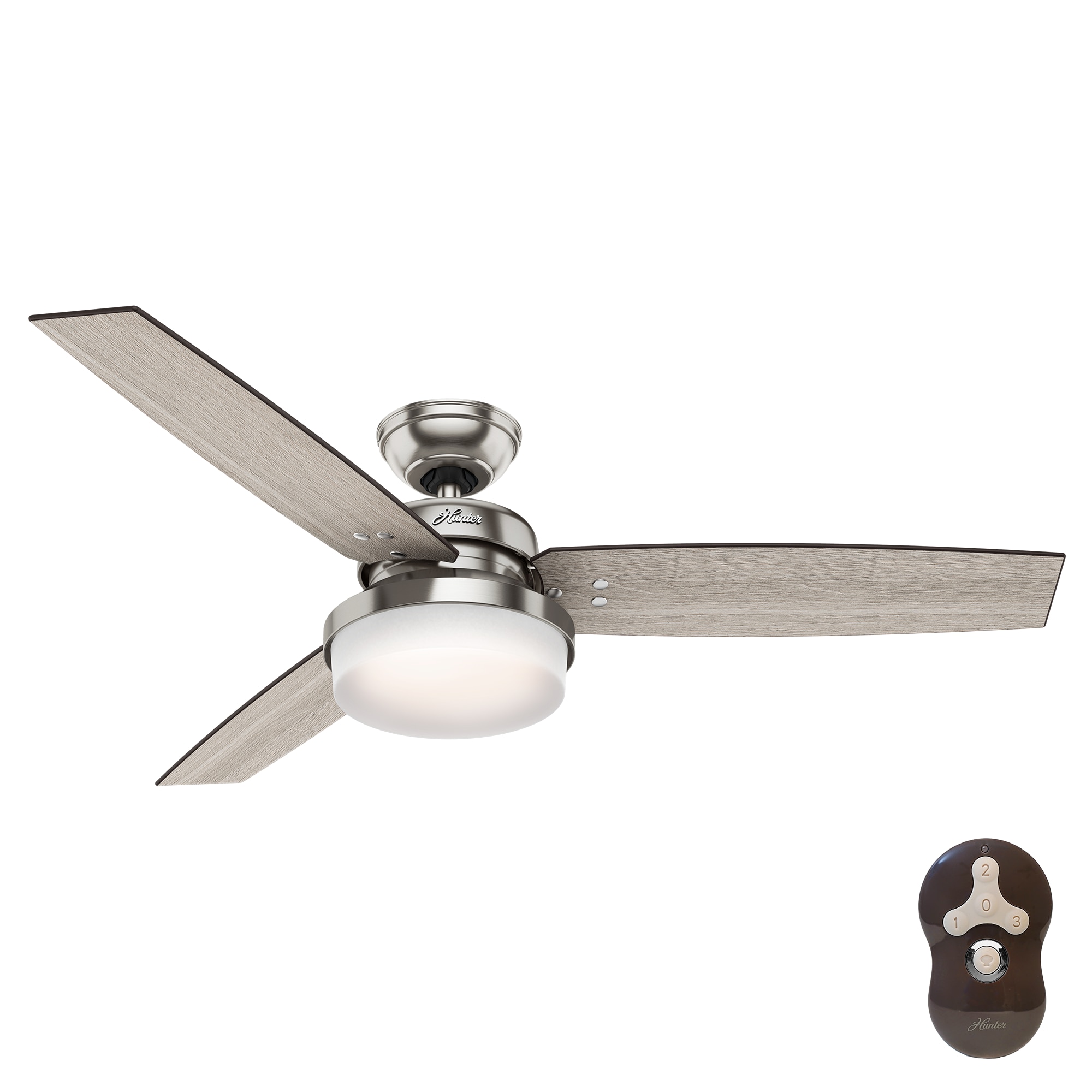
Credit: www.lowes.com
Comparing Common Causes And Solutions
Understanding the link between cause and solution can help you fix the problem faster. Here’s a comparison to help clarify:
| Cause | Typical Symptom | Best Solution |
|---|---|---|
| Loose Bulb | Light blinks when fan moves or is touched | Tighten or replace bulb |
| Faulty Bulb | Blinking or dimming, especially after some time | Replace with compatible bulb |
| Remote Issues | Blinks only when using remote | Replace batteries or reset remote |
| Wiring Problem | Irregular blinking, sometimes with burning smell | Check and tighten connections |
| Dimmer Switch | Flicker when adjusting brightness | Use correct dimmer or replace switch |
| Light Kit Defect | Continuous blinking, unaffected by bulb change | Replace light kit |
| Capacitor/Board Failure | Persistent blinking, no other solution works | Repair or replace internal parts |
Specific Issues With Hunter Ceiling Fan Models
Not all Hunter fans are the same. Some models are more prone to blinking lights than others. Here are a few examples:
Popular Models With Reported Issues
- Hunter Builder Deluxe: Users report blinking with non-compatible LED bulbs.
- Hunter Dempsey: Remote receiver problems can cause flickering.
- Hunter Crestfield: Sensitive to bulb type; using the wrong wattage leads to blinking.
What Makes Some Models More Problematic?
Some Hunter fans use integrated light modules with built-in electronics. These can be more sensitive to bulb types and remote signals. Fans with separate, replaceable light kits are often easier to troubleshoot.
Bulb Compatibility: What You Need To Know
Choosing the right bulb matters more than many realize. Here’s how bulb type affects blinking:
| Bulb Type | Pros | Cons | Blinking Risk |
|---|---|---|---|
| Incandescent | Good compatibility, warm light | Uses more energy, short lifespan | Low |
| LED (compatible) | Energy efficient, long life | Must be fan-rated | Low |
| LED (non-compatible) | Cheap, widely available | May not work with dimmers or remotes | High |
| CFL | Energy efficient | Slow to brighten, may flicker | Medium |
A non-obvious insight here: Not all LED bulbs are created equal. Many buyers assume any LED will work. But you need a dimmable, ceiling fan-rated LED bulb for best results.
Dimmer Switches And Hunter Fans
Dimmer switches are a common cause of blinking, yet many homeowners miss this detail. Standard dimmers are made for incandescent bulbs, not for ceiling fan light kits or for most LEDs. Using the wrong dimmer creates electrical noise, which makes the lights blink or flicker.
If you want dimmable light, use a fan-rated dimmer switch. These are designed for the electrical loads and frequencies used by ceiling fans.

Credit: www.youtube.com
When To Call A Professional
Some situations are best left to experts. Here are signs you should stop troubleshooting and call an electrician:
- You smell burning or see scorch marks on wires.
- The blinking continues after checking bulbs, remotes, and switches.
- You are not comfortable working with electrical connections.
- The issue affects other lights or appliances in your home.
An electrician can safely check wiring, test circuits, and replace faulty internal parts. If your fan is under warranty, contact Hunter’s customer service before you pay for repairs.
Preventing Future Blinking Issues
Prevention is easier than repair. Here are practical steps to keep your Hunter ceiling fan lights working reliably:
1. Use The Right Bulbs
Always use bulbs recommended in your fan’s manual. For LED bulbs, make sure they are compatible with ceiling fan fixtures and dimmers.
2. Check Connections Regularly
Vibration from the fan can loosen bulbs and wires over time. Inspect these at least once a year.
3. Avoid Overloading Circuits
Don’t connect your fan to a circuit that already has many appliances or lights.
4. Replace Batteries In Remotes
Weak batteries can cause erratic signals, leading to blinking.
5. Upgrade To Smart Controls
Some Hunter fans are compatible with smart switches and remotes, which can help avoid interference.
6. Schedule Professional Maintenance
If your fan is older or used heavily, have it checked by an electrician every few years.
Real-world Example: Solving A Tricky Blinking Issue
A homeowner in Texas reported that their Hunter Dempsey ceiling fan lights started blinking randomly after installing new LED bulbs. They tried tightening the bulbs and changing the remote batteries, but nothing worked. The blinking only stopped when they replaced the bulbs with Hunter-approved dimmable LEDs. This is a good example of how using the right bulbs can solve a problem that seems complex.
Another user with a Hunter Builder Deluxe found the blinking was due to a bad remote receiver. After replacing the receiver (a part available directly from Hunter), the problem was fixed. These examples show that while some fixes are simple, others require specific parts or compatible accessories.
Data: How Common Is This Problem?
Blinking or flickering lights are among the top issues reported for ceiling fans with lights. According to a 2022 survey of homeowners who use ceiling fans:
- About 18% reported experiencing light blinking or flickering in the past year.
- Of those, 64% solved the issue by changing bulbs or tightening connections.
- Only 7% required professional repair.
This shows most blinking problems are solved with basic troubleshooting.
Hunter Customer Support And Warranty
Hunter is known for good customer service. If your fan is under warranty, repairs or part replacements might be free. Always keep your purchase receipt and register your product online. Hunter’s support team can help diagnose issues and recommend the right parts.
For more information, you can visit the Hunter Fan Support page.
Do All Ceiling Fans Have This Problem?
Blinking lights are not unique to Hunter fans. Other brands like Hampton Bay, Harbor Breeze, and Westinghouse also have similar reports. However, the frequency and ease of repair can vary by brand. Hunter’s use of quality components often makes troubleshooting more straightforward, but it also means certain models are sensitive to bulb type and remote compatibility.
Here’s a quick comparison of blinking light issues by brand:
| Brand | Reported Blinking Issues | Typical Cause | Ease of Repair |
|---|---|---|---|
| Hunter | Moderate | Bulb compatibility, remote receiver | Easy to moderate |
| Hampton Bay | High | Wiring, dimmer switches | Moderate |
| Harbor Breeze | Moderate | Bulb type, loose wiring | Easy |
| Westinghouse | Low | Bulb type | Easy |

Credit: www.diychatroom.com
Non-obvious Insights Most People Miss
- Even new bulbs can cause blinking if not rated for ceiling fans. Don’t assume “new” means “compatible.” Always check for fan and dimmer compatibility on the packaging.
- Remote receivers can develop problems over time due to heat, dust, or power surges. If your remote works but the light blinks, the receiver may be failing even if it’s not obvious.
- Integrated LED modules in newer fans are harder to replace than screw-in bulbs. If your fan uses an integrated module and the light blinks, you may need a full replacement kit from Hunter.
Frequently Asked Questions
Why Do My Hunter Ceiling Fan Lights Only Blink When Using The Remote?
This usually means there’s a problem with the remote receiver inside the fan. Weak batteries, interference, or a faulty receiver can cause erratic signals. Resetting the remote or replacing the receiver often solves the issue.
Can I Use Any Led Bulb In My Hunter Ceiling Fan?
No, not all LEDs are suitable. Use fan-rated, dimmable LED bulbs. Standard LEDs may not handle the power requirements or may not work with your remote or dimmer, causing blinking.
Is It Safe To Keep Using My Fan If The Lights Are Blinking?
It depends on the cause. If it’s just a loose bulb or incompatible bulb, it’s not dangerous. But if you smell burning, see scorch marks, or the blinking is accompanied by buzzing or heat, turn off the fan and call an electrician.
Are Dimmer Switches Always A Problem With Hunter Fans?
Not always, but standard dimmers made for incandescent bulbs are often incompatible with ceiling fan lights or LEDs. Always use fan-rated dimmers or switches designed for LED fixtures.
How Do I Know If I Need A New Light Kit Or Just New Bulbs?
If changing bulbs and checking connections doesn’t solve the blinking, the light kit itself may be defective. If the problem happens with all bulb types, replacing the light kit is usually the next step.
Final Thoughts
Hunter ceiling fan light blinking can be frustrating, but in most cases, it’s easy to fix with the right information and a methodical approach. By checking bulbs, wiring, remotes, and compatibility, you can solve most problems quickly. For more complex issues, don’t hesitate to call a professional or reach out to Hunter support for guidance.
With the right steps, your ceiling fan can go back to providing steady, comfortable light for years to come.