
When a Firex smoke alarm starts blinking red, many people feel anxious or confused. Is it a signal of danger? Does it mean the device is faulty? Or is it just a normal part of the alarm’s operation? Understanding what your Firex smoke alarm is telling you is crucial for your safety and peace of mind. This article will explain why your Firex smoke alarm blinks red, how to respond, and what you can do to ensure your home stays protected.
Why Firex Smoke Alarms Blink Red
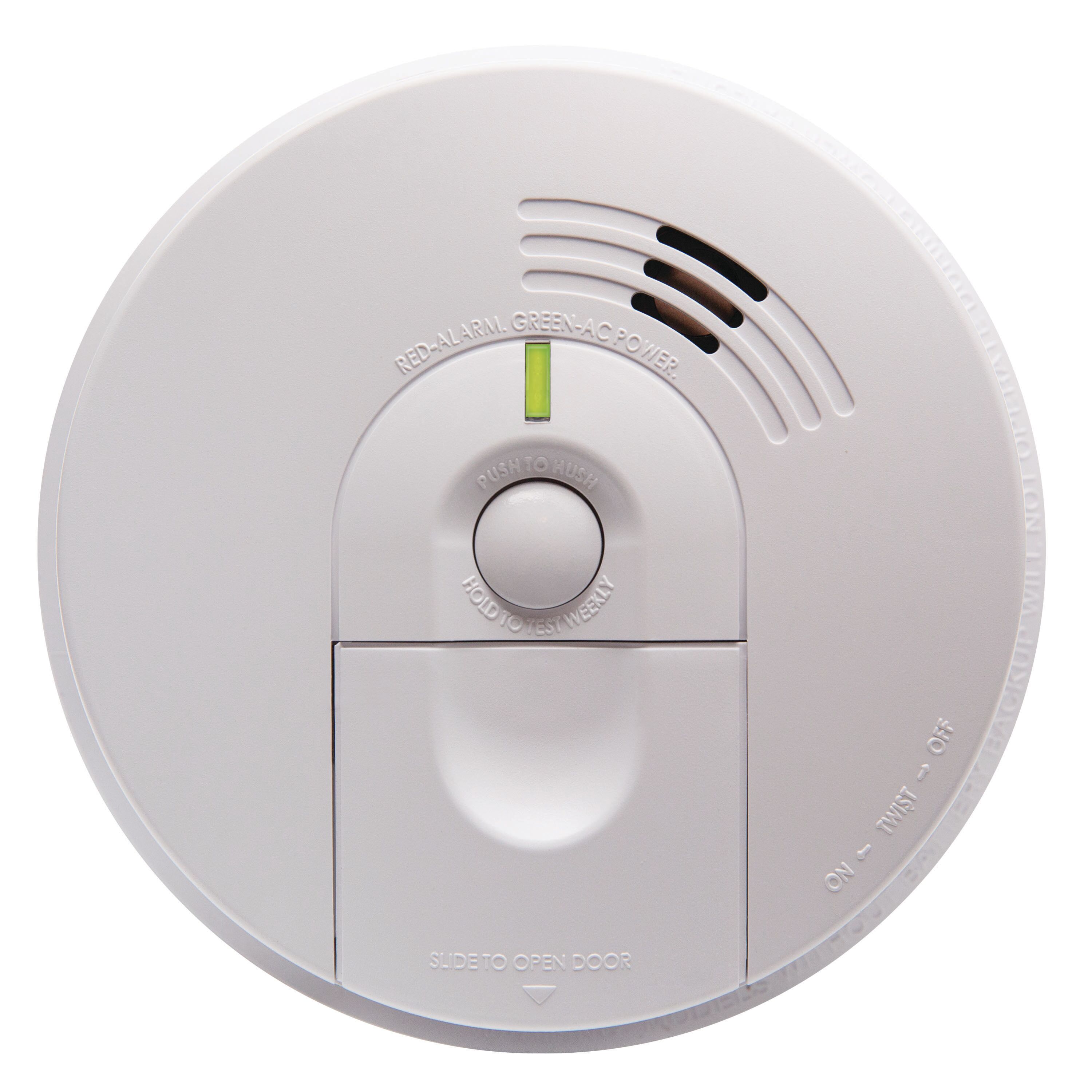
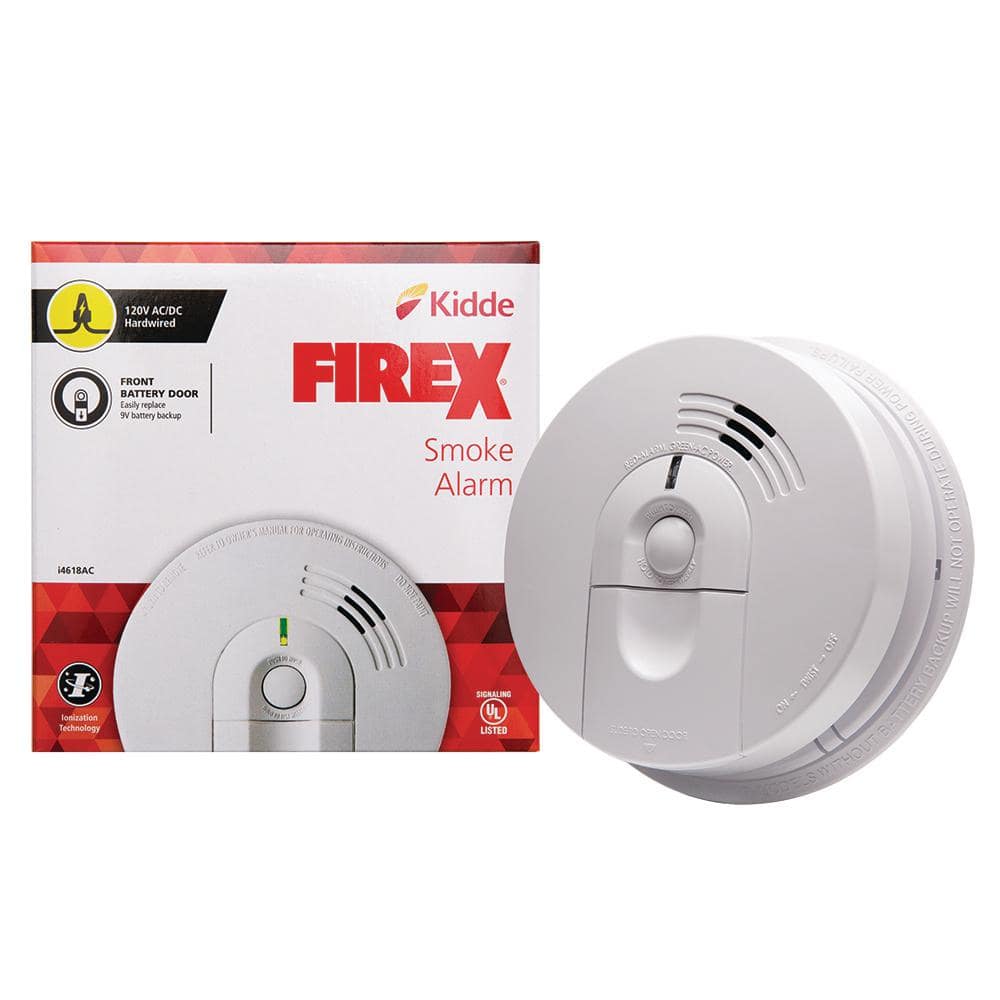
A blinking red light on a Firex smoke alarm is not always a cause for alarm, but it does mean your device is trying to communicate something important. Most Firex alarms use a red LED to show their status, signal problems, or indicate recent activity.
The meaning of the blinking pattern depends on the model and the situation:
- Normal operation: Many Firex alarms blink red once every 30–60 seconds to show they are powered and working.
- Alarm memory: Some models blink red more rapidly after detecting smoke to indicate a recent alarm event.
- Low battery warning: A steady or faster red blink, sometimes with a chirp, signals a low battery.
- Malfunction: Fast, repeated red blinks or a continuous light can mean a problem with the alarm.
Understanding these signals is key for quick action. Always check your user manual for the exact meaning of the red light for your specific model. If you don’t have the manual, Firex’s official website or customer support can help.
How Firex Smoke Alarms Work
To understand why your alarm is blinking, it helps to know how these devices function. Firex smoke alarms detect smoke using two main technologies:
- Ionization alarms: Best at detecting fast-flaming fires.
- Photoelectric alarms: Better at sensing slow, smoldering fires.
Many modern Firex alarms use both types. When smoke enters the device, it disrupts the detection process and triggers the alarm.
Most Firex smoke alarms include these features:
- Test button: Lets you check if the alarm is working.
- Battery backup: Keeps the alarm running during power outages.
- LED indicator: Shows status and warnings.
- Alarm memory: Remembers recent events.
The red light, especially when blinking, is a vital part of this system.
Credit: www.kidde.com
Interpreting Firex Smoke Alarm Blinking Patterns
Not all blinks are the same. The pattern, speed, and combination of lights and sounds tell you what’s happening. Here’s a look at the most common blinking patterns and their meanings.
| Blinking Pattern | Meaning | Action Needed |
|---|---|---|
| Red blink every 30–60 seconds | Normal operation | No action needed |
| Red blink every 10 seconds | Alarm memory (recent smoke detected) | Check for fire, reset alarm if safe |
| Red blink with chirping sound | Low battery | Replace battery soon |
| Continuous or rapid red blinks | Malfunction or end of life | Replace alarm or seek service |
Example: Normal Operation
If your Firex alarm blinks red once every 45 seconds, it’s simply showing it’s working. This is a self-check function.
Example: Low Battery
If you hear a chirp and see a red blink every minute, your alarm’s battery is running low. Ignoring this signal is risky—the alarm may stop working when you need it most.
Example: Alarm Memory
If your alarm was triggered by smoke (for example, from burnt toast), it might blink red every 10 seconds for a few minutes afterward. This helps you know which alarm was activated in a multi-alarm setup.
What To Do When Firex Smoke Alarm Blinks Red
When you see a red blink, follow these steps:
- Stay calm and observe the pattern. Notice how often the red light blinks and if there’s any sound.
- Check for smoke or fire. Safety first—look around your home for signs of smoke or burning.
- Read the user manual. Identify your alarm’s exact model and check the manual for what the blinking means.
- Test the alarm. Press the test button. If it sounds, the device is likely working, but check why it’s blinking.
- Replace the battery if needed. If the blink is paired with a chirp, install a fresh battery.
- Reset the alarm. If your alarm has been triggered recently, reset it according to the manual.
- Check for malfunctions. If the blinking is rapid, continuous, or unusual, the device may be faulty or at the end of its life.
- Contact support or replace the alarm. If you cannot resolve the issue, reach out to Firex support or get a new alarm.
Ignoring a blinking red light can put your home at risk. Always investigate and fix the issue as soon as possible.
Credit: www.homedepot.com
Comparing Firex Blinking Patterns With Other Brands
It’s easy to get confused because not all smoke alarms use the same signals. Here’s how Firex red blinking compares to two popular brands:
| Brand | Normal Operation | Low Battery | Alarm Memory |
|---|---|---|---|
| Firex | Red blink every 30–60s | Red blink + chirp | Red blink every 10s |
| Kidde | Green light steady | Red blink + beep | Red blink every 16s |
| First Alert | Red blink every 30–40s | Red blink + chirp | Red blink every 5s |
As you can see, even among major brands, the signals are similar but not identical. Always check the manual for your specific device.
Common Causes For Firex Smoke Alarm Blinking Red
Understanding the main reasons behind the blinking red light can save time and stress. Here are the most frequent causes:
1. Normal Self-check
All modern Firex smoke alarms do a self-test regularly. The red blink tells you the alarm is powered and the sensor is active.
2. Recent Smoke Detection
After an alarm event, the device continues to blink red for a period, reminding you that smoke was recently detected.
3. Low Battery
If the battery is weak or dying, the alarm blinks red and chirps. This is a strong warning—change the battery right away.
4. End Of Life
Most smoke alarms have a lifespan of 7–10 years. As they reach the end, they may blink red rapidly or show a steady red light. Continuing to use an expired alarm is dangerous.
5. Malfunction
Electrical problems, dust, or sensor faults can cause abnormal blinking. If cleaning and battery replacement don’t help, the device might need replacement.
6. Power Issues
For hardwired Firex alarms, a blinking red light can indicate a problem with the electrical supply. Check your circuit breaker or wiring if you suspect this.
7. Interconnected Alarm Event
If you have multiple alarms connected, one device’s alarm can trigger blinking on others. Check all alarms to find the source.
How To Fix A Firex Smoke Alarm Blinking Red
Fixing a blinking Firex smoke alarm depends on the cause. Here’s a step-by-step approach:
1. Change The Battery
For battery-operated or hardwired models with backup batteries, always start here. Use a fresh, high-quality battery. Replace it every 6–12 months, or sooner if the alarm chirps.
2. Clean The Alarm
Dust, insects, or debris inside the alarm can cause false alerts and blinking. Gently vacuum the alarm’s vents using a soft brush. Never use water or cleaning sprays.
3. Reset The Alarm
After an alarm event or battery change, reset the device. Most Firex alarms have a reset button—hold it for 10–20 seconds. Wait to see if the blinking stops.
4. Check For Expiry
Look for the manufacture or expiry date on the back of the alarm. If it’s older than 10 years, replace the unit. An expired alarm may not work during a fire.
5. Inspect Power Supply
For hardwired models, check your home’s electrical panel. A tripped breaker or loose wire can cause blinking. If you’re not comfortable with electrical work, call a professional.
6. Replace The Alarm
If all else fails, the device may be faulty. Install a new, compatible Firex alarm. Always follow the manufacturer’s installation instructions.
When To Replace Your Firex Smoke Alarm
Many people don’t realize that smoke alarms expire. The sensors become less reliable over time, even if the light still blinks and the test button works. Here’s when to replace your device:
- After 10 years: Most Firex alarms should be replaced after a decade.
- After a malfunction: If the alarm blinks red rapidly or won’t reset, replace it.
- After a fire event: If your home had a fire, replace all smoke alarms, even if they look fine.
- If damaged: Water, electrical faults, or impact can ruin the device.
Check the back of your alarm for the manufacture date. Write the replacement date on the unit for future reference.
Pro Tips For Firex Smoke Alarm Users
Some simple habits can help you avoid problems and keep your alarms working perfectly.
- Test monthly: Press the test button on each alarm once a month.
- Change batteries regularly: Even hardwired models need battery changes.
- Clean twice a year: Dust and cobwebs can block sensors.
- Replace before expiry: Don’t wait for problems—replace alarms every 10 years.
- Interconnect alarms: If possible, link alarms together for better coverage.
- Keep manuals handy: Store user manuals in a safe place for quick reference.
- Teach family members: Make sure everyone knows what the blinking patterns mean and how to react.
Real-life Example: A Family’s Experience
Consider the story of the Lopez family. One night, their Firex alarm started blinking red and chirping. At first, they ignored it, thinking it was a false alarm. Later that week, the device stopped working altogether. A professional found that the alarm was over 12 years old.
Luckily, there was no fire, but the family realized the importance of replacing alarms on time. They installed new Firex alarms, and now test them regularly. This simple action could save lives.
Firex Smoke Alarm Red Blinking: Myths And Facts
There are many myths about smoke alarms. Let’s clear up a few:
- Myth: A blinking red light always means danger.
- Fact: Many times, it means normal operation.
- Myth: If the test button works, the alarm is fine.
- Fact: The test button checks the electronics, not the smoke sensor.
- Myth: Hardwired alarms don’t need battery changes.
- Fact: Most still need a battery backup replaced regularly.
- Myth: All brands use the same signals.
- Fact: Each brand and model can have different patterns.
Knowing the truth helps you respond better to what your alarm is telling you.
How To Choose A Replacement Firex Smoke Alarm
If it’s time to replace your alarm, look for these features:
| Feature | Benefit |
|---|---|
| Dual-sensor technology | Detects both fast and slow fires |
| 10-year sealed battery | No battery changes needed |
| Interconnectivity | All alarms sound together |
| Hush button | Silences nuisance alarms |
| Voice alerts | Clear spoken warnings |
Pick a model that fits your home’s needs. Install alarms in every bedroom, hallway, and on each floor for best protection.
Firex Smoke Alarm Blinking Red: Non-obvious Insights
Here are two useful facts many people miss:
- Humidity and steam can cause false alarms and blinking. Install alarms away from bathrooms and kitchens to reduce nuisance triggers.
- Voltage drops in hardwired systems can make alarms blink abnormally. If you have frequent power issues in your area, consider alarms with battery-only operation for backup.
Firex Smoke Alarm Safety Statistics
Understanding the importance of working smoke alarms is essential:
- Three out of five home fire deaths happen in properties with no smoke alarms or non-working alarms.
- Working smoke alarms reduce the risk of dying in a fire by over 50%.
- The main reason smoke alarms fail is missing, disconnected, or dead batteries.
These numbers, from the National Fire Protection Association, highlight why you should never ignore a blinking red light.
For more official information on smoke alarm maintenance and fire safety, visit the NFPA Smoke Alarm Safety Page.

Credit: www.kidde.com
Frequently Asked Questions
Why Is My Firex Smoke Alarm Blinking Red But Not Sounding?
This often means the alarm is in normal working mode or showing a recent alarm memory. If there’s no sound and no smoke, it’s usually not an emergency. Check the blinking pattern and your manual to be sure.
How Do I Reset A Firex Smoke Alarm After It Blinks Red?
Press and hold the test or reset button for 10–20 seconds. Some models may need a battery removal and reinstallation. Always follow the steps in your user manual for your exact model.
What Should I Do If My Firex Alarm Keeps Blinking Red After Changing The Battery?
If the blinking continues, check for dust or debris inside the alarm. Try cleaning and resetting the device. If the problem remains, the alarm may be expired or faulty and should be replaced.
Is It Safe To Ignore A Blinking Red Light On My Firex Smoke Alarm?
No. Even if you think it’s normal, always check what the pattern means for your model. Ignoring a warning could put your safety at risk.
How Often Should I Replace My Firex Smoke Alarm?
Replace your Firex smoke alarm every 10 years, or sooner if it malfunctions or after a fire event. Check the manufacture date on the back of the device.
Final Thoughts
A blinking red light on your Firex smoke alarm is your home’s way of keeping you safe. By understanding the signals, keeping your alarms maintained, and replacing them as needed, you can protect your home and loved ones with confidence.
Take a few minutes now to check your alarms—peace of mind is worth it.