
If you own a Dyson vacuum or appliance, you might see a red blinking light at some point. This tiny signal can quickly turn from a minor annoyance to a real worry, especially if you rely on your Dyson for daily cleaning. Many people search online for answers, but most explanations are too technical or confusing. This guide is designed to make things simple, clear, and practical. By the end, you’ll know exactly what the Dyson red blinking light means, how to fix it, and how to prevent it from happening again.
What Does The Dyson Red Blinking Light Mean?
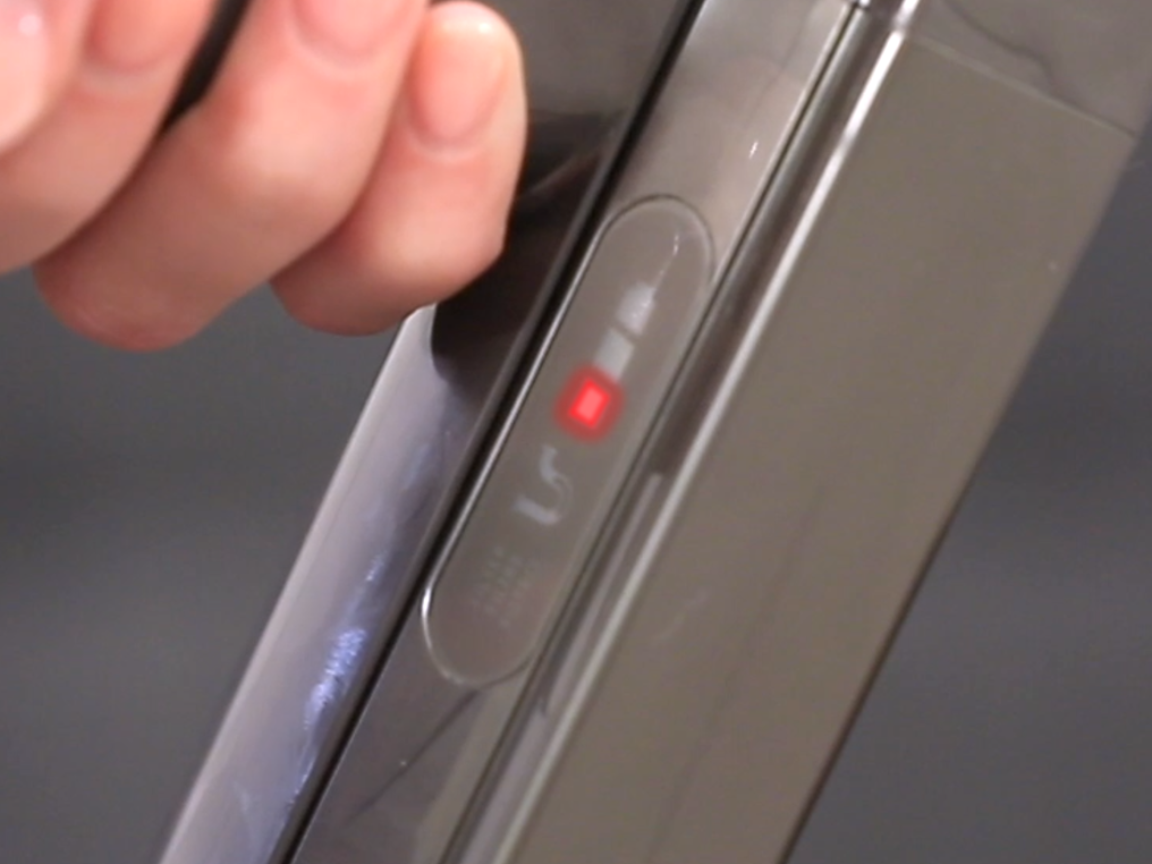
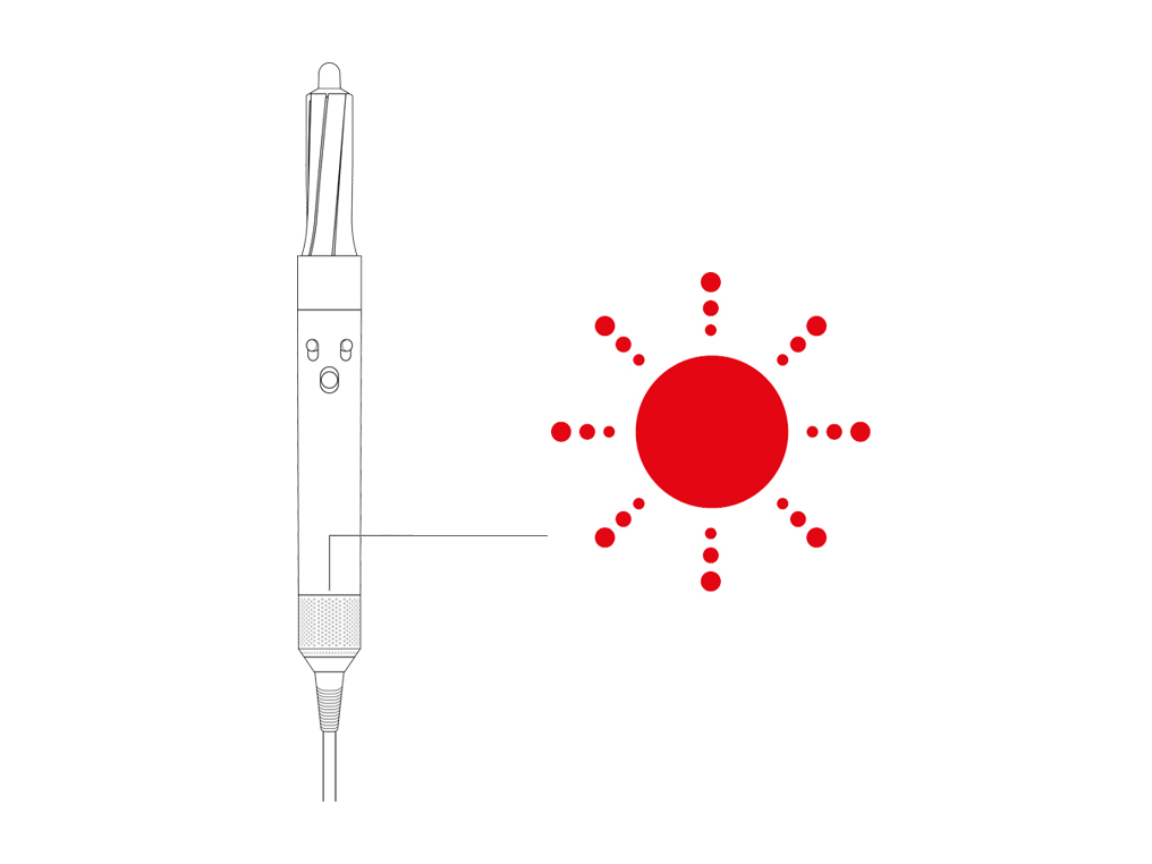
When you see a red blinking light on your Dyson, it’s not just a decoration. It’s a warning. Dyson uses these lights to tell you something is wrong. Most often, the red blinking light means there’s a problem with the battery, the filter, or another key part. Sometimes, it signals an error in the electronics. The blinking pattern also matters. For example:
- Fast blinking: Usually a battery error or overheating
- Slow blinking: Often a filter issue or blockages
- Continuous blink: May signal a deeper hardware fault
Different Dyson models use slightly different light codes. For example, the Dyson V8 and V10 vacuums both show red blinking lights, but the meaning can change between models. Always check your specific model’s manual if you have doubts.
Example: Dyson V10
For the Dyson V10, a red blinking light means the battery is not charging or there’s a battery fault. If the light blinks when you try to use it, the battery may need replacement.
Example: Dyson V8
On the Dyson V8, a red blinking light often means a block, filter issue, or a battery problem. If it blinks only when charging, the charger or battery may be the problem.
Common Causes Of The Red Blinking Light
Understanding why the red blinking light appears is the first step to fixing it. Let’s look at the most frequent reasons.
1. Battery Failure
Dyson batteries are powerful, but they don’t last forever. After about 2-4 years of use, they can start to lose capacity. When the battery fails, the red blinking light is the most common warning.
2. Overheating
If your Dyson gets too hot, it will blink red to protect itself. Overheating can happen if you run it for too long, have a blocked filter, or use it in a hot environment.
3. Filter Issues
A dirty or clogged filter will make your Dyson work harder. If the filter is blocked, the machine will warn you with a red light.
4. Blockages
Blockages in the airways, brush, or bin can cause the red blinking light. Dyson vacuums rely on clear airflow. Even a small blockage can trigger an error.
5. Charger Problems
Sometimes, the charger itself is faulty. If the battery isn’t charging, the red blinking light may blink during charging.
6. Electronic Faults
Occasionally, a deeper issue in the circuit board or motor triggers the red blinking light.
Quick Data: Most Frequent Causes
Here’s a comparison of the most common triggers for the red blinking light on popular Dyson models:
| Cause | Dyson V8 | Dyson V10 | Dyson V11 |
|---|---|---|---|
| Battery Failure | High | High | Medium |
| Overheating | Medium | High | Medium |
| Filter Issue | Medium | Low | Low |
| Blockage | Medium | Medium | Medium |
| Charger Fault | Low | Medium | Medium |
| Electronics Fault | Low | Low | Medium |

Credit: www.youtube.com
How To Diagnose The Red Blinking Light
To fix the problem, you need to find the cause. Here’s how to diagnose your Dyson in a step-by-step way.
Step 1: Check The Battery
- Remove the battery from the Dyson.
- Look for signs of swelling, leaks, or damage.
- Try charging the battery for 2-3 hours.
- If the red blinking light appears during charging, the battery may be faulty.
Step 2: Inspect The Filter
- Take out the filter and see if it’s dirty or blocked.
- Wash the filter with cold water (never use soap).
- Let it dry for at least 24 hours before putting it back.
Step 3: Look For Blockages
- Remove the bin and brush bar.
- Check for hair, dust, or debris blocking the airflow.
- Clean all parts, including the airways.
Step 4: Test The Charger
- Plug the charger into another outlet.
- Try charging a different battery (if you have one).
- If the charger doesn’t work with any battery, it needs replacement.
Step 5: Reset The Machine
- Turn off the Dyson and unplug it.
- Wait 5 minutes, then plug it back in and turn it on.
- Sometimes, a simple reset clears the error.
Step 6: Check The Electronics
If none of the above steps work, the problem may be inside the electronics. Unless you have experience, it’s better to contact Dyson support.
Data Table: Troubleshooting Steps And Success Rate
| Step | Success Rate | Time Needed |
|---|---|---|
| Battery Check | 60% | 5 mins |
| Filter Inspection | 20% | 10 mins |
| Blockage Removal | 10% | 15 mins |
| Charger Test | 5% | 5 mins |
| Machine Reset | 2% | 2 mins |
| Electronics Check | 3% | Varies |
How To Fix The Dyson Red Blinking Light
Once you know the cause, fixing the Dyson is often straightforward. Here’s practical guidance for each issue.
Battery Replacement
If the battery is dead, you must replace it. Dyson batteries are easy to find online or in stores. Always buy genuine Dyson batteries. Cheap copies might not last or could cause more problems.
How to replace the battery:
- Turn off your Dyson and unplug it.
- Locate the screws holding the battery (usually at the bottom).
- Unscrew and remove the old battery.
- Insert the new battery and screw it back in.
- Charge fully before use.
Cleaning Or Replacing The Filter
Dirty filters block airflow and cause errors. Dyson recommends washing filters every month.
How to clean the filter:
- Remove the filter from the top.
- Rinse under cold water until the water runs clear.
- Leave to dry for 24 hours.
- Do not use soap, and do not put the filter back until it is fully dry.
If the filter is damaged, buy a new one. Filters are cheap and easy to replace.
Clearing Blockages
Blockages can happen anywhere. Hair, dust, and small objects are common problems.
How to clear blockages:
- Remove the bin and brush bar.
- Check the wand, bin, and brush for blockages.
- Use a stick or brush to clear any debris.
- Reassemble and test.
Fixing Charger Issues
If the charger is the problem, replace it with a genuine Dyson charger. Using the wrong charger may damage the battery.
Resetting The Machine
Sometimes, a reset solves minor errors. Turn off, unplug, and wait a few minutes before restarting.
Electronics Repair
If the red blinking light won’t go away after all fixes, the electronics may be faulty. This is rare but serious. Contact Dyson support or a certified repair shop.
Dyson Red Blinking Light: Model-specific Tips
While the basic steps apply to most Dysons, each model has its own quirks. Here’s practical advice for the most popular models.
Dyson V8
- Red blinking light during charging: Check the battery and charger.
- Blinking when running: Clean the filter and check for blockages.
- If problems continue, battery replacement is usually needed.
Dyson V10
- Red blinking light means battery fault or overheating.
- If the battery is less than two years old, try cleaning the filter and resetting.
- If over two years old, battery replacement is likely.
Dyson V11
- Red blinking light can mean battery, filter, or electronics issue.
- Try all troubleshooting steps. If the light keeps blinking, contact Dyson support.
Dyson V7 And Older Models
- Red blinking light is less common, but usually means battery or charger fault.
- These models may need a full battery pack replacement.
Non-obvious Insights: What Most Users Miss
Most beginners think the red blinking light means only battery problems. But in some cases, it’s triggered by multiple small issues together. For example, a slightly dirty filter and a near-end battery can both cause the light to blink. Fixing just one may not solve the problem.
Another insight: Dyson batteries can fail early if they’re charged in hot places or left plugged in for too long. Always charge in a cool, dry area. Never leave your Dyson plugged in overnight unless the manual says it’s safe.
Credit: support.dyson.com.au
Preventing The Dyson Red Blinking Light
Avoiding problems is easier than fixing them. Here’s how to keep your Dyson running smoothly.
1. Clean The Filter Every Month
This keeps airflow strong and prevents overheating.
2. Check For Blockages Regularly
Even small bits of hair or dust can cause trouble.
3. Charge In A Cool Place
Heat damages batteries faster.
4. Use Genuine Parts
Cheap batteries, filters, and chargers can cause errors.
5. Don’t Overuse The Machine
Let your Dyson cool down after long cleaning sessions.
6. Update Firmware If Available
Newer models allow software updates. Check Dyson’s website for updates.
Data Table: Prevention Steps And Impact
| Prevention Step | Impact on Lifespan | Difficulty |
|---|---|---|
| Filter Cleaning | High | Easy |
| Blockage Check | Medium | Easy |
| Cool Charging | High | Easy |
| Genuine Parts | High | Medium |
| Moderate Use | Medium | Easy |
| Firmware Update | Medium | Medium |
When To Seek Professional Help
Sometimes, the red blinking light is more than a minor issue. If you try all fixes and the light keeps blinking, don’t risk damaging your Dyson further. Contact Dyson support or a certified repair center. In the US, Dyson offers free troubleshooting and repair for machines under warranty. For more details, check the official Dyson site: Dyson Support.
Warning Signs For Serious Problems
- Red blinking light with burning smell
- Light blinks after battery replacement
- Machine won’t turn on at all
- Visible damage to battery or electronics
If you notice any of these, stop using your Dyson and seek help.
Credit: support.sa.dyson.com
Frequently Asked Questions
Why Does My Dyson Show A Red Blinking Light After Cleaning The Filter?
Sometimes, even after cleaning the filter, the red blinking light stays on. This can happen if the filter is still wet or not installed correctly. Always dry the filter fully for 24 hours and make sure it fits snugly.
Can I Use Third-party Batteries To Fix The Red Blinking Light?
It’s possible, but risky. Third-party batteries may be cheaper but can cause more problems or damage your Dyson. It’s best to use genuine Dyson batteries for safety and performance.
How Long Does A Dyson Battery Last Before The Red Blinking Light Appears?
On average, a Dyson battery lasts 2–4 years. Heavy use or charging in hot places can shorten this time. When the battery starts to fail, the red blinking light is often the first sign.
Does The Red Blinking Light Mean My Dyson Is Broken?
Not always. Most times, it means there’s a fixable issue like a dirty filter, blockage, or weak battery. Only if the light keeps blinking after all fixes should you worry about a bigger problem.
What Should I Do If The Red Blinking Light Appears While Vacuuming?
Stop vacuuming right away. Check for blockages, clean the filter, and let the machine cool down. If the light keeps blinking, check the battery and charger. If nothing works, contact Dyson support.
Keeping your Dyson running smoothly is about understanding the signals it sends and acting quickly. The red blinking light is a warning, not the end. With the right steps, you can solve most problems fast and keep your Dyson working for years. If the problem is too complex, don’t hesitate to get help from professionals. Dyson’s support team is always ready to assist. With clear diagnosis, regular maintenance, and smart prevention, you can turn that red blinking light into nothing more than a minor bump on your cleaning journey.