
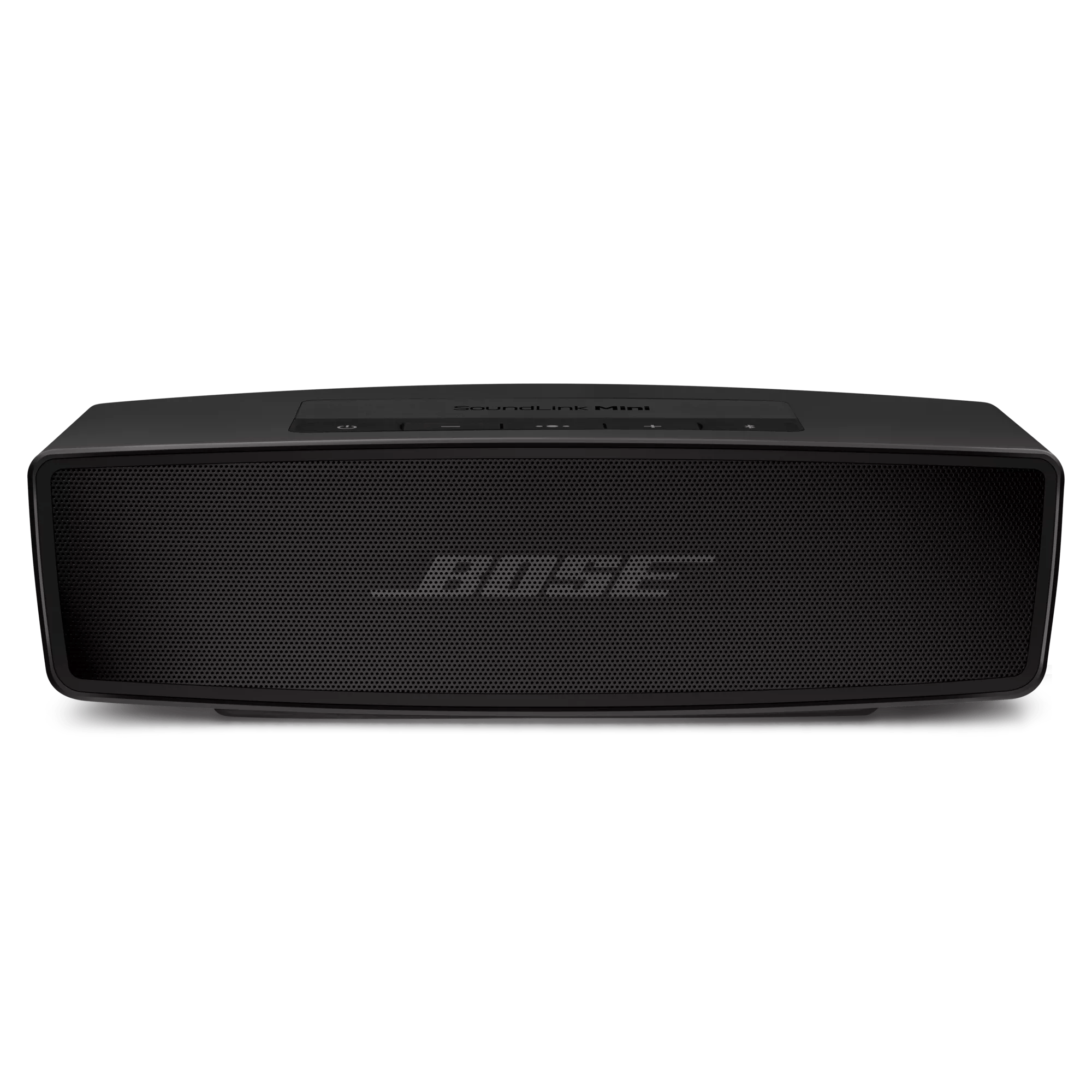
Many people love the Bose Soundlink Mini for its clear sound and compact design. But sometimes, owners face a blinking red light issue. This small LED can cause big worries, especially when the speaker suddenly stops working or refuses to charge.
Understanding what the blinking red light means, and how to fix it, can save time and frustration. This article explains the reasons behind the problem, how to solve it step by step, and offers practical advice for keeping your Soundlink Mini running smoothly.
What Does The Blinking Red Light Mean?
The blinking red light on the Bose Soundlink Mini usually signals a problem with the battery or charging process. For most users, it’s a sign that the speaker is not charging properly. Sometimes, it appears when the battery is very low and cannot take a charge. In other cases, the red light indicates a deeper hardware issue.
Bose designed the Soundlink Mini with simple LED signals to keep users informed. The red light is meant to warn you, but it doesn’t tell you exactly what’s wrong. The blinking pattern can vary:
- Fast blinking: Often means the battery is critically low or not detected.
- Slow blinking: Could signal charging problems or a battery connection issue.
Understanding these patterns helps diagnose the problem. But the blinking red light is not always a battery problem. It could also relate to firmware, charging accessories, or even the speaker’s internal circuits.
Common Causes Of The Blinking Red Light
Several factors can trigger the blinking red light on the Soundlink Mini. Here are the most frequent causes:
- Battery is completely drained.
- If the speaker hasn’t been charged for a long time, the battery might be empty and unable to start charging.
- Faulty charging cable or adapter.
- Using a damaged cable or a weak charger can stop the battery from charging.
- Dirty or blocked charging contacts.
- Dust or debris on the charging dock or port may prevent proper contact.
- Software or firmware glitch.
- Sometimes, the speaker needs a reset or firmware update to fix charging problems.
- Battery aging or failure.
- Over time, batteries lose their ability to hold a charge. A blinking red light may signal the battery is near the end of its life.
- Internal hardware issue.
- Rarely, the speaker’s internal circuits can fail, causing the red light to blink.
Most users face the first three problems. Hardware failure is less common but possible, especially in older units or those exposed to water or drops.
Step-by-step Solutions For The Blinking Red Light
Fixing the blinking red light can be simple or require more effort, depending on the cause. Let’s walk through proven steps to solve the issue.
1. Check Charging Accessories
Start by examining the charging cable and adapter. Use the original Bose charger if possible. If you don’t have it, use a reliable third-party charger that matches the required voltage (5V) and current (1A or higher).
- Inspect the cable for cuts or bends.
- Try a different USB cable and charger.
- Plug the charger directly into a wall outlet, not a power strip.
A faulty charger is a common reason for the red light. Replacing it often solves the problem.
2. Clean Charging Ports And Contacts
Dirty contacts can block charging. Take these steps:
- Unplug the speaker.
- Check the charging dock and USB port for dust, lint, or corrosion.
- Use a soft brush or compressed air to clean the ports.
- Gently wipe contacts with a dry cloth.
Never use water or cleaning fluid. Even a little moisture can damage the electronics.
3. Perform A Soft Reset
A soft reset can clear glitches. To reset your Soundlink Mini:
- Plug in the charger.
- Hold the power button for about 10 seconds.
- Wait until the speaker turns off, then release the button.
- Turn the speaker back on.
This reset often fixes software issues that cause the blinking red light.
4. Update Firmware
Sometimes, outdated firmware causes charging errors. Bose updates fix many problems. To update:
- Download the Bose Connect app or visit the Bose website.
- Follow instructions to connect your speaker and update firmware.
- Make sure the speaker is charged or plugged in during the update.
Firmware updates solve many hidden issues, especially if you haven’t updated for a long time.
5. Deep Charge The Battery
A battery that’s deeply discharged may need a longer charge. Try these steps:
- Plug the speaker into a wall outlet.
- Leave it charging for at least 3–4 hours.
- Do not use the speaker during this time.
Sometimes, the red light blinks for the first hour, then changes to amber or green as the battery recovers.
6. Replace The Battery
If the speaker is old or used heavily, the battery may be at the end of its life. Bose Soundlink Mini batteries are not always user-replaceable, but it’s possible with the right tools.
- Search for compatible batteries online.
- Use a small screwdriver to open the battery compartment.
- Carefully disconnect the old battery and install the new one.
- Follow the speaker’s manual for guidance.
Replacing the battery can solve the blinking red light, but it’s a more advanced fix. If you’re unsure, ask a professional or contact Bose support.
7. Contact Bose Support
If none of the above steps work, reach out to Bose customer service. They can check if your speaker is still under warranty or offer repair options. Sometimes, hardware problems require professional attention.
Comparing Charging Accessories For Soundlink Mini
Charging accessories can play a big role in fixing the blinking red light. Here’s a comparison of common charging options:
| Accessory | Voltage | Current | Reliability | Notes |
|---|---|---|---|---|
| Original Bose charger | 5V | 1A | High | Best for long-term use |
| Standard USB charger | 5V | 0.5A–1A | Medium | May charge slowly or not at all |
| Fast charger (3rd party) | 5V | 2A | Varies | Can overheat if not compatible |
Always use chargers that match Bose’s specs. Using the wrong charger can cause blinking lights and damage the battery.
Signs Of Battery Failure
A blinking red light often means battery trouble, but there are other signs:
- The speaker turns off quickly, even after charging.
- Battery indicator never shows full.
- Speaker heats up during charging.
- Red light blinks even with different chargers.
If you notice these signs, battery replacement may be needed.
How To Replace The Soundlink Mini Battery
Changing the battery in a Bose Soundlink Mini is not as simple as in some devices. But with careful steps, it’s possible.
- Buy a compatible battery. Check the model number for the right match.
- Use a small Phillips screwdriver to remove the screws from the base.
- Open the battery compartment gently.
- Disconnect the old battery. Be careful with the wire connectors.
- Connect the new battery. Make sure it fits snugly.
- Close the compartment and screw it back together.
- Charge the speaker for several hours before use.
Replacing the battery restores performance and solves blinking light issues in many cases.

Credit: www.reddit.com
Troubleshooting Firmware And Software Problems
Firmware glitches can cause charging errors. Here’s how to fix them:
- Use the Bose Connect app to check for updates.
- Connect the speaker to your computer and update through Bose’s website.
- After updating, reset the speaker as described earlier.
If updates don’t help, a factory reset may work. Hold the mute button for 10 seconds, then release. The speaker will reset to factory settings.
Comparing Battery Performance: New Vs Old
Battery life changes over time. Here’s a comparison of battery performance:
| Battery Age | Typical Play Time | Charging Time | Chance of Blinking Red Light |
|---|---|---|---|
| New (0–1 year) | 6–7 hours | 2–3 hours | Low |
| Medium (1–3 years) | 4–6 hours | 3–4 hours | Medium |
| Old (3+ years) | 1–3 hours | 4+ hours | High |
Replacing an old battery improves play time and reduces charging errors.

Credit: www.youtube.com
Practical Tips To Avoid The Blinking Red Light
Prevention is better than repair. Follow these tips:
- Charge your Soundlink Mini regularly. Avoid letting the battery drop to zero.
- Use only recommended chargers and cables.
- Clean the charging contacts every few months.
- Avoid exposing the speaker to water or extreme heat.
- Update firmware when available.
These habits keep the speaker healthy and reduce blinking red light problems.
Real User Experiences
Many Bose Soundlink Mini owners share their stories online. Some common patterns:
- Speakers left unused for months often show the blinking red light.
- Using cheap cables leads to charging issues.
- Firmware updates fix blinking lights for some users.
- Battery replacements restore older speakers.
One user reported charging their Soundlink Mini with a laptop USB port, which caused slow charging and a blinking red light. Switching to the original charger fixed the issue.
Another user noticed the red light after a firmware update. Resetting the speaker solved the problem.
Credit: support.bose.com
Bose Warranty And Repair Options
Bose offers a one-year warranty for the Soundlink Mini. If your speaker is under warranty, contact Bose for a free repair or replacement. Out-of-warranty repairs may cost more, but Bose can still help.
- Check the purchase date and warranty status.
- Keep your receipt and product serial number.
- Bose support is available online and by phone.
For more information about warranty terms, visit the official Bose website: Bose Support.
Comparing Soundlink Mini With Other Bluetooth Speakers
Some users wonder if the blinking red light is common in other speakers. Here’s a quick comparison:
| Speaker Model | Battery Indicator | Common Charging Issues | Ease of Battery Replacement |
|---|---|---|---|
| Bose Soundlink Mini | Blinking Red Light | Battery, charger, firmware | Medium |
| JBL Flip | Light bar | Cable, battery aging | Hard |
| Anker Soundcore | Single LED | Charger problems | Easy |
The Soundlink Mini’s blinking red light is unique but similar problems happen in other brands.
When To Seek Professional Help
If you’ve tried all the solutions and the red light keeps blinking, it’s time to get expert help. Signs that you need professional repair:
- Speaker won’t turn on even after charging.
- Battery gets hot or swollen.
- Red light blinks rapidly with no change.
- Physical damage to charging port or battery compartment.
Professional repair ensures safety and protects your investment.
Frequently Asked Questions
Why Does My Bose Soundlink Mini Show A Blinking Red Light When Charging?
A blinking red light usually means battery charging problems. It could be a drained battery, faulty charger, dirty contacts, or a software glitch. Try using the original charger, cleaning the ports, and resetting the speaker.
Can I Fix The Blinking Red Light Myself?
Yes, most users can fix the problem by checking the charger, cleaning contacts, and resetting the speaker. If the battery is old, replacing it may help. For hardware issues, seek professional help.
How Long Should I Charge My Soundlink Mini If The Battery Is Completely Dead?
If the battery is fully drained, charge the speaker for at least 3–4 hours. Sometimes, the red light will blink for a while but turn amber or green as the battery recovers.
Is The Blinking Red Light A Sign Of Permanent Damage?
Not always. The blinking red light often signals temporary problems like charging errors or battery drain. But if it continues after trying all fixes, it may indicate battery failure or hardware damage.
Where Can I Get A Replacement Battery For My Bose Soundlink Mini?
You can find replacement batteries on online stores like Amazon or eBay. Make sure the battery is compatible with your speaker model. If you’re unsure, contact Bose support for guidance.
Final Thoughts
The blinking red light on the Bose Soundlink Mini is a common issue, but it’s rarely a death sentence for your speaker. Most problems can be solved with careful troubleshooting. Always check your charging accessories, clean the ports, and update firmware.
If the battery is old, consider replacing it. Simple habits—like regular charging and cleaning—can prevent future issues. For tough problems, Bose support is just a call or click away. With the right steps, your Soundlink Mini can keep delivering great sound for years.