
A blinking red light on your smoke detector can be worrying, especially when the solid green light is also present and there’s no sound. Is your home safe, or is something wrong with the alarm? Understanding what these signals mean can help you respond the right way and keep your family protected. If you’ve ever looked up at your ceiling, noticed this pattern, and wondered what to do next, you’re not alone.
Many people misunderstand smoke detector lights, leading to confusion or even ignoring real problems. This article explains what a solid green light and a blinking red light mean, why your alarm might stay silent, and what steps you should take.
We’ll explore common issues, give you practical examples, and help you know when to relax—and when to act.
Understanding Smoke Detector Light Signals
Every smoke detector uses colored lights to communicate its status. These signals can be confusing, but learning what they mean makes troubleshooting easier.
Solid Green Light
A solid green light usually means the smoke detector is getting power and is in normal, standby mode. For hardwired models, this confirms it’s connected to your home’s electricity. Some battery-only models use a green light to show they’re operating correctly.
Blinking Red Light
The blinking red light is often misunderstood. In many detectors, a red light that blinks:
- Every 30-60 seconds: Indicates normal operation, showing the unit is self-testing.
- Rapid blinking: May signal a recent alarm or an urgent problem.
No Sound
If your smoke detector is working but produces no sound, it usually means it’s not detecting smoke or fire. The alarm will only sound when it senses enough smoke particles in the air. However, if the red light is blinking rapidly and there’s no sound, this could mean another issue, such as a silent error or a memory of a recent alarm.
What Does “solid Green Light Blinking Red Working No Sound” Mean?
Seeing a solid green light and a blinking red light, with no alarm sound, generally means:
- The detector is powered and operating normally.
- The red light is signaling routine self-checks or a memory of a past event.
- No smoke or fire is detected right now.
However, some manufacturers use different codes. Always check your model’s manual, as meanings can vary. For example, a Kidde smoke alarm’s green light means AC power; a First Alert’s red blinking could be an end-of-life signal.
Example: Kidde Vs. First Alert
| Brand | Solid Green | Blinking Red | No Sound |
|---|---|---|---|
| Kidde | AC power OK | Self-test or recent alarm | No smoke detected |
| First Alert | Power OK | Low battery, end-of-life, or alarm memory | No smoke detected |
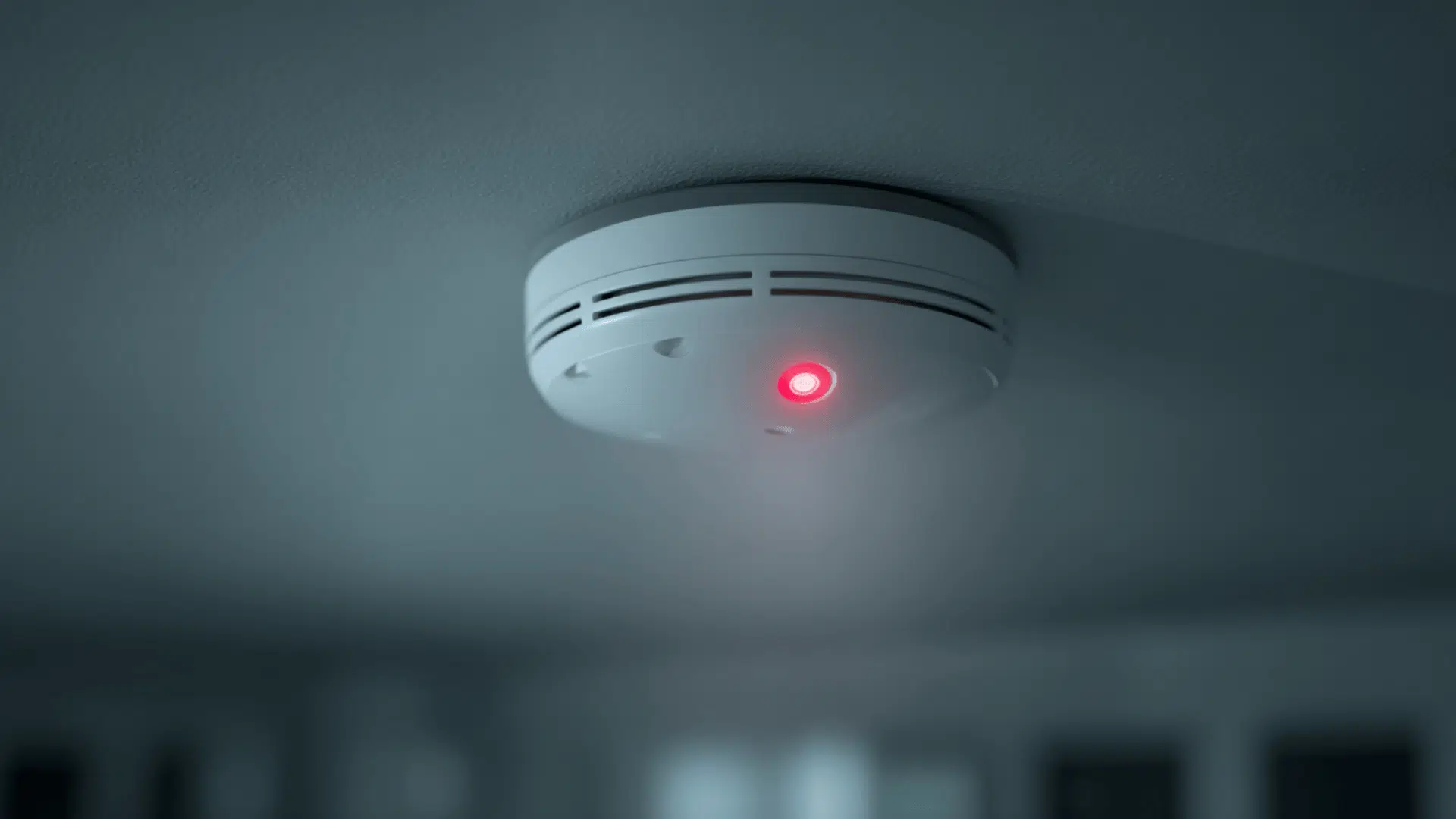
Credit: www.jackcooper.com
Common Causes For This Light Pattern
Several situations can create the solid green/blinking red/no sound pattern. Understanding these helps you decide what action to take.
- Routine Self-Test: Most modern smoke alarms blink red every 30–60 seconds to show they are self-testing. No sound means no danger detected.
- Alarm Memory: After a false alarm (like cooking smoke), some models blink red for hours to show an event happened.
- Low Battery or End-of-Life Warning: Some units blink red to signal a low battery or that the device is nearing the end of its lifespan, even without sound.
- Error or Fault: Rarely, a silent red blink can indicate a sensor fault. The alarm will stay quiet unless the fault is critical.
- Normal Operation: Hardwired units often show green for power and blink red for operation checks.
Less Obvious Factors Beginners Miss
- Interconnected Alarms: In homes with wired systems, alarms talk to each other. One unit might blink red due to an alarm somewhere else.
- Environmental Issues: Dust, steam, or insects inside the detector can cause blinking. Clean your alarm regularly to avoid false signals.
What Should You Do? Step-by-step Troubleshooting
If you see the solid green and blinking red pattern with no sound, follow these steps:
1. Check The User Manual
Every smoke detector is a bit different. Find your manual (or look it up online by model number). The manufacturer will explain what each light means for your specific device.
2. Test The Alarm
Press the test button for a few seconds. The alarm should sound loudly. If it does:
- Power is working.
- The sounder is working.
- The battery (if present) is at least partly charged.
If there’s no sound during the test, replace the battery or the whole unit.
3. Inspect For Recent Alarms
If the red light blinks every few seconds, your detector might be showing an alarm memory. Think about recent events (cooking, candle smoke, etc.) that could have triggered it.
4. Replace The Battery
Even if the green light is on, a weak battery can cause red blinking. Replace the battery with a fresh one (use the type shown in your manual).
5. Clean The Detector
Dust and insects can cause false signals. Turn off power, remove the detector, and use compressed air or a vacuum to clean it gently.
6. Check The Age
Most smoke detectors last 8–10 years. Find the manufacture date (often on the back). If it’s older, replace the whole unit.
7. Reset The Alarm
After a false alarm or battery change, some detectors need to be reset:
- Disconnect from power (and battery if present).
- Wait 15 seconds.
- Reconnect and test.
8. Inspect Interconnected Systems
If you have several alarms connected, check each one. Sometimes, the issue is with a different detector.
9. Call A Professional
If the detector still blinks red after these steps, or you’re unsure, call a licensed electrician or the manufacturer’s support line.
When To Worry (and When Not To)
Most of the time, the solid green/blinking red/no sound pattern is not an emergency. But there are times you shouldn’t ignore it.
Not An Emergency
- Red blinks every 30–60 seconds with green steady.
- Alarm sounds when tested.
- Recent harmless event (like burnt toast) triggered a memory.
Possible Problem
- Red blinks rapidly (every second) or in an unusual pattern.
- Detector is old or recently replaced battery still blinks.
- Other alarms in the home are also showing signals.
- You smell something burning or see smoke.
In these cases, take action fast. Replace the unit or call for help.
How To Prevent Future Confusion
Many people get confused by light codes and miss important warnings. You can avoid this with a few simple habits.
- Read the manual when you install new detectors.
- Label your detectors with the install date and battery change dates.
- Test alarms monthly using the test button.
- Replace batteries twice a year (or as soon as you see a warning).
- Replace units every 8–10 years.
- Keep alarms clean—dust and insects can cause errors.
A study by the National Fire Protection Association found that three out of five home fire deaths happen in homes with no working smoke alarms or none at all. Regular testing and understanding your device can save lives.
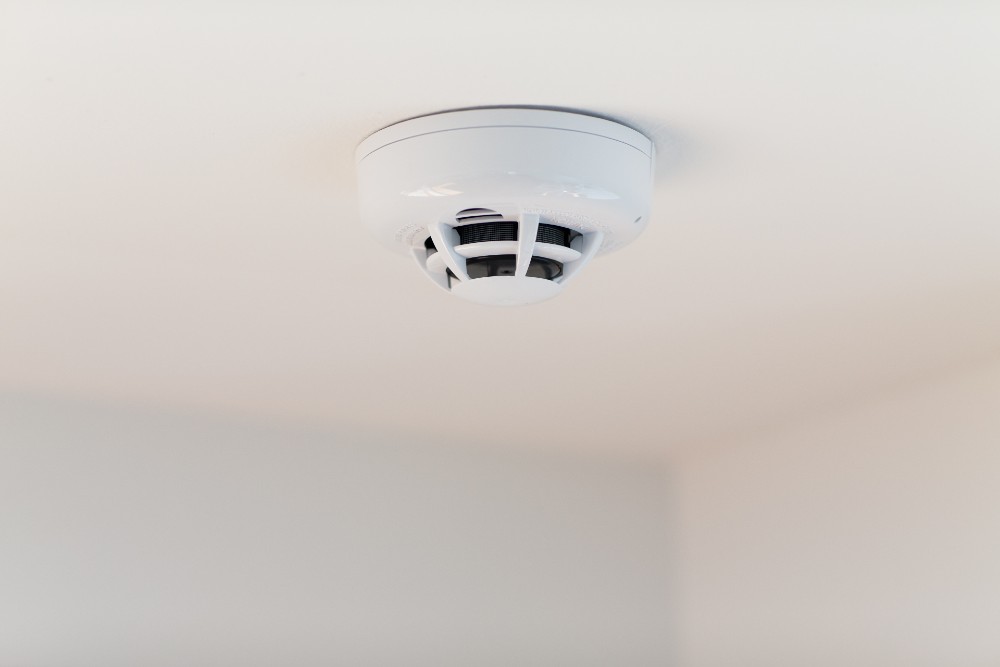
Credit: www.vivint.com
Comparison: Smoke Detector Signals At A Glance
Here’s a quick reference for the most common smoke detector light patterns and what they mean:
| Light Pattern | Sound | Meaning | Action Needed? |
|---|---|---|---|
| Solid green | None | Power OK | No |
| Blinking red (slow) | None | Self-test or recent alarm | No |
| Blinking red (fast) | None or chirp | Battery or device problem | Yes |
| Solid red | Alarm | Smoke detected | Yes |
Important Safety Reminders
- Never ignore a smoke detector warning. Even if there’s no sound, blinking lights can signal a hidden problem.
- Don’t remove batteries to stop chirping. Replace the battery or the whole unit.
- Install alarms on every level of your home and inside every bedroom.
- Test your alarms monthly—a working alarm can double your chance of surviving a fire.
Real-world Example
Anna noticed her hallway smoke detector’s solid green light was joined by a blinking red light every 30 seconds, but there was no sound. She checked the manual and saw this was normal for her model after a test. However, a few months later, the blinking became rapid. Anna changed the battery, but the blinking continued. She checked the manufacture date—her alarm was over ten years old. She replaced it, and the new unit worked perfectly. Anna’s careful attention kept her family safe, and she avoided a common mistake: ignoring silent warnings.
Data: Why Smoke Detectors Matter
- In the US, nearly 40% of fire deaths happen in homes without working smoke alarms.
- The average smoke detector lasts 8–10 years.
- Regular testing increases the chance of early fire detection by over 50%.
For detailed safety guidelines, visit the National Fire Protection Association.

Credit: www.wikihow.com
Frequently Asked Questions
Why Is My Smoke Detector Blinking Red But Not Sounding?
A blinking red light usually means your smoke detector is self-testing or has a memory of a recent event. If there’s no sound and no smoke, it’s likely normal. Check your manual to confirm. If the blinking is rapid, change the battery or replace the unit.
Should I Worry If My Smoke Detector Blinks Red Every 30 Seconds?
No, this is usually a normal operation signal. It shows the detector is working and powered. Only worry if the blinking becomes rapid, is paired with chirping, or happens along with other warning signs.
What Do I Do If My Smoke Detector Won’t Make A Sound When I Press The Test Button?
If there’s no sound during the test, replace the battery first. If it still doesn’t work, the unit may be faulty or too old. Replace the smoke detector as soon as possible for safety.
How Often Should I Replace My Smoke Detector?
Replace smoke detectors every 8–10 years, even if they seem to work. The sensors lose sensitivity over time. Check the manufacture date on the back of the unit.
Can Dust Or Insects Cause My Smoke Detector To Blink Red?
Yes, dust or small insects inside the detector can block sensors and cause a blinking red light. Clean your smoke detectors regularly with a vacuum or compressed air to prevent this problem.
Keeping your smoke detectors working and understanding their signals can save lives. If you’re ever unsure about what your alarm is telling you, check your manual, test the device, and don’t ignore any warning lights. Your family’s safety depends on it.