
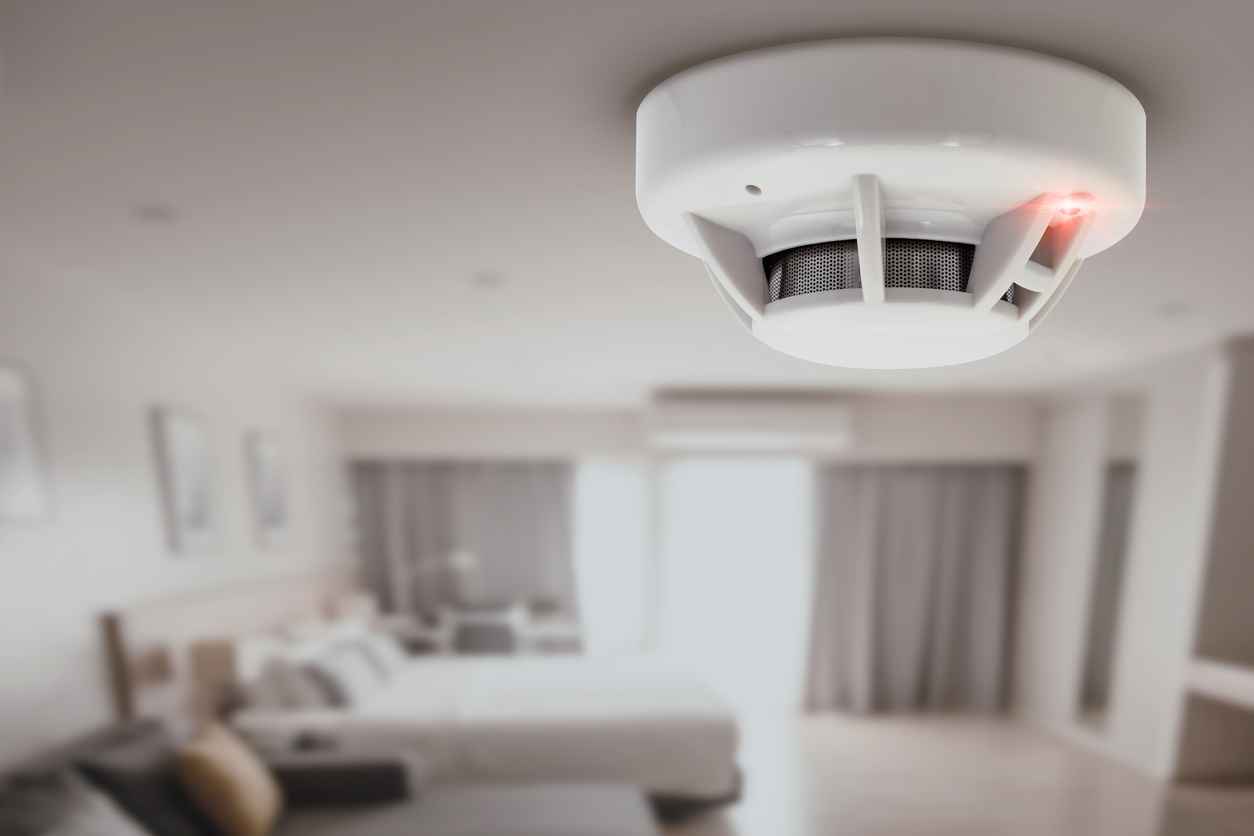
A small red light blinking on your smoke detector can catch your attention—and for good reason. It’s not always easy to know what this means. Is it a normal signal, or a warning? Many people ignore the blinking, but understanding it could save lives or prevent unnecessary panic.
This article breaks down what the blinking red light really means, what to do about it, and how you can ensure your home stays safe.
What Does The Red Light Blinking Mean?
The red light on a smoke detector isn’t just for decoration. It communicates important information about the device’s status. Most smoke detectors have either a steady or blinking red light. The meaning varies by brand and model.
For many detectors, a blinking red light every 30-60 seconds is normal. It shows the device is working and performing regular self-checks. However, if the blinking is faster, or combined with a beep or alarm, it can signal a problem.
It’s important to read your smoke detector’s manual. Not every device uses the same signals. For example, some models use a green light for power and a red light for alarms. Others use red for all statuses. Here’s a quick overview:
| Red Light Pattern | Common Meaning |
|---|---|
| Blinks every 30-60 seconds | Normal operation/self-check |
| Rapid blinking | Smoke detected or alarm triggered |
| Blinks with a chirp | Low battery or maintenance needed |
| Constant red light | Device error or end of life |
Common Reasons For A Blinking Red Light
Not all blinking is the same. Here are the most common causes:
- Normal operation: Most detectors blink red every 30 to 60 seconds to show they are working.
- Smoke alarm event: After detecting smoke, some detectors keep blinking rapidly to show an event happened.
- Low battery: Blinking with a chirping sound usually means it’s time to change the battery.
- End of life warning: Some models blink or stay red when the device needs to be replaced (usually after 7–10 years).
- Maintenance alert: Dust, insects, or other issues inside the detector can trigger blinking.
Each cause requires a different response. Ignoring the wrong signal can be dangerous, while overreacting to a normal status wastes time and money.
How To Identify Your Smoke Detector’s Signal
Many people make the mistake of guessing what the blinking means. The best approach is:
- Check the manual: Most smoke detectors have a sticker or label with a quick guide. If not, search online for your model’s manual.
- Observe the pattern: Is the light slow, fast, or steady? Are there any sounds?
- Note recent events: Did you have a recent alarm? Did you just change the battery?
If you can’t find your manual, most manufacturers (like Kidde, First Alert, and Nest) have guides online. This helps avoid confusion and ensures you take the right action.
What To Do When The Red Light Blinks
Your response depends on the blinking pattern and any sounds:
Normal Blinking (every 30–60 Seconds)
- No action needed. This means your detector is working.
- Test the alarm once a month to be sure.
Rapid Blinking Or Blinking With Alarm
- Check for smoke or fire immediately.
- If you smell smoke or see fire, evacuate and call 911.
- If it’s a false alarm, press the silence button (if present), but investigate the cause.
Blinking With Chirp
- Replace the battery as soon as possible.
- If chirping continues after battery change, clean the detector or consider replacing it.
Constant Red Light
- Replace the detector. Most have a lifespan of 7–10 years.
- A constant red light can also mean a malfunction. If you’re unsure, replace the unit.
Maintenance Alert
- Clean the detector with a soft brush or vacuum.
- Avoid using water or cleaning sprays.
- Check for insects or dust inside.

Credit: www.reddit.com
Why Regular Maintenance Matters
Many people ignore their smoke detectors until something goes wrong. This is risky. According to the National Fire Protection Association (NFPA), 3 out of 5 fire deaths happen in homes without working smoke alarms. Regular checks can prevent this.
Here’s a simple maintenance schedule:
- Test once a month: Press the test button.
- Change batteries twice a year: Pick easy-to-remember dates, like daylight saving time changes.
- Clean every 6 months: Dust and debris can block sensors.
- Replace every 7–10 years: Even if it works, the sensor becomes less reliable over time.
Different Types Of Smoke Detectors And Their Signals
Not all smoke detectors are the same. The two main types are:
- Ionization smoke detectors: Fast at sensing flaming fires. Often have a blinking red light for power or after an alarm.
- Photoelectric smoke detectors: Better at sensing smoldering fires. Usually have a slower blinking pattern.
Some modern detectors, like smart models (Nest Protect, First Alert Onelink), use both types and may have different light patterns or even colored lights.
Here’s a quick comparison:
| Type | Best For | Common Red Light Pattern |
|---|---|---|
| Ionization | Fast, flaming fires | Rapid blink after alarm, slow blink for power |
| Photoelectric | Slow, smoldering fires | Slow, steady blink for power |
| Dual-sensor/Smart | All fire types | Multi-color or pattern signals |
Knowing your detector type helps you understand its signals and avoid mistakes.
Common Mistakes People Make
- Ignoring the blinking: People often assume the light is always normal. This can be dangerous if it signals a low battery or device failure.
- Removing batteries to stop noise: Never do this. The device won’t protect you without power.
- Not cleaning the detector: Dust and insects can cause false alarms or block the sensors.
- Using expired detectors: Many forget that smoke detectors have an expiration date. Old sensors might not detect smoke.
- Not testing the alarm: A working light does not always mean the alarm works. Test it monthly.
Practical Tips To Stay Safe
- Keep extra batteries on hand, especially for battery-only units.
- Install detectors in every bedroom, hallway, and each floor of your home.
- Interconnect your detectors if possible. When one goes off, all alarms sound.
- Use a permanent marker to write the installation date on the device.
- Consider smart smoke detectors for remote alerts and easier maintenance reminders.
- If your detector is hardwired, still check the backup battery regularly.
How To Choose The Right Smoke Detector
When buying a smoke detector, focus on these points:
- Type: Dual-sensor models (ionization + photoelectric) offer the best protection.
- Power Source: Battery-only, hardwired, or hardwired with battery backup.
- Certifications: Look for UL or Intertek (ETL) marks for safety.
- Smart Features: Some detectors send alerts to your phone or connect with home automation.
- Maintenance Needs: Choose models with easy battery access and clear signal patterns.
Avoid buying the cheapest model available. A reliable smoke detector is a smart investment for your safety.
Real-life Example
Imagine you notice a red light blinking on your hallway smoke detector. It’s blinking every 30 seconds, but you haven’t heard any sounds. You check the manual and find that it means “normal operation. ” You feel reassured.
But two months later, the same detector starts blinking rapidly and chirping. You remember reading that this means a low battery. You replace the battery, and the blinking returns to the slow pattern. Your quick action keeps your home protected.
This simple awareness can prevent confusion and ensure your smoke detectors work when you need them most.
Credit: cheselectric.com
When To Replace Your Smoke Detector
Most smoke detectors need to be replaced every 7–10 years. The sensor weakens with age, even if the light and test button seem fine.
To check your detector’s age:
- Remove the detector from its mounting.
- Check the back for a manufacturing or expiration date.
- If it’s older than 10 years, replace it—even if it looks fine.
If your detector blinks red constantly or won’t stop chirping after maintenance, it’s probably time for a new one.
How To Reset A Smoke Detector
After replacing batteries or removing the cause of an alarm, you might need to reset your smoke detector:
- Remove the detector from the mounting bracket.
- Take out the battery.
- Press and hold the test button for 15–20 seconds.
- Reinstall the battery and detector.
This clears stored errors or false alarms. If the blinking continues, check for dust or replace the device.
The Importance Of Understanding Signals
Knowing what the blinking red light means can prevent both panic and disaster. Don’t guess—take a minute to learn your specific model’s signals. It’s a simple step that protects your family and property.
If you want more details about fire safety, the National Fire Protection Association provides trusted resources and advice.
Frequently Asked Questions
Why Is My Smoke Detector Blinking Red But Not Making Noise?
A slow, regular red blink usually means the detector is working. If there’s no sound, it’s likely a self-check signal. Still, test your alarm to be sure.
What Should I Do If The Red Light Blinks Rapidly?
Check for smoke or fire first. If there’s no danger, consult your manual. Rapid blinking can mean a recent alarm or a device issue.
Can I Ignore The Red Blinking Light If My Detector Is New?
No. Even new detectors can have low battery warnings, installation errors, or defects. Always check the manual and test the alarm.
How Often Should I Replace My Smoke Detector?
Replace every 7–10 years, or sooner if the device signals end of life or malfunctions.
What If The Red Light Blinks After I Change The Battery?
A slow blink is normal. If it blinks rapidly or chirps, try resetting the detector or cleaning it. If issues continue, consider a replacement.
Smoke detectors are simple devices, but their signals are important. Understanding what the blinking red light means keeps your home safer and gives you peace of mind. Take a few minutes today to check your detectors—you might be glad you did.

Credit: preparedhero.com