
If you have a Mighty Mule automatic gate opener, you probably notice a small status light on the control board. This tiny blinking light holds a lot of information about your gate system’s health. But what do the different blinks mean? And what should you do if the light doesn’t behave as expected? Understanding the Mighty Mule status light blinking patterns can save you time, money, and frustration. This article explains the most common blink signals, what causes them, and how to fix problems — all in simple English.
What Is The Mighty Mule Status Light?
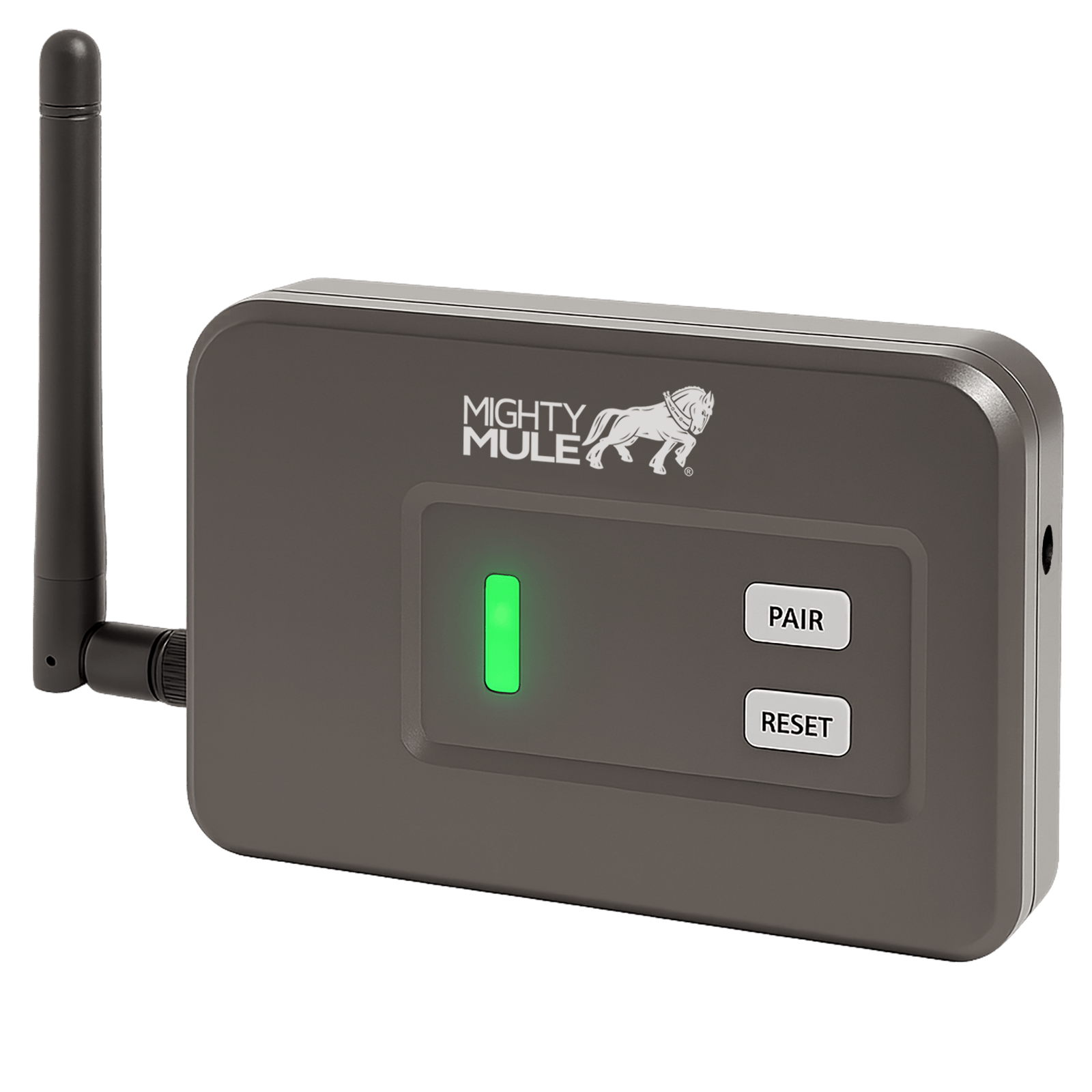
The status light is a small LED indicator located on the control board of most Mighty Mule gate opener models. Its purpose is to communicate the system’s current condition. Depending on how it blinks, the light can show normal operation, signal a problem, or guide you through troubleshooting. The light doesn’t just blink randomly — the number and pattern of blinks are codes set by the manufacturer.
Why is this important? Many gate opener problems can be quickly diagnosed by reading these signals. Instead of guessing or calling for help, you can use the status light to find out what’s wrong.
Understanding Common Blink Patterns
Each blink pattern means something different. Here are the most frequent ones and what they usually tell you:
1. Steady Blinking (every Second)
A steady blink — one flash per second — usually means the control board is receiving power and is functioning normally. The system is in standby mode and ready for a remote command.
2. Rapid Blinking (several Per Second)
Fast blinking can indicate a programming mode, a recent reset, or a short circuit. This pattern is less common and should be investigated, especially if your gate isn’t moving.
3. No Blinking (light Off)
If the status light is off completely, this usually means:
- The system is not receiving power
- The fuse is blown
- There is a wiring issue
4. Two Or Three Blinks, Pause, Repeat
A pattern like “blink-blink-pause” or “blink-blink-blink-pause” is a fault code. Different models have different meanings for these patterns. For example:
- Two blinks may mean a limit switch error
- Three blinks could signal a motor obstruction
5. Continuous On (solid Light)
A solid, non-blinking light might mean the board is frozen or has a firmware issue. Sometimes it can also indicate the gate is in motion and the system is busy.
Below is a comparison of the most common status light signals:
| Status Light Pattern | Possible Meaning | Action Needed |
|---|---|---|
| 1 blink/second | Normal operation | No action |
| Rapid blinking | Programming or error | Check manual |
| Off | No power | Check fuse, wiring |
| 2 or 3 blinks, pause | Fault code | Troubleshoot |
| Solid on | System busy/fault | Restart board |
Credit: mightymule.com
What Causes Abnormal Blinking?
Status light problems can happen for many reasons. Here are the most frequent causes:
1. Power Loss
If your opener loses power, the status light will go out. This can be due to a blown fuse, dead battery, or loose wires.
2. Obstructions
A blocked gate or something stuck in the path will trigger a fault code. The motor tries to move but hits resistance, causing the control board to flash a warning.
3. Limit Switch Errors
Mighty Mule openers use limit switches to know when the gate is fully open or closed. If these switches are misaligned or broken, the status light will flash a code.
4. Short Circuit Or Overload
Too much current, a cut wire, or water in the electronics can cause rapid or unusual blinking.
5. Programming Errors
If the opener is in programming mode, the status light may blink rapidly until the process is finished or canceled.
6. Worn-out Components
Old batteries, aging control boards, or corroded connectors can cause weird blinking patterns that don’t match the manual.
Insight: Many beginners overlook the importance of checking for corrosion or spider webs inside the control box. These small things can cause big problems with the status light.
How To Troubleshoot Status Light Blinking
When you see a strange blinking pattern, don’t panic. Follow these steps to diagnose and solve the issue:
Step 1: Note The Pattern
Write down exactly how the light blinks. Is it steady, fast, or a series of flashes with pauses? This information will guide your next steps.
Step 2: Check The Power Source
- Is the opener plugged in?
- Is the solar panel (if used) clean and facing the sun?
- Is the battery charged? Most Mighty Mule openers use a 12V battery.
If the light is off, check the fuse and power connections first.
Step 3: Inspect For Obstructions
Look at the gate’s path. Remove any objects, dirt, or ice that could block movement.
Step 4: Test The Limit Switches
Move the gate by hand to each limit (fully open, fully closed). Listen for clicks or check if the status light changes. If it doesn’t, the limit switch may be out of alignment.
Step 5: Consult The Manual
Every model can have different error codes. Check your specific manual for the meaning of your blink pattern. If you lost your manual, find the model number inside the control box and look it up online.
Step 6: Reset The Control Board
Disconnect power for 30 seconds, then reconnect. This can clear minor glitches and restore normal operation.
Step 7: Call For Help
If you still can’t fix the problem, it may be a deeper issue like a bad circuit board. Contact Mighty Mule support or a local technician.
Model Differences: Not All Status Lights Are The Same
Mighty Mule has several opener models (FM350, MM371W, MM572W, etc. ), and their status light codes can be slightly different. For example, a two-blink code on one model might mean a limit switch problem, while on another, it signals a battery issue.
Here’s a quick comparison of two popular models:
| Model | Status Light Location | Example Blink Code | Main Use |
|---|---|---|---|
| MM371W | Control board | 2 blinks = limit error | Single swing gate |
| MM572W | Control board | 3 blinks = motor error | Dual swing gate |
Pro tip: Always check the manual for your exact model. Never assume the blink code meanings are the same for every opener.
When To Worry About The Status Light
Not every blinking pattern means you have a big problem. Here are signs you need to act quickly:
- Light is completely off and the gate will not open or close
- Rapid, continuous blinking with no response to remote controls
- Repeating fault codes even after resetting and clearing obstructions
- Solid light that does not change after a power cycle
If your system works normally but the light blinks steadily (once per second), everything is likely fine.

Credit: automaticgatemasters.com
Preventing Status Light Problems
Taking care of your gate opener can prevent many status light issues. Here are some maintenance tips:
- Keep the control box dry. Water can cause shorts and blinking errors.
- Check wiring connections twice a year for corrosion or looseness.
- Clean solar panels regularly if your opener uses solar power.
- Test the battery every six months. Replace it if voltage drops below 11V.
- Remove insects and debris from inside the control box.
Regular care not only keeps the status light blinking normally but also extends the life of your entire gate system.
Real-world Example
Imagine it’s a rainy morning, and your Mighty Mule gate won’t open. You check the status light and see three blinks, pause, three blinks. The gate is stuck halfway. You remember reading that three blinks can mean an obstruction or motor error. After checking, you find a branch stuck in the hinge area. You remove it, reset the power, and the gate works. This shows how reading the status light can quickly help you find and fix problems.
Insight: Many users miss that after a major storm or wind, even small sticks or leaves can cause errors. Always inspect the gate after bad weather, not just when the system fails.
When To Call An Expert
Some problems are too complex or risky to fix yourself. Call a professional if:
- There is visible smoke or burning smell
- Water has entered the control box
- The light keeps showing a fault code after all standard troubleshooting
- The system is old and spare parts are no longer available
Attempting repairs beyond your skill can make things worse or void your warranty.
Common Mistakes To Avoid
- Ignoring the pattern. Don’t just notice that the light is blinking — count the blinks and note the pauses.
- Guessing the error code. Codes change by model. Always check your specific manual.
- Skipping battery tests. A weak battery can cause strange blinking even if everything else looks fine.
- Forgetting about insects. Spiders and ants love warm control boxes. Their nests can cause electrical shorts.
- Over-tightening connections. Tight is good, but too much force can break terminals and create new problems.
Where To Find More Help
If you need more detailed information, the official Mighty Mule website offers manuals, troubleshooting guides, and customer support. You can also check detailed user forums or watch repair videos on YouTube. For official resources, visit the Mighty Mule support page.
Frequently Asked Questions
Why Does My Mighty Mule Status Light Keep Blinking Rapidly?
Rapid blinking usually means the opener is in programming mode or there is a short circuit. Check if you have recently tried to set up remotes or accessories. If not, inspect for wiring problems or water inside the box.
What Does It Mean If The Status Light Is Off But The Gate Opener Has Power?
If the light is off but you know there is power, check the fuse and the main circuit board. A blown fuse or a failed board can cause the light to stay off even if everything else looks normal.
Can Cold Weather Affect The Status Light Blinking?
Yes, cold temperatures can lower battery voltage. If your battery drops below 11 volts, the opener may not function correctly and the status light may show an error code.
How Do I Reset My Mighty Mule Gate Opener?
To reset, disconnect all power (battery and AC/solar input) for at least 30 seconds. Reconnect and check the status light. If the error code returns, continue troubleshooting.
Do All Mighty Mule Models Use The Same Status Light Codes?
No. Status light codes can vary by model. Always consult your specific manual. Never assume a code means the same thing for every opener.
Final Thoughts
A blinking status light is your gate opener’s way of talking to you. By learning what the patterns mean, you can quickly solve most problems and keep your gate working smoothly. Regular checks and a little attention can prevent most issues before they start.
If you ever feel stuck, don’t hesitate to ask for help — better to be safe and keep your gate secure.
Credit: mightymule.com