
If your Vizio TV is stuck with a blinking logo, you are not alone. Many Vizio owners experience this issue, where the TV’s front logo light keeps flashing instead of turning on properly. This blinking logo can mean different things, from a simple power glitch to a deeper hardware problem. For many, it happens suddenly—yesterday the TV worked fine, and today it just blinks. The good news is that most of the time, you can fix this issue yourself. Understanding why it happens and what to do next can save you time, money, and frustration.
In this guide, you’ll learn what the blinking logo on your Vizio TV means, the most likely causes, and step-by-step solutions. You’ll also see what to do if your TV still does not start and when it’s time to call for help.
Whether you have a brand new smart TV or an older Vizio model, this article will help you get your screen working again.
What Does The Vizio Tv Blinking Logo Mean?
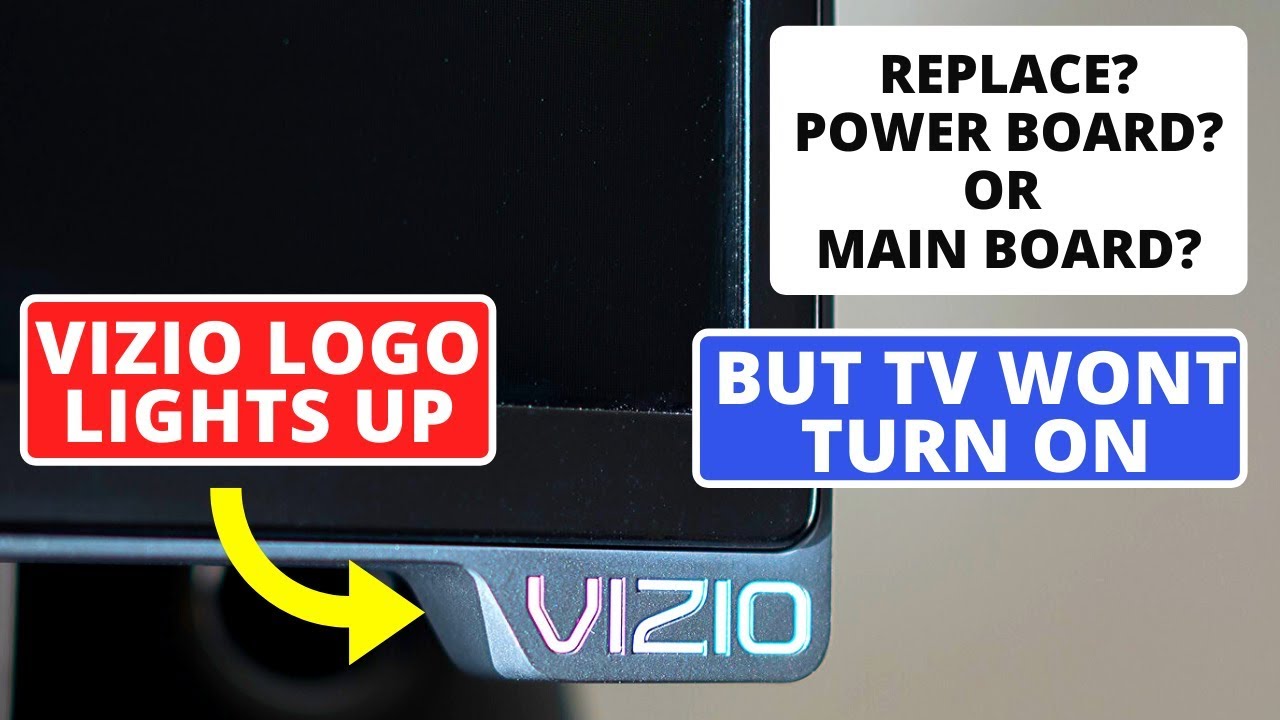
The blinking logo on a Vizio TV usually signals a problem during startup. When you turn on your TV, the logo typically lights up and then disappears as the screen turns on. If it keeps flashing or stays on, the TV is stuck in a startup loop or is not getting enough power to complete the process. In most cases, this is a sign of a power supply issue or a system error.
Common Blinking Patterns
- Slow, steady blinking: Often means the TV is getting power but cannot finish starting up.
- Rapid blinking: May point to a more serious hardware fault or a short circuit inside the TV.
- Blinking with sound but no picture: Suggests a problem with the TV’s display board or backlight.
- Logo blinks then turns off: Sometimes normal, but if the TV never shows a picture, it’s a sign of trouble.
If you see a blinking logo, pay attention to the pattern and any other symptoms like sounds, screen flashes, or changes in the color of the logo light.
Main Causes Of A Vizio Tv Blinking Logo
Several issues can cause your Vizio TV’s logo to blink. Knowing these causes will help you fix the problem faster and avoid common mistakes.
1. Power Supply Problems
The most frequent reason for a blinking logo is a power supply problem. This can happen if:
- The power cord is loose or damaged.
- The wall outlet is faulty.
- Power surges have affected the internal power board.
- The TV’s power board has failed due to age or overheating.
2. Software Glitches
Sometimes, your TV’s software may not load correctly. This can cause the TV to get stuck on the logo screen, with the logo blinking endlessly. Software glitches may result from:
- Incomplete updates
- Corrupted system files
- Sudden power loss during an update
3. Faulty Main Board
The main board is the TV’s brain. If it fails, the TV can’t start. Main board problems can be caused by:
- Overheating
- Power surges
- Manufacturing defects
4. Backlight Or Display Issues
If your TV’s backlight or display panel fails, the TV may power on (logo blinks) but never show a picture. In this case, you might hear sound but see no image.
5. Remote Control Or Power Button Malfunction
A stuck power button (on the TV or remote) can cause the TV to turn off and on rapidly, making the logo blink.
6. Hdmi Or External Device Conflicts
Connected devices sometimes send bad signals or cause system errors, freezing the TV at startup.
Quick Fixes: What To Try First
Before opening the TV or calling for service, try these simple steps. Many users solve the blinking logo problem with basic troubleshooting.
Power Cycle Your Vizio Tv
- Unplug the TV from the wall.
- Wait at least 60 seconds.
- While unplugged, press and hold the TV’s power button (not the remote) for 30 seconds.
- Plug the TV back in and turn it on.
This simple reset clears minor glitches and power issues.
Check Power Source And Cables
- Make sure the power cord is firmly connected to both the TV and the outlet.
- Try a different wall outlet.
- Avoid using extension cords or power strips, which can sometimes cause power drops.
- Inspect the power cord for any damage.
Disconnect All External Devices
- Unplug all HDMI, USB, and other cables from the TV.
- Try turning on the TV with nothing connected.
- If the TV starts, reconnect devices one by one to find the problem device.
Replace Or Test The Remote
- Remove the batteries from the remote, then try turning the TV on using the physical power button on the TV.
- If it works, the remote may be faulty or sending bad signals.
Advanced Troubleshooting Steps
If the quick fixes above don’t solve the blinking logo problem, move on to these deeper solutions. Some require basic tools or technical know-how.
Perform A Factory Reset
A factory reset will erase all settings and return the TV to its original state. If you can see the menu or use the remote:
- Press the Menu button.
- Go to System > Reset & Admin > Reset TV to Factory Defaults.
- Enter your PIN (default is 0000).
- Confirm the reset.
If you cannot see the menu:
- On many Vizio models, hold both the Volume Down and Input buttons on the TV for 10–15 seconds until the logo flashes or a message appears.
Update The Tv Firmware
If your TV turns on after a reset, check for firmware updates. New updates often fix startup and power issues.
- Go to Menu > System > Check for Updates.
- Follow on-screen steps to update.
Inspect The Power Board
If your TV is out of warranty and you’re comfortable with electronics, you can open the back cover to check the power board.
- Look for burnt components, bulging capacitors, or loose connectors.
- If you find obvious damage, the power board likely needs replacement.
- Only do this if you’re confident and the TV is unplugged.
Test With A Multimeter
A multimeter can help check if power is flowing correctly inside the TV. This step is for advanced users:
- Test the voltage at the power board output connectors.
- If the readings are much lower than the rated voltage, the power board is faulty.
Try A Different Power Supply
If you have access to a compatible power supply, try swapping it. Some users have fixed blinking logo issues by replacing a weak or damaged power adapter.
Common Mistakes To Avoid
Many users make the same errors while trying to fix their Vizio TV blinking logo. Avoid these to save time and avoid making the problem worse.
- Using the wrong power cord: Only use the original or certified replacement.
- Opening the TV while plugged in: Always unplug the TV before any internal checks.
- Ignoring warranty status: If your TV is under warranty, opening it may void coverage.
- Not waiting long enough during resets: Be patient—unplug for at least 60 seconds.
- Missing firmware updates: Outdated software can cause repeated problems.
Vizio Tv Blinking Logo: Data And Trends
The blinking logo issue is one of the top complaints among Vizio TV owners. According to consumer reports and user forums, about 15–20% of Vizio TV support requests mention power or startup problems.
Here’s a quick comparison of the most common Vizio TV startup issues based on recent surveys:
| Startup Problem | Reported Cases (%) | Ease of Fix (1-5) |
|---|---|---|
| Blinking Logo | 18% | 3 |
| No Power at All | 12% | 2 |
| Stuck on Logo Screen | 9% | 2 |
| Random Restarting | 6% | 2 |
| Display Issues (no image, sound only) | 11% | 2 |
Ease of Fix Scale: 1 = Hard, 5 = Easy
When To Call For Professional Help
Sometimes, the blinking logo means a deeper hardware fault that needs a technician. Here are signs you should seek professional repair:
- The TV still blinks after all resets and troubleshooting.
- You hear clicking or popping sounds from inside the TV.
- There’s a burning smell or visible damage on the circuit board.
- The TV is under warranty—contact Vizio support first.
Most Vizio TVs have a one-year limited warranty, and some credit cards extend this. Always check your coverage before paying for repairs.
Cost Of Fixing A Vizio Tv Blinking Logo
The cost depends on the cause and your TV’s age. Here’s a rough breakdown:
| Repair Type | Estimated Cost (USD) | Typical Repair Time |
|---|---|---|
| Power Board Replacement | $60 – $150 | 1–2 hours |
| Main Board Replacement | $90 – $200 | 2–3 hours |
| Firmware Update / Reset | Free – $50 | 15–30 min |
| Professional Diagnostic Fee | $50 – $100 | 1 hour |
| Display/Backlight Repair | $120 – $400 | 2–4 hours |
If your TV is more than five years old, it may be more cost-effective to buy a new model, especially if the repair is over $200.
Credit: www.youtube.com
How To Prevent The Blinking Logo Problem
You can reduce the risk of this issue by following a few best practices:
- Plug the TV into a surge protector to guard against power spikes.
- Keep the TV’s ventilation clear to prevent overheating.
- Update the firmware regularly.
- Avoid unplugging the TV while it’s updating.
- Use only Vizio-approved or high-quality HDMI cables.
Many users miss the importance of clean power. Dirty or fluctuating power from cheap extension cords can damage your TV over time. Also, never stack devices or place the TV in a closed space, as trapped heat can shorten its life.
Should You Repair Or Replace Your Vizio Tv?
Deciding whether to fix or replace your TV depends on several factors:
- Age of the TV: TVs older than 5–7 years may develop more problems soon.
- Repair cost vs. new TV: If repair costs are more than half the price of a new TV, replacement is smarter.
- Warranty status: If under warranty, repair is the best choice.
- Features: New TVs offer better picture quality and smart features.
Here’s a simple side-by-side comparison:
| Option | Pros | Cons |
|---|---|---|
| Repair | Cheaper if issue is minor; keeps familiar setup | Old TV may fail again soon; possible hidden costs |
| Replace | Latest tech, better warranty, energy efficiency | Higher upfront cost; need to set up apps again |

Credit: www.reddit.com
Real-world Examples
Many Vizio owners have reported blinking logo issues online. For instance, a user on Reddit shared that their 3-year-old Vizio TV started blinking after a storm. Unplugging for two minutes fixed it. Another user found that disconnecting a faulty soundbar stopped the blinking.
One less obvious insight: sometimes, even smart home devices like Google Home or Alexa can send signals that confuse the TV during startup. Try turning off or unplugging nearby smart devices when troubleshooting.
Another beginner mistake is ignoring the TV’s “click” sounds. If you hear repeated clicks or relay noises, it’s often a sign of a failing power board, not just a software glitch.
Where To Find Parts And Support
If you decide to repair the TV yourself, look for parts on reputable sites like ShopJimmy or the official Vizio parts store. Always match the part number exactly. For official support, visit the Vizio Support Center for manuals, updates, and live chat.

Credit: www.youtube.com
Frequently Asked Questions
Why Is My Vizio Tv Logo Blinking But The Screen Stays Black?
A blinking logo with a black screen usually means a power board or backlight problem. Try unplugging the TV for 60 seconds and check the power source. If the issue continues, the power board may need repair or replacement.
Can A Firmware Update Fix The Blinking Logo Issue?
Yes, a firmware update can solve startup problems if they are caused by software bugs or incomplete updates. If you can access the menu, check for updates. If not, a factory reset may help.
Is It Safe To Open My Vizio Tv To Check The Power Board?
Only open your TV if it’s unplugged and you’re comfortable with electronics. Touching components inside can be dangerous and may void your warranty. If unsure, call a professional technician.
How Can I Tell If The Problem Is The Power Board Or The Main Board?
If the TV shows a blinking logo but no sound or picture, it’s likely a power board issue. If you hear startup sounds or see the backlight flash, but the screen stays blank, the main board or backlight may be the problem.
Will A Surge Protector Stop This Problem From Happening Again?
A surge protector will help prevent damage from power surges, which are a major cause of blinking logo issues. It’s a simple, affordable way to protect your TV and other electronics.
Conclusion
If your Vizio TV’s blinking logo is driving you crazy, remember: most cases can be fixed at home, and knowing what steps to take puts you ahead of most owners. With the right approach, you can get back to enjoying your favorite shows and movies in no time.