
When you see your Xfinity WiFi router blinking green, it’s easy to feel confused or worried. Is your internet down? Is something broken? What does that blinking light actually mean? Many people face this issue, but few know exactly how to fix it. If you’re tired of slow connections, dropped WiFi, or blinking lights that won’t stop, you’re not alone. Let’s explore what causes the Xfinity WiFi blinking green problem and how you can quickly solve it.
What Does Xfinity Wifi Blinking Green Mean?
The blinking green light on your Xfinity router is a signal. It usually tells you that the device is trying to connect to the internet, but something is not right. Sometimes, it means your router is working to establish a stable connection. Other times, it signals there’s a problem with your network or hardware.
For most users, a steady green light means everything is okay. A blinking green light, however, usually means:
- The router is trying to connect but cannot complete the connection.
- There may be an issue with your internet service.
- Cables or hardware might be loose or damaged.
This blinking green light is not just decoration—it’s a warning sign. Understanding it can help you fix your WiFi faster.
Common Causes Of Xfinity Wifi Blinking Green
Several factors can make your Xfinity router blink green. Here are the most frequent reasons:
1. Loose Or Damaged Cables
If the cables connecting your router to the wall or modem are loose, frayed, or damaged, the signal may fail. Always check that cables are secure and undamaged.
2. Service Outage
Sometimes, Xfinity itself has a problem. If your area is experiencing a service outage, your router will blink green because it can’t connect to the internet.
3. Modem/router Issues
A technical problem with your modem or router can cause the blinking. Firmware bugs, overheating, or hardware failure are possible culprits.
4. Network Congestion
Too many devices or too much network traffic can overload your system, leading to connectivity issues.
5. Incorrect Setup
If your router is not set up correctly, the light may blink green. This often happens after moving, upgrading, or resetting your router.
6. Splitter Or Wall Outlet Problems
The wall outlet or splitter connecting your router to the network may be faulty.
7. Isp Maintenance
Scheduled maintenance by Xfinity can temporarily disrupt service and cause blinking lights.
Understanding these causes helps you narrow down the problem and find the right solution.

Credit: www.youtube.com
How To Fix Xfinity Wifi Blinking Green
Solving the blinking green light issue is possible for most users, even without technical experience. Here’s a step-by-step guide:
1. Check All Cable Connections
Start by checking every cable—power, Ethernet, coaxial. Make sure they are:
- Firmly plugged in
- Not bent or frayed
- Connected to the correct ports
Many times, simply re-seating a cable fixes the problem.
2. Restart Your Router And Modem
A simple restart often solves many WiFi issues. To do it safely:
- Unplug the router and modem from power.
- Wait 30 seconds.
- Plug them back in.
- Wait for the lights to stabilize.
This resets the hardware and clears temporary bugs.
3. Inspect For Service Outages
Visit the Xfinity status page or use their app to check if there’s a service outage in your area. If Xfinity is down, the green light will blink until service returns.
4. Replace Damaged Cables
If any cables are damaged, replace them. Use high-quality coaxial and Ethernet cables for best results.
5. Update Router Firmware
Outdated firmware can cause connectivity issues. Log into your router’s settings and check for updates. Most Xfinity routers update automatically, but manual checks are wise.
6. Reduce Network Load
Disconnect devices you’re not using. Streaming, downloads, and gaming can overload the network. Freeing up bandwidth can help stabilize the connection.
7. Move Router To A Better Location
Place your router in a central spot, away from walls and electronic devices. This reduces interference and improves signal strength.
8. Check Splitter And Wall Outlet
If your router connects through a splitter or wall outlet, try plugging it directly into the wall. Faulty splitters are a common cause of blinking lights.
9. Factory Reset (as A Last Resort)
If nothing works, perform a factory reset:
- Find the reset button (usually a small hole).
- Use a pin to hold it for 10 seconds.
- Wait for the router to restart.
Note: This erases custom settings. Only use this if you’ve tried everything else.
Comparing Xfinity Wifi Blinking Green To Other Router Lights
To understand the blinking green light better, it helps to compare it to other common router lights. Here’s a quick overview:
| Light Color | Pattern | Meaning |
|---|---|---|
| Green | Blinking | Trying to connect, possible issue |
| Green | Solid | Connected, working normally |
| Red | Solid or blinking | Hardware failure or no internet |
| Blue | Blinking | Pairing with another device |
| White | Solid | Ready for setup |
This comparison helps you understand what your router is trying to tell you.
Real-world Examples Of Xfinity Wifi Blinking Green
Many users have faced the blinking green light issue. Here are two examples:
Example 1:
Sarah moved to a new apartment. After setting up her Xfinity WiFi, she noticed the green light kept blinking. She checked the cables and found the coaxial cable was loose. After tightening it, her WiFi worked.
Example 2:
Mike’s WiFi suddenly stopped working. The green light blinked for hours. He checked Xfinity’s outage page and saw that service was down in his area. The problem fixed itself once the outage was resolved.
Both examples show that simple steps—checking cables, looking for outages—can solve most issues.
Xfinity Router Models And Their Light Patterns
Different Xfinity router models use slightly different lights. Here’s a comparison of three popular models:
| Model | Blinking Green Meaning | Other Light Patterns |
|---|---|---|
| XB6 | Searching for connection | Blinking blue (pairing), solid red (error) |
| XB7 | Trying to connect, may signal weak cable | Solid white (ready), blinking red (no internet) |
| TG1682G | Waiting for signal from ISP | Blinking orange (updating), solid green (normal) |
If you know your model, you can better interpret the blinking green light.
Data And Statistics: Wifi Issues In The Us
WiFi problems are common across the US. According to a 2023 study by Statista:
- 21% of US households report internet outages at least once a month.
- 15% say they experience slow speeds or dropped connections weekly.
- 8% have to reboot their router more than three times a month.
Xfinity is one of the largest ISPs in the US, serving over 30 million households. While their network is strong, occasional issues still happen.
These numbers show that blinking green lights are not rare. Millions of people face them regularly.
Advanced Troubleshooting Steps
If basic steps don’t work, try these advanced solutions:
1. Check Signal Levels
Log into your router’s admin page. Look for signal strength or power level data. If levels are too low or too high, your connection may fail. Contact Xfinity support for guidance.
2. Test Internet Speed
Use a speed test app to check your upload and download speeds. If speeds are much lower than your plan, there may be a hidden issue.
3. Bypass Splitters
If you use a splitter to connect multiple devices, remove it and connect the router directly to the wall. Splitters can weaken the signal.
4. Try Another Outlet
Sometimes, the wall outlet is faulty. Move your router to another room or outlet and see if the problem continues.
5. Contact Xfinity Support
If all else fails, contact Xfinity. Their support team can remotely test your connection, send updates, or even replace faulty hardware.
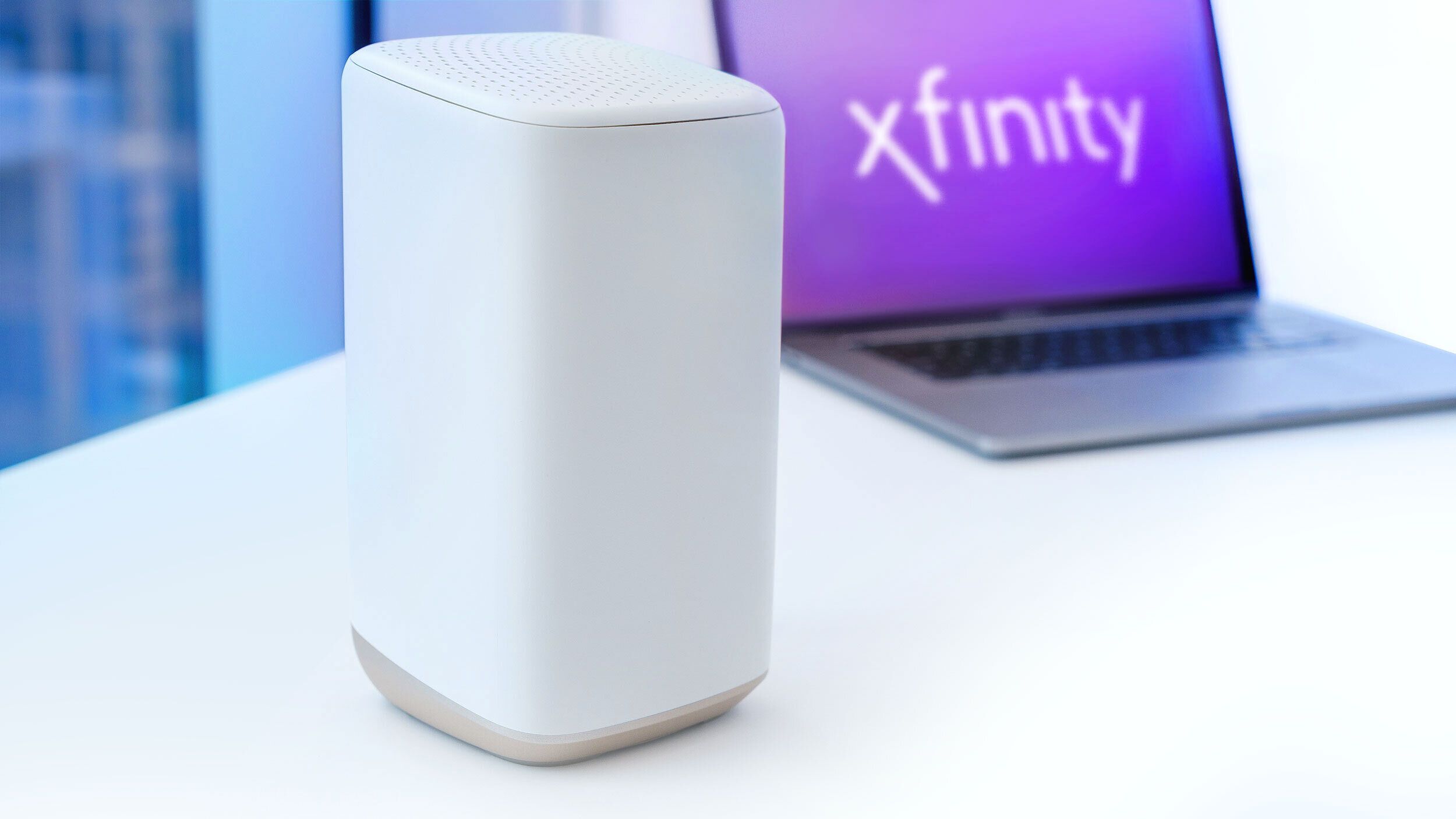
Credit: www.androidpolice.com
Xfinity Wifi Blinking Green Vs. Other Isp Routers
How does Xfinity compare to other ISPs? Let’s look at the typical router light patterns for three major providers:
| ISP | Blinking Green Meaning | Typical Causes |
|---|---|---|
| Xfinity | Trying to connect, possible cable or outage | Loose cables, service outage |
| Spectrum | Searching for signal | Unplugged cable, firmware update |
| AT&T | Connecting, may indicate setup needed | Initial setup, weak signal |
Most ISPs use similar patterns. The blinking green light usually means “not fully connected. ”
Common Mistakes When Dealing With Blinking Green Light
People often make mistakes when trying to fix their WiFi:
1. Ignoring Cable Checks
Many skip checking cables, assuming the problem is elsewhere.
2. Restarting Only One Device
Restart both the router and modem for a full reset.
3. Not Checking For Outages
Before troubleshooting, always check for service outages.
4. Overlooking Splitters
Splitters can cause weak signals. Test without them.
5. Performing Factory Resets Too Soon
Factory resets erase settings and should be a last step, not the first.
Avoiding these mistakes saves time and prevents bigger headaches.
Practical Tips To Prevent Xfinity Wifi Issues
You can reduce the chance of blinking green lights with these simple habits:
- Use high-quality cables and check them regularly.
- Place your router in an open, central spot.
- Keep the firmware updated.
- Limit the number of devices connected at once.
- Avoid using splitters unless necessary.
- Monitor service status with the Xfinity app.
These steps keep your WiFi healthy and stable.
When Should You Replace Your Router?
A blinking green light can sometimes signal that your router is old or failing. How do you know when it’s time to upgrade?
- The router is more than 5 years old.
- You experience frequent drops and slow speeds.
- Lights blink or change color often, even after troubleshooting.
- Firmware updates no longer help.
Newer models offer better speeds, more stability, and advanced features like mesh networking.

Credit: www.youtube.com
Security Risks Of Unstable Wifi Connections
An unstable WiFi connection is not just annoying—it can be risky. If your router is blinking green and struggling to connect, your network may be vulnerable:
- Hackers can exploit weak signals to access your data.
- Outdated firmware increases risk of cyber attacks.
- Frequent resets may expose your network to threats.
Always secure your WiFi with strong passwords and update your router regularly.
How Xfinity Support Helps
Xfinity offers several ways to help users fix blinking green light issues:
- 24/7 phone and chat support
- Remote diagnostics
- Free hardware replacement for faulty routers
- Detailed guides on their website
If you need more help, Xfinity’s support can guide you step by step.
Additional Resources
For more in-depth information on router troubleshooting, you can visit Xfinity’s official support page. Their guides cover advanced fixes and frequently asked questions.
Frequently Asked Questions
What Should I Do First If My Xfinity Router Blinks Green?
The first step is to check all cable connections. Make sure power, Ethernet, and coaxial cables are firmly plugged in and undamaged. Restart your router and modem if needed.
Is A Blinking Green Light Always A Sign Of A Service Outage?
No, a blinking green light can mean several things—loose cables, device errors, or a service outage. Check Xfinity’s outage map before trying other fixes.
How Can I Tell If My Router Is Too Old?
If your router is over five years old and has frequent blinking lights, slow speeds, or dropped connections, it may be time to upgrade. Newer routers offer better performance and security.
Are Splitters A Common Cause Of Blinking Green Lights?
Yes, splitters can weaken the signal from your wall outlet to your router. Try connecting your router directly to the wall to see if the issue stops.
Can Unstable Wifi Put My Personal Data At Risk?
Unstable WiFi can expose your network to risks, especially if your router firmware is outdated. Always use strong passwords and keep your router updated.
Final Thoughts
The Xfinity WiFi blinking green light is a warning that shouldn’t be ignored. Most problems are easy to fix—check cables, restart devices, and look for outages. With the right steps, you can restore your connection quickly. Staying proactive with cable checks, updates, and router placement prevents future issues. If problems continue, Xfinity support is ready to help. Remember, a stable WiFi means safer, faster, and more reliable internet for your home.