
If you own a golf cart, you know how important it is to keep your batteries charged and ready to go. But what do you do when your golf cart charger starts blinking red? For many owners, this sudden red blink on the charger is confusing and even worrying. Does it mean there’s a problem with the charger, the battery, or something else entirely? Don’t worry—you’re not alone. Understanding what a blinking red light means and how to fix it can save you time, money, and frustration. This guide will explain why golf cart chargers blink red, what you should do, and how to prevent future charging problems.
Why Do Golf Cart Chargers Blink Red?
Most modern golf cart chargers use a system of colored lights to communicate their status. A blinking red light is often a warning sign, but its exact meaning depends on the brand and model. Usually, it signals one of the following:
- Battery problem: The battery is low, disconnected, or damaged.
- Charger fault: The charger itself is experiencing an error or malfunction.
- Connection issue: There is a problem with the wiring or connection between the charger and the cart.
- Over-temperature: The charger is too hot and has paused to cool down.
Some chargers have a pattern to their blinks (for example, two quick blinks, pause, repeat) that tells you more about the problem. Always check your charger’s manual for details. However, most red blinks mean “attention needed. ”
Common Charger Brands And Their Red Blink Codes
To help you understand your situation, here’s a quick overview of what a red blinking light means for some popular golf cart charger brands:
| Brand | Red Blink Meaning | Typical Solution |
|---|---|---|
| E-Z-GO | Battery voltage low or connection error | Check battery cables and voltage |
| Club Car | Battery pack issue or charger overheat | Inspect batteries and let charger cool |
| Yamaha | Faulty battery or charger error | Test batteries and charger output |
| Lester Summit II | Charging error or battery not detected | Ensure good battery connection |
Even if your charger is not listed above, most models use red blinks to warn about a battery or charger fault.
What Causes A Golf Cart Charger To Blink Red?
Understanding the root cause is key to solving the problem. Here are the most common reasons your golf cart charger blinks red:
1. Low Or Dead Battery Voltage
Golf cart batteries must have a minimum voltage for the charger to recognize and start charging. If the voltage drops too low (often below 20-25V for a 36V system), the charger may blink red to show it can’t “see” the battery. This often happens if the cart hasn’t been used in months or the battery is very old.
2. Poor Battery Connections
Loose, corroded, or damaged battery cables prevent proper charging. Even if the battery is healthy, a bad connection can trigger a red blink.
3. Faulty Charger
If the charger’s internal circuits are damaged, it can’t supply power safely. Overheating, age, or power surges are common causes. The charger’s self-test may detect this and show a blinking red light.
4. Overheating
Chargers generate heat while working. If the charger gets too hot, it may stop charging to prevent damage, showing a red or orange blinking light until it cools down.
5. Incorrect Battery Type Or Settings
Some modern chargers allow you to select the battery type (lead-acid, AGM, lithium). If the wrong mode is selected, the charger might not work correctly and may blink red.
6. Damaged Battery Pack
Old or damaged batteries can develop internal shorts or fail to hold a charge. Chargers detect this and often signal a red blink to prevent unsafe charging.
7. Blown Fuses Or Relays
A blown fuse in the charger or cart can interrupt charging, causing the charger to blink red. Relays that control charging may also fail over time.
How To Troubleshoot A Golf Cart Charger Blinking Red
When you see a blinking red light, don’t panic. Here’s a practical step-by-step guide to find and fix the problem.
Step 1: Check The Charger Manual
The charger’s user manual will often list what different blink codes mean. If you’ve lost your manual, many are available online from the manufacturer’s website. Understanding the code can save you time.
Step 2: Inspect Battery Connections
Make sure all battery terminals are tight and free of corrosion. Clean any corrosion using a mix of baking soda and water, then tighten all bolts. Even one loose or dirty connection can cause a charging error.
Step 3: Measure Battery Voltage
Use a multimeter to check the total battery pack voltage. For a 36V cart, you should see at least 30V. If it’s much lower, the batteries may be deeply discharged or bad.
- If the voltage is above the minimum: Move to the next step.
- If the voltage is very low: Try to “jump start” the batteries by charging each one separately with a 12V charger for 30 minutes, then reconnect and retry the golf cart charger.
Step 4: Test The Charger On Another Cart
If possible, try your charger on a different golf cart with good batteries. If the charger still blinks red, the charger may be faulty.
Step 5: Check Charger Settings
If your charger has selectable modes, ensure the correct battery type is chosen. Using the wrong mode can cause errors.
Step 6: Let The Charger Cool Down
If the charger is hot, unplug it and let it cool for 30-60 minutes. Overheating can cause temporary faults.
Step 7: Inspect For Blown Fuses
Look for any blown fuses in the charger or cart’s wiring. Replace as needed.
Step 8: Test Battery Health
If none of the above steps help, your batteries may be failing. Each battery should measure at least 6V (for 6V batteries) or 12V (for 12V batteries) at rest. Any battery that is much lower may need replacement.
Step 9: Consult A Professional
If you’re still stuck, contact a golf cart technician. Some problems require special tools or experience to fix.
Golf Cart Charger Blink Patterns Explained
Each charger brand has its own way of showing errors. Understanding these patterns can help you diagnose the problem faster. Here are a few examples:
| Blink Pattern | Common Meaning | What to Do |
|---|---|---|
| 1 Red Blink | Battery not detected | Check battery cables and voltage |
| 2 Red Blinks | Battery voltage too low | Try jump-starting batteries |
| 3 Red Blinks | Charger internal fault | Try another charger or repair |
| Flashing Red + Green | Over-temperature | Let charger cool down |
Some chargers have even more detailed codes. Always check your specific model’s documentation for the exact meanings.
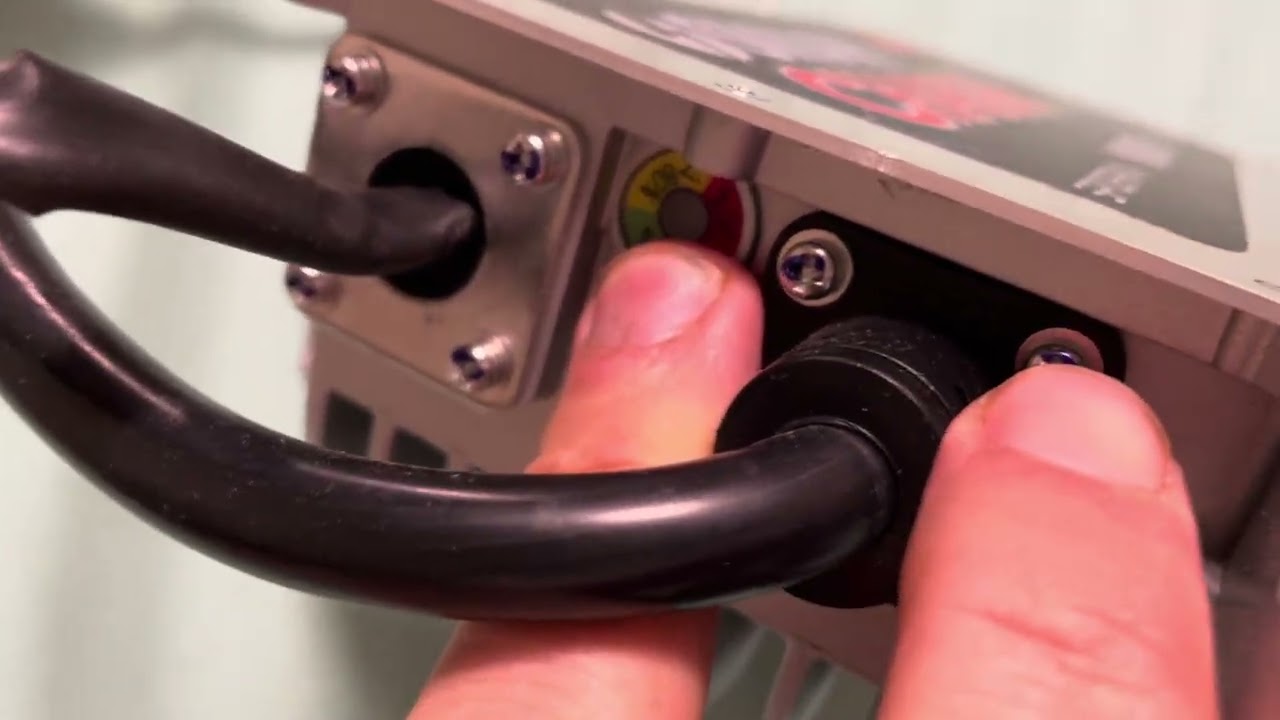
Credit: www.youtube.com
How To Prevent Golf Cart Charger Red Blinking Issues
Prevention is always better than repair. Here are some proven ways to avoid seeing that red blinking light in the first place:
- Regular Battery Maintenance: Check and clean battery terminals every month. Keep water levels topped up for lead-acid batteries.
- Charge Frequently: Never let your batteries drop below 50% charge if possible. Deep discharges shorten battery life and increase the risk of low voltage errors.
- Store Properly: If you won’t use your cart for weeks or months, fully charge the batteries and unplug the charger. Check battery voltage every 30 days and recharge if needed.
- Use the Right Charger: Always use a charger designed for your battery type and cart voltage.
- Inspect Cables and Plugs: Replace any damaged or frayed cables. Bad cables are a common cause of charging errors.
- Keep Charger Cool: Place your charger in a well-ventilated area to prevent overheating.
- Update Charger Firmware: Some modern chargers have updateable software. Check the manufacturer’s website for updates if your charger supports it.
When To Replace Your Golf Cart Charger
Sometimes, the problem is not with the batteries but the charger itself. Here are signs that it’s time for a new charger:
- Charger blinks red even with good batteries and connections
- You smell burning or see melted plastic on the charger
- Charger gets hot quickly and shuts down
- Charger is more than 7-10 years old
- Charger fails when tested on another cart
While chargers can last many years, they do wear out. A new charger can protect your expensive batteries and improve charging speed.

Credit: www.formcharge.com
Cost Of Repair Vs. Replacement
Should you repair your charger or buy a new one? Here’s a quick comparison to help you decide:
| Option | Typical Cost | Pros | Cons |
|---|---|---|---|
| Repair | $50–$150 | Cheaper if minor issue, keeps old charger | May not fix all problems, limited warranty |
| Replacement | $200–$400 | New warranty, more reliable, updated features | Higher upfront cost |
If your charger is old or has multiple failures, replacement is often the smarter choice.
Real-world Example: Diagnosing A Blinking Red Charger
Let’s say you have a 48V Club Car and your charger starts blinking red as soon as you plug it in. Here’s how a golf cart technician might solve it:
- Check Connections: All battery cables are tight, but some corrosion is found. Clean and reconnect.
- Measure Voltage: Battery pack reads only 36V (should be 48V). Batteries are deeply discharged.
- Jump Start Batteries: Technician charges each battery with a 12V automotive charger for 30 minutes.
- Retry Charger: After boosting, the pack reads 44V. Charger now switches from red blinking to solid green—charging starts normally.
- Lesson: Regular use and maintenance would have prevented this. Deep discharges often cause red blinking.
Non-obvious Insights Most Golf Cart Owners Miss
Many golf cart owners overlook these important points:
- Temperature and Charging: Charging batteries in very hot or cold weather can cause errors. Chargers often blink red in extreme temperatures. For best results, charge at 50–80°F (10–27°C).
- Equalization Charge: Some chargers perform an “equalization” cycle—a longer, higher voltage charge to balance batteries. If interrupted, the charger may blink red on the next use. Let equalization complete fully when possible.
- Battery Age and Internal Resistance: As batteries age, their internal resistance goes up, making charging harder. Chargers may blink red not just because of low voltage, but because the battery “fights” the charge, causing a fault.
When To Seek Professional Help
If you’ve tried all the steps above and your charger still blinks red, it’s time to call a professional. They have tools to check for:
- Hidden electrical faults
- Failed battery cells
- Charger board failures
- Wiring issues inside the cart
Trying to fix advanced electrical problems without proper training can be dangerous. A professional can also tell if you need a new charger or battery pack.

Credit: www.caconnect.biz
Frequently Asked Questions
What Does A Blinking Red Light On My Golf Cart Charger Mean?
A blinking red light usually means a problem with the battery pack, charger, or connection. It’s a warning that the charger cannot safely start or continue charging. Always check your charger’s manual for the exact meaning.
Can I Still Use My Golf Cart If The Charger Blinks Red?
No, if your charger blinks red, it means your batteries are likely not getting charged. Using the cart with uncharged or undercharged batteries can damage them further and leave you stranded.
How Do I Reset My Golf Cart Charger After A Red Blink?
Some chargers reset automatically after fixing the problem (like restoring battery voltage or cooling down). Others may need to be unplugged from both the wall and the cart for a few minutes to reset. Check your manual for steps.
Will A Blinking Red Charger Damage My Batteries?
A blinking red charger doesn’t harm batteries directly, but it means they are not charging. If left uncharged for weeks or months, batteries can become damaged due to sulfation or deep discharge.
How Can I Tell If My Charger Or My Batteries Are The Real Problem?
Test the charger on another cart with good batteries, or try a different charger on your cart. If the problem follows the charger, it’s likely at fault. If both chargers blink red on your cart, the batteries or wiring are probably the issue.
A blinking red light on your golf cart charger is never fun, but it’s almost always fixable with the right approach. By understanding what the red blink means, checking your connections, and following the right troubleshooting steps, you can get your cart back on the road—and keep it there. Remember, regular battery care and using the proper charger are the keys to a longer, trouble-free golf cart experience. For more in-depth technical details, you can also check resources like Wikipedia for background on battery chargers and their operation.