
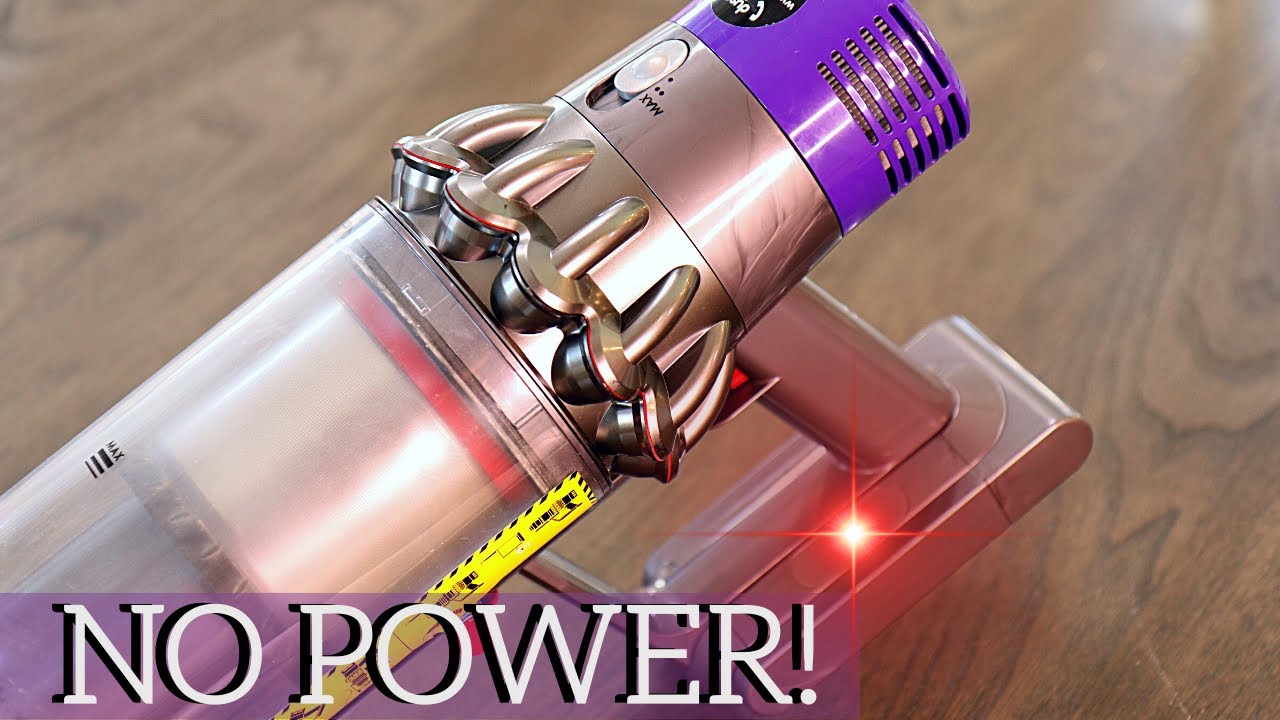
A flashing red light on your Dyson vacuum is impossible to ignore. It usually means something is wrong—and you want your machine working again, fast. But what does the Dyson blinking red light really mean? Is it a simple problem you can fix at home, or does it mean your vacuum is broken for good?
If you own a Dyson, you already know why people love them: strong suction, modern design, and less hassle with cords. But even the best technology can run into problems. The blinking red light is Dyson’s way to tell you something needs attention. Sometimes, it’s a small issue like a clogged filter. Other times, it’s a sign your battery or motor needs help.
In this article, you’ll learn exactly what causes the Dyson blinking red light, how to troubleshoot it step by step, and when you should call for professional help. You’ll also see how different Dyson models (like the V7, V8, V10, and V11) can have their own signals.
By the end, you’ll have the knowledge to fix most red light issues yourself—and save money on repairs.
What The Dyson Blinking Red Light Means
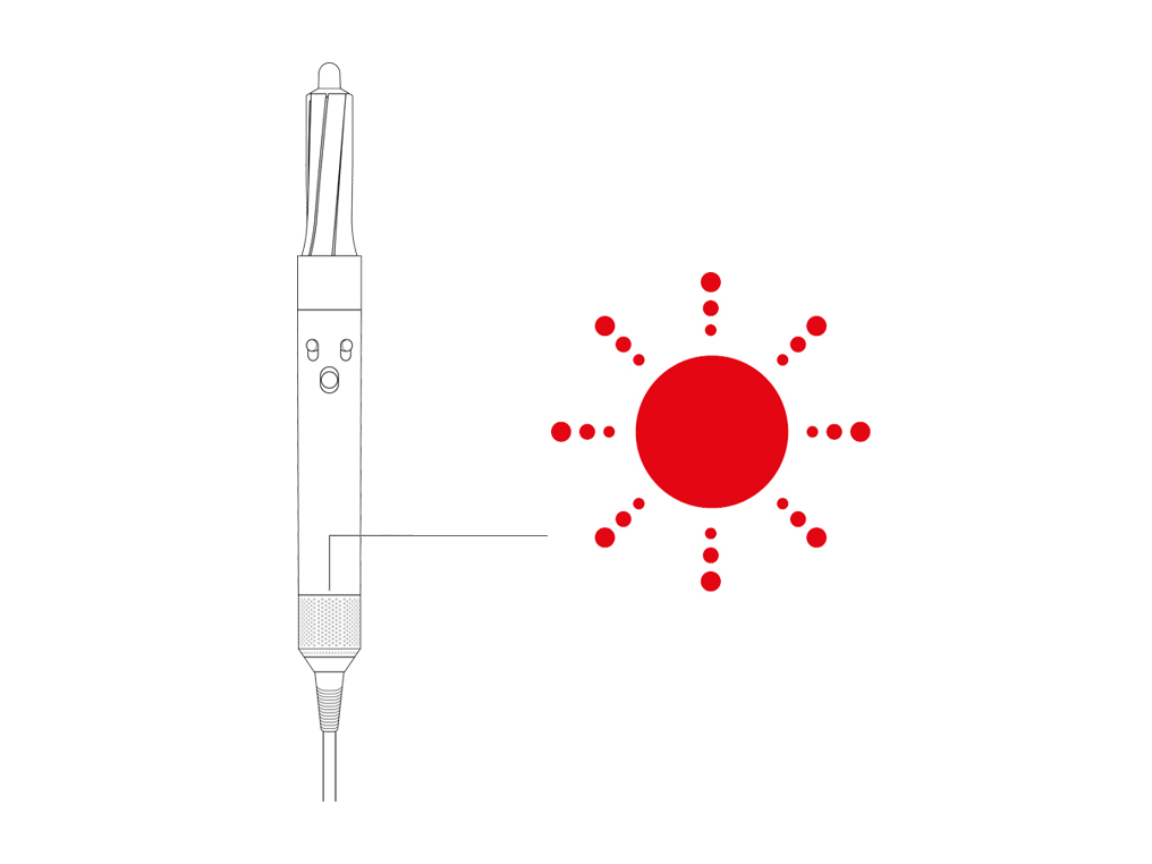
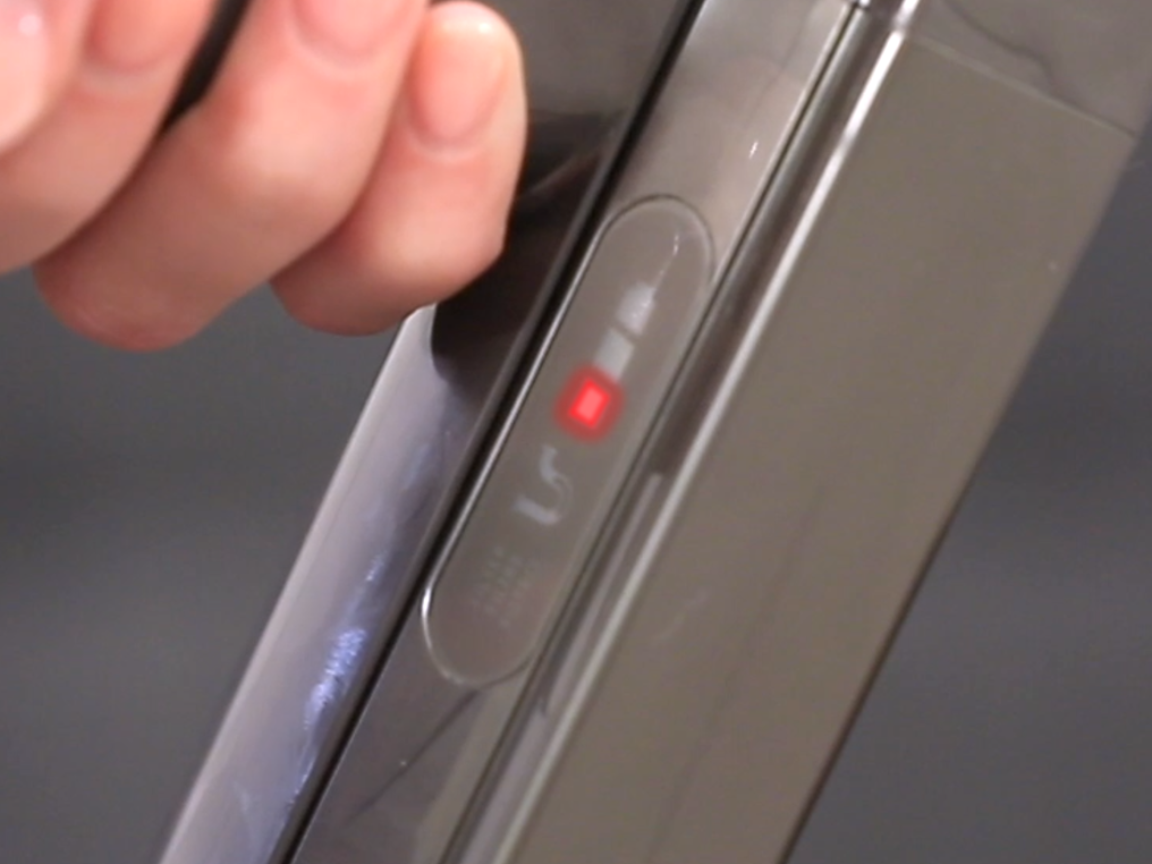
When your Dyson vacuum flashes a red light, it’s a warning signal. The red light does not mean the same thing every time—it depends on the model and the number of flashes. Here’s what you need to know:
- On most cordless Dysons, like the V7, V8, V10, and V11, a blinking red light often means a problem with the battery or motor.
- The red light may blink a few times, or it may keep flashing until you stop using the vacuum.
- Some Dyson models show a solid red light, which can mean a more serious error.
Understanding the pattern of the red light is important. Counting the flashes can help you find the exact problem. For example, 10 or more blinks often points to a battery issue, while a solid red light can mean a motor failure.
Common Reasons For A Blinking Red Light
- Battery problems: Most often, the battery is not charging, is old, or needs replacement.
- Blockages: Dirt or hair stuck in the vacuum can cause the motor to overheat.
- Filter issues: A dirty or clogged filter stops airflow, making the red light blink.
- Motor fault: A problem with the motor itself.
- Electrical issues: Loose connections or damaged wires.
Some beginners think the red light is always about the battery, but actually, blockages and filter problems are just as common.
How To Troubleshoot A Dyson Blinking Red Light
When you see the red light, don’t panic. Many problems can be fixed at home with a few simple steps. Here’s how to troubleshoot:
1. Check And Reset The Battery
A blinking red light often means the battery is not working right. Here’s how to check:
- Remove the battery from the vacuum (if your model allows).
- Let it cool for 10–15 minutes.
- Re-insert it and try again.
If the red light keeps flashing, try charging the vacuum for at least 3 hours. Use only the original Dyson charger. If the light blinks again, you may need a new battery.
Tip: Batteries have a limited lifespan—usually 2–4 years, depending on use.
2. Inspect For Blockages
Blockages make the motor work harder, triggering the red light as a warning. Here’s what to do:
- Turn off and unplug the vacuum.
- Remove the dust bin and check for clogs.
- Look inside the wand, brush bar, and cleaner head.
- Pull out any hair, dust, or objects.
Non-obvious insight: Even small blockages (like a piece of paper or a sock) can trigger the red light, so check carefully.
3. Clean Or Replace The Filter
A dirty filter is a common reason for Dyson problems. Here’s how to clean it:
- Remove the filter (usually purple and easy to twist out).
- Wash under cold running water. Do NOT use soap.
- Let it dry for at least 24 hours before putting it back.
If the filter is damaged, buy a replacement. A wet or damp filter can also trigger the red light.
4. Check For Motor Issues
If you’ve checked the battery, blockages, and filter, but the red light is still blinking, the problem might be the motor.
- Listen for strange sounds (clicking, grinding).
- Smell for burnt odors.
- If the vacuum doesn’t run at all, even with a charged battery, the motor could be faulty.
Caution: Do not try to open the motor yourself if you’re not experienced. Call Dyson support or a technician.
5. Examine Electrical Connections
Loose or broken wires can cause the red light to blink. Gently check the following:
- All connections between the battery and vacuum.
- Charging cable and port.
- Any visible wires inside the vacuum.
If you see any damage, it’s safer to get professional help.
Credit: www.youtube.com
Dyson Blinking Red Light Patterns By Model
Each Dyson model has its own light signals. Here’s a quick guide to the most popular cordless models:
| Model | Blinking Red Light Meaning | Recommended Action |
|---|---|---|
| Dyson V7 | Flashes 10+ times | Check/replace battery |
| Dyson V8 | Flashes 10+ times | Check blockages, filter, battery |
| Dyson V10 | Blinks repeatedly | Check battery and motor |
| Dyson V11 | Solid or blinking red | Check battery, motor, connections |
Pro tip: Always count the number of blinks. It can help you find the specific problem for your model.
How To Replace A Dyson Battery
If your Dyson needs a new battery, you don’t have to buy a whole new vacuum. Here’s how to do it safely:
- Buy the correct battery for your Dyson model. Only use original or certified batteries.
- Turn off and unplug the vacuum.
- Use a screwdriver to remove the screws (usually on the handle and base).
- Gently slide out the old battery.
- Insert the new battery, making sure it clicks into place.
- Reattach all screws and charge the vacuum fully before use.
Common mistake: Some users buy cheap, unbranded batteries. These can be unsafe and may not last as long.
How Long Do Dyson Batteries Last?
On average, a Dyson battery lasts between 2 to 5 years. Heavy use, high suction mode, or frequent full discharges can shorten battery life. If you notice the red light after 2–3 years, it’s probably time for a replacement.
Cost And Warranty
Original Dyson batteries cost between $60–$120 depending on the model. Using non-original parts can void your warranty.
Credit: support.sa.dyson.com
Dyson Red Light Vs. Other Warning Lights
It’s easy to confuse the blinking red light with other Dyson alerts. Here’s a quick comparison:
| Light Color | Meaning | Action Needed |
|---|---|---|
| Red (blinking) | Battery, blockage, or motor error | Troubleshoot as above |
| Blue (flashing) | Charging or connection issue | Check charger/cable |
| Solid red | Serious motor or electronics fault | Contact support |
| Amber (yellow/orange) | Temperature issue (too hot/cold) | Let vacuum cool/warm up |
Non-obvious insight: Amber or blue lights can sometimes appear before a red light, acting as an early warning.
When To Call Dyson Support
You can fix many Dyson blinking red light issues yourself, but not all. Here are signs you need expert help:
- The red light stays on after all troubleshooting steps.
- The vacuum will not turn on at all.
- You smell burning or hear loud noises from the motor.
- You see smoke or sparks.
- There are visible broken wires or melted parts.
Extra tip: If your vacuum is less than 2 years old, it may still be under warranty. Dyson support can sometimes send you a free replacement part.
Preventing Dyson Blinking Red Light Issues
Prevention is always better than repair. Here’s how to keep your Dyson running smoothly:
- Clean the filter every month.
- Empty the dust bin after each use—don’t let it overfill.
- Check for blockages in the wand, hose, and brush regularly.
- Charge the battery after every use, but avoid leaving it plugged in for days.
- Store the vacuum in a cool, dry place—extreme heat or cold can damage the battery.
Small habits make a big difference. Regular maintenance can double the life of your Dyson.
Real User Experiences
Hearing from other Dyson owners can help you feel less alone—and sometimes give you solutions that aren’t in the manual.
- Case 1: A Dyson V8 owner noticed the red light flashing 12 times. After cleaning the filter and checking for hair in the brush bar, the vacuum worked again—no battery change needed.
- Case 2: A V10 user replaced a battery with a non-branded one. The red light started blinking after just two months. After switching back to an official Dyson battery, the problem stopped.
- Case 3: Someone’s V11 showed a red light after vacuuming flour. Fine dust had blocked the filter. Cleaning and drying the filter for 24 hours fixed the issue.
Lesson: Don’t jump to buying a new battery or vacuum. Try simple fixes first—they often solve the problem.
Credit: support.dyson.com.au
Pros And Cons Of Fixing Dyson Yourself Vs. Professional Repair
If you’re deciding whether to fix your Dyson or call a pro, consider these points:
| Option | Pros | Cons |
|---|---|---|
| Do-it-yourself |
|
|
| Professional repair |
|
|
For simple problems like cleaning the filter or checking blockages, DIY is safe. For battery or motor issues, professional help is sometimes best.
How Dyson’s Warning System Helps Users
Many vacuum brands don’t have clear error lights. Dyson’s blinking red light system is designed to help you spot problems quickly. It’s not perfect, but it does give you hints:
- The number and pattern of blinks help you find the problem faster.
- It prevents bigger damage by warning you early.
- It saves time spent guessing what’s wrong.
Practical tip: Always check the Dyson manual or website for your specific model’s error codes.
If you want to learn more about Dyson’s error codes and troubleshooting, check the official Dyson Support page.
Frequently Asked Questions
Why Does My Dyson Blink Red 10 Times?
A Dyson blinking red 10 times usually means there is a battery problem. The battery could be old, not charged properly, or damaged. Try charging the vacuum for 3 hours. If the red light still blinks, you may need to replace the battery.
Can I Keep Using My Dyson If The Red Light Is Blinking?
No, you should not keep using your Dyson when the red light is blinking. The vacuum is warning you about a problem, such as a battery issue, blockage, or motor fault. Using it can make the problem worse or damage the vacuum.
Is It Safe To Use Non-dyson Batteries?
It’s not recommended. Non-Dyson batteries can be cheaper, but they may not work well with your vacuum and can even be unsafe. They may cause the red light to blink or void your warranty. Always use original or certified Dyson batteries for safety.
Does A Blinking Red Light Mean My Dyson Is Broken Forever?
Not always. Most of the time, the problem is simple—like a blocked filter or an old battery. If you follow the troubleshooting steps, you can usually fix the issue. Only serious motor or electronic faults mean the vacuum needs professional repair or replacement.
How Do I Prevent The Dyson Blinking Red Light In The Future?
Regular maintenance is key. Clean the filter monthly, empty the dust bin after each use, check for blockages, and use the original charger. Store your Dyson in a cool, dry place. These habits will help prevent the blinking red light and extend your vacuum’s life.
A Dyson blinking red light can be stressful, but with the right steps, you can fix most problems yourself. Understanding the warning signals, doing regular checks, and using the right parts will keep your Dyson running strong for years. If you ever feel unsure, Dyson support is always there to help.