
When you invest in high-quality audio equipment, smooth operation is expected. The Bose Soundbar 700 is known for its rich sound and sleek design, but technical issues can happen. One common problem is the remote blinking unexpectedly. This small light on your remote might seem simple, but when it blinks, it’s trying to tell you something important. If you’re frustrated with your Bose Soundbar 700 remote blinking and don’t know what to do, you’re not alone. Many users run into this issue, often unsure whether it’s a sign of a quick fix or a bigger problem.
Let’s explore why your Bose Soundbar 700 remote blinks, what each blinking pattern means, and how you can solve the issue. You’ll also find practical tips, real user examples, and answers to common questions, so you can get back to enjoying your soundbar without distractions.
Understanding The Bose Soundbar 700 Remote
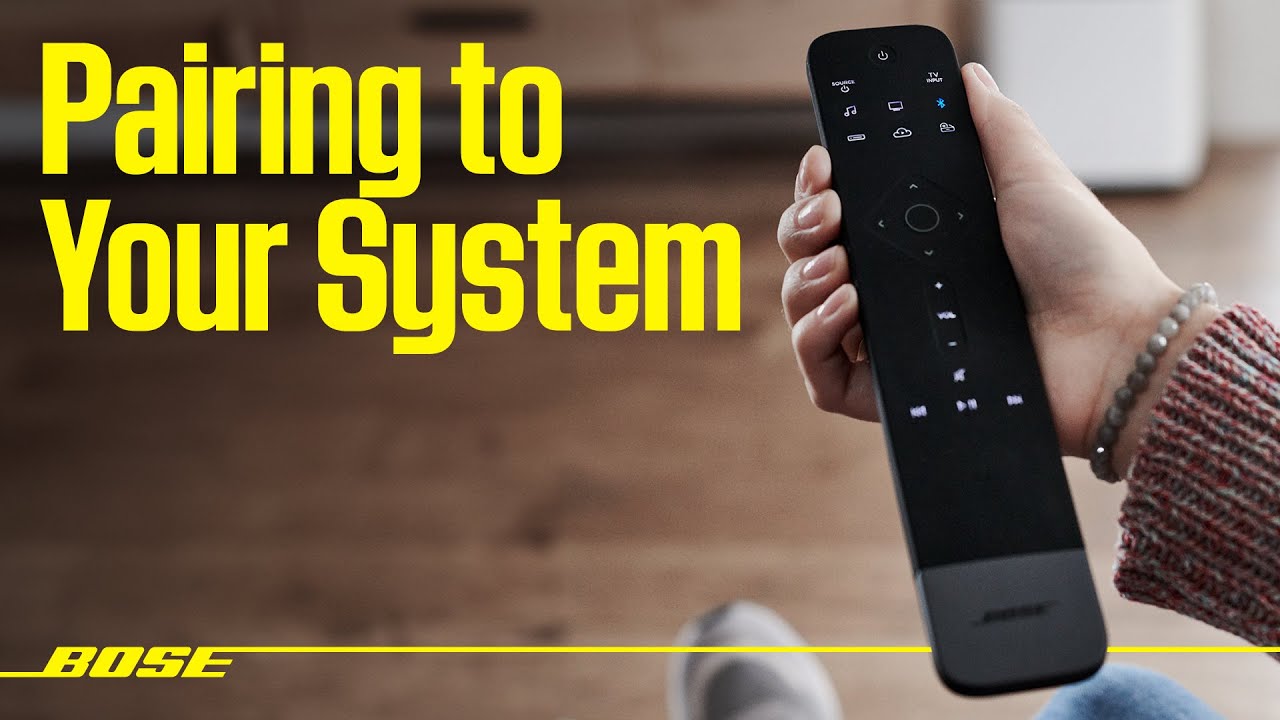
The Bose Soundbar 700 comes with a unique universal remote. This remote is designed to control not just the soundbar, but also other devices like your TV, cable box, and streaming players. The remote uses both infrared (IR) and Bluetooth to communicate. It has a light bar at the top that glows or blinks in different patterns to signal what’s happening.
Most of the time, the remote works seamlessly. But when something goes wrong, the blinking light is your first clue. Each blink pattern is a code, telling you about battery issues, pairing status, errors, or commands.
Why Is My Bose Soundbar 700 Remote Blinking?
When your Bose remote blinks, it’s not random. Here are the main reasons:
- Battery problems – Low or dead batteries are a top cause.
- Pairing issues – The remote may have lost connection with the soundbar.
- Obstructions – Something is blocking the signal between the remote and soundbar.
- Software updates – The soundbar or remote is updating.
- Error state – There’s a malfunction or hardware fault.
Let’s look at these in detail.
1. Battery Issues
The remote needs four AA batteries. When these run low, the remote blinks to warn you. If the light blinks rapidly every time you press a button, it likely means the batteries need replacing. Sometimes, old batteries can leak or make bad contact, leading to blinking even if they’re not fully dead.
2. Pairing And Connection Problems
The remote and soundbar must stay paired using Bluetooth. If they lose connection, the remote may blink slowly or in a specific pattern. This often happens after a power outage or if the devices are moved far apart.
3. Obstructions Or Interference
The remote uses both IR and Bluetooth. If something blocks the IR path (like a cabinet door or object), the remote’s light may blink to say it can’t reach the soundbar. Wireless interference from other devices can also cause issues.
4. Software Updates
Sometimes, Bose pushes out firmware updates. During an update, the remote may blink in a set pattern (often two blinks, pause, two blinks). This is normal, but if it doesn’t stop, something might have gone wrong with the update.
5. Hardware Errors
A blinking pattern that doesn’t match any of the above could mean a hardware fault. For example, if the remote blinks rapidly and won’t stop, even with new batteries, there may be an internal problem.
Interpreting The Blinking Patterns
Understanding the light patterns is key. Here are the most common ones:
- Single blink when pressing a button: Normal, means the remote is sending a command.
- Rapid blinking (5+ times quickly): Low battery.
- Slow blinking (once per second): Lost connection with soundbar.
- Two blinks, pause, two blinks: Updating firmware.
- Continuous rapid blinking: Error or hardware issue.
Not all patterns are listed in the manual, but these cover most cases. Always check the Bose website or support for the latest info.
How To Fix A Blinking Bose Soundbar 700 Remote
Let’s walk through clear steps to fix the blinking remote issue.
1. Replace The Batteries
Most problems come from weak batteries. Replace all four AA batteries at once. Use high-quality brands for best results. After replacing, check if the blinking stops.
Tip: Sometimes, battery contacts get dirty. Wipe them with a dry cloth before inserting new batteries.
2. Re-pair The Remote
If new batteries don’t help, the remote may have lost its connection.
To re-pair:
- Make sure the soundbar is on.
- Hold down the Volume Down and Left Navigation buttons on the remote for 5 seconds.
- The light bar should blink twice. If successful, the remote will reconnect.
3. Remove Obstructions
Check that nothing is blocking the soundbar’s front. Glass doors, speakers, or even certain decorations can block the IR signal. Move items if needed and try again.
4. Restart The Soundbar And Remote
A simple restart can solve many problems.
- Unplug the soundbar for 30 seconds, then plug back in.
- Remove and reinsert the remote batteries.
- Wait for both devices to reboot and try again.
5. Update Firmware
Check if your soundbar or remote needs an update.
- Open the Bose Music app on your phone.
- Check for any update prompts.
- If an update is available, install it and wait until both the soundbar and remote finish updating.
6. Factory Reset
If nothing helps, reset the soundbar:
- Hold the Power and Skip Forward buttons on the soundbar for 5 seconds.
- The light bar will flash white, then amber.
- Set up the soundbar and remote from scratch.
Caution: A factory reset erases all settings.
7. Contact Bose Support
If the remote keeps blinking, you may need a replacement. Bose has a strong customer support team. You can reach out via their website or phone line for help.

Credit: www.reddit.com
Real-life Examples
Many users have faced this issue. Here are some situations and how they were fixed:
- Anna from Texas: Her remote blinked rapidly. New batteries fixed it.
- Raj in India: The remote lost connection after a storm. Re-pairing solved the problem.
- Liam in Australia: A glass cabinet blocked the IR sensor. Opening the door stopped the blinking.
Useful Troubleshooting Data
Here’s a quick comparison of symptoms and solutions:
| Symptom | Possible Cause | Solution |
|---|---|---|
| Rapid blinking | Low batteries | Replace batteries |
| Slow blinking | Lost pairing | Re-pair remote |
| Continuous blinking after update | Firmware issue | Restart and update |
| No response, no blinking | Dead remote | Contact support |

Credit: www.reddit.com
Common Mistakes To Avoid
- Using old or mixed batteries – Always use fresh, matching batteries.
- Ignoring blinking patterns – The pattern gives clues, don’t ignore it.
- Blocking the soundbar – Even a small object can block the signal.
- Skipping updates – Outdated firmware causes many issues.
- Assuming hardware failure too soon – Most issues are easy fixes.
Comparing Remote Issues: Bose Soundbar 700 Vs. Other Models
How Does The 700’s Remote Stack Up Against Others?
| Model | Common Remote Issue | Average Fix Time | Special Features |
|---|---|---|---|
| Soundbar 700 | Blinking due to battery/pairing | 5-10 min | Universal, Bluetooth/IR, light bar |
| Soundbar 500 | No response (battery) | 5 min | Basic remote |
| SoundTouch 300 | Pairing drops | 10 min | Limited functions |
The Soundbar 700’s remote is more advanced, but that also means more ways blinking can signal issues.
Non-obvious Insights For Bose Remote Troubles
- Environmental Factors Matter: High sunlight or reflective surfaces can interfere with IR signals. If your soundbar faces a window or mirror, try moving it or using curtains during the day.
- Bluetooth Range Is Limited: The remote’s Bluetooth connection works best within 30 feet. If you use the remote far from the soundbar or through walls, the blinking may mean it’s out of range.
- Battery Brand Quality: Cheaper batteries often don’t last as long and may leak. Using well-known brands can reduce blinking problems.
- Firmware Sync Issues: If you have multiple Bose products in one room, updating one can cause temporary pairing loss with others, leading to blinking remotes.
- Hidden Hardware Faults: Sometimes, a small drop or spill can damage the remote’s internal board. If blinking starts after an accident, this could be the cause.
When To Replace The Remote
If you’ve tried all fixes and the blinking persists, it may be time for a new remote. You can order a replacement directly from Bose. Sometimes, using the Bose Music app as a temporary remote can help while you wait for a new one.
Credit: www.youtube.com
Tips For Preventing Remote Issues
- Store the remote safely to avoid drops.
- Change batteries every 6-12 months even if not fully dead.
- Keep the soundbar and remote updated using the Bose Music app.
- Clean battery contacts regularly.
- Don’t block the soundbar’s front panel.
Bose Soundbar 700 Remote: Quick Reference Table
For quick answers, here’s a summary:
| Blinking Pattern | What It Means | What To Do |
|---|---|---|
| Single blink | Normal operation | No action needed |
| Rapid blinking | Low batteries | Replace batteries |
| Slow blinking | Pairing lost | Re-pair remote |
| Two blinks, pause | Firmware update | Wait for update to finish |
| Continuous rapid | Error/hardware issue | Contact support |
Where To Find More Help
If you need more guidance or want to see video tutorials, the official Bose support page is a reliable source. You can visit the Bose Support site for detailed instructions and troubleshooting.
Frequently Asked Questions
What Does It Mean If My Bose Soundbar 700 Remote Blinks Twice And Then Pauses?
This usually means the remote or soundbar is updating its firmware. Wait a few minutes for the update to finish. If the blinking continues for more than 10 minutes, restart both devices.
Can I Use The Bose Music App Instead Of The Remote?
Yes, the Bose Music app can control most soundbar functions. It’s handy if the remote stops working or is lost. Some advanced features may still need the physical remote.
My Remote Blinks Rapidly After Changing Batteries. What Should I Do?
Check if the batteries are inserted correctly and are all new. If the problem stays, clean the contacts in the battery compartment. Try another set of fresh batteries if needed.
How Do I Reset The Bose Soundbar 700 Remote?
There is no direct reset for the remote alone. Resetting the soundbar and re-pairing the remote is the best approach. Hold down the Power and Skip Forward buttons on the soundbar for 5 seconds to start a factory reset.
Will A Universal Remote Work With The Bose Soundbar 700?
Some universal remotes can control basic functions via IR, but you’ll lose advanced features like Bluetooth pairing and custom light bar feedback. The original Bose remote offers full compatibility.
Final Thoughts
A blinking remote can be frustrating, but now you know what the signals mean and how to fix them. With a few simple steps, you can solve most issues at home and get the most from your Bose Soundbar 700. If problems persist, Bose’s support team is always ready to help. Enjoy your music and movies without interruption, knowing you can handle any blinking remote issue confidently.