
A blinking green light on your smoke detector can be confusing. Many people see this and wonder if their device is working, needs attention, or is about to fail. Smoke detectors are essential for safety, so understanding what a blinking green light means is important. If you know what to look for, you can prevent problems and make sure your home stays safe.
This article explains the reasons for a blinking green light, what actions you should take, and how to avoid mistakes that can put your family at risk. You’ll find practical advice, clear explanations, and helpful comparisons. By the end, you’ll know exactly what to do when your smoke detector blinks green—and how to keep your smoke alarms working correctly.
What Does A Blinking Green Light Mean?
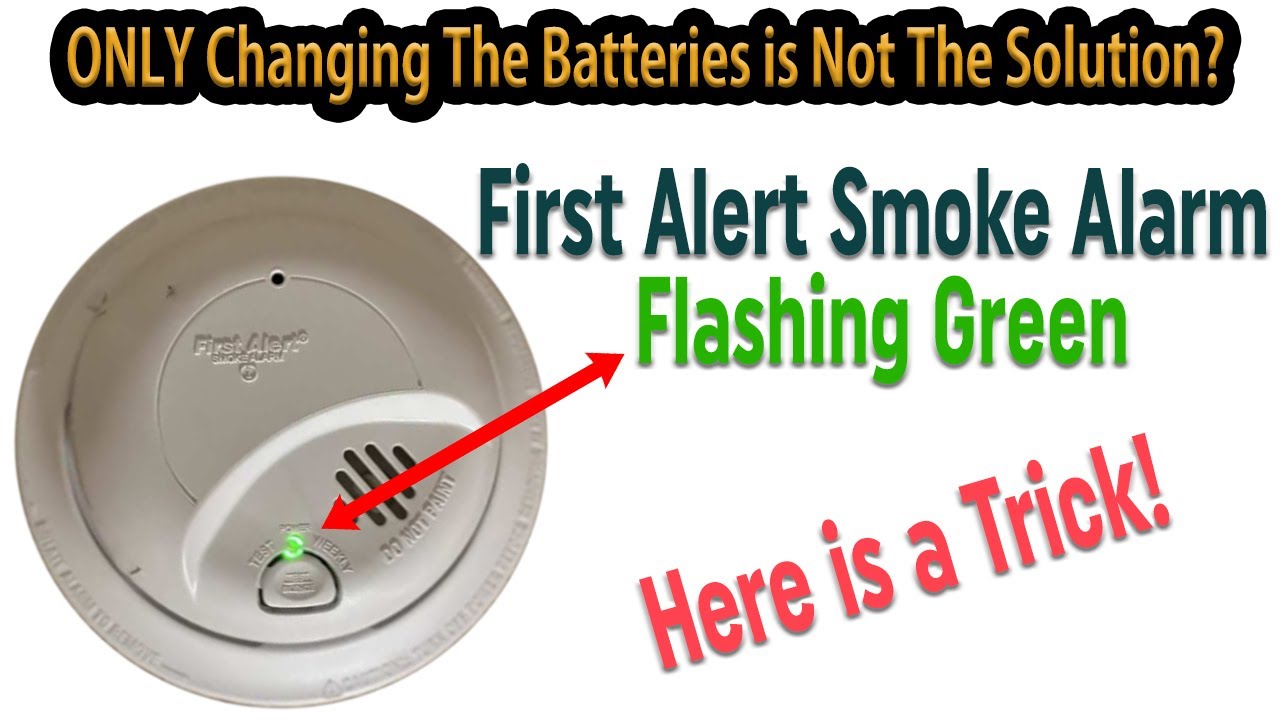
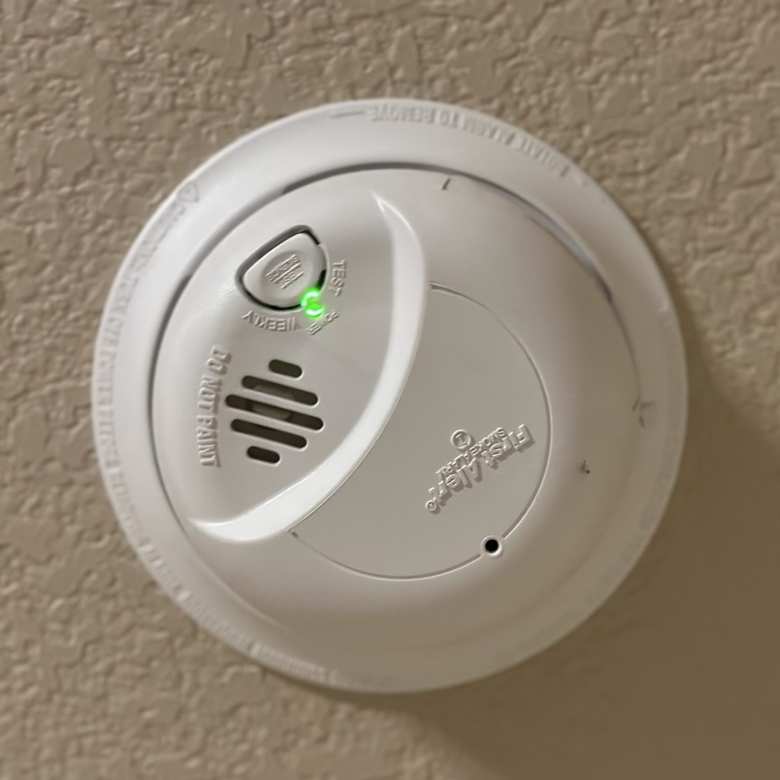
Most smoke detectors use lights to show their current status. The green light is usually linked to power, operation, or network connection. However, the exact meaning depends on the model and brand.
- Power Indicator: On many smoke detectors, a blinking green light shows the device has power—either from the battery or from the electrical wiring.
- Battery Charging: For some newer models, the green light blinks when the backup battery is charging.
- Network Connection: In interconnected systems, a blinking green light may show that the device is communicating with other smoke detectors.
- Standby Mode: Some detectors blink green when they are in standby and ready to detect smoke.
- Error or Warning: On certain brands, a blinking green can signal a problem, such as a loose battery or wiring issue.
You must check your user manual or the brand website to confirm what the blinking green light means for your specific model. Each brand uses its own pattern.
Common Smoke Detector Brands And Their Green Light Patterns
Different brands use unique light patterns. Here are examples from popular smoke detector manufacturers:
| Brand | Blinking Green Light Meaning | Action Required |
|---|---|---|
| First Alert | Power present, device OK | No action if green blinks slowly |
| Kidde | Battery charging or device ready | No action unless light blinks rapidly |
| Nest Protect | Network connected | No action for normal blink; check app for errors |
| BRK | Interconnected system active | No action unless accompanied by sound |
This table shows that the blinking green light is usually a good sign, but if the blink pattern changes or is paired with a beep, you should check for problems.
When Should You Be Concerned?
Most of the time, a blinking green light means the smoke detector is working normally. Still, you should pay attention if:
- The green light blinks rapidly (faster than usual)
- The light is paired with chirping or beeping sounds
- The green light turns off unexpectedly
- You notice a change in the blink pattern after battery replacement or power outage
If you see any of these signs, check the manual. If you can’t find the cause, consider contacting customer support or a licensed electrician.
How To Troubleshoot A Blinking Green Smoke Detector
Here’s how to check and fix issues with a blinking green light:
- Read the Manual: Always start with your smoke detector’s user manual. It explains blink patterns and what they mean.
- Check Power Source: Make sure the unit is connected to power. For battery-only models, confirm batteries are installed correctly and are fresh.
- Test the Alarm: Press the test button. If the device sounds an alarm, it is working. If not, replace the battery or check wiring.
- Inspect for Dust: Clean the detector with a soft brush or vacuum. Dust can cause false readings and light errors.
- Look for Error Codes: Some smart detectors show errors in their app or with colored lights. Check your mobile device or the detector for error messages.
- Reset the Detector: Sometimes, a reset fixes blinking issues. Remove power, wait 30 seconds, then reconnect.
- Check Interconnected Units: If you have more than one detector linked, check all units. A problem in one can cause lights to blink in others.
Common Mistakes Beginners Make
- Ignoring the green light after battery changes
- Using old batteries or incorrect battery types
- Not cleaning detectors regularly
- Confusing green light with red or yellow warning lights
- Forgetting to check all interconnected units
Many people think a blinking green light is always bad, but it’s often a normal status. Make sure to learn your specific model’s signals.
Green Light Vs. Other Smoke Detector Lights
Smoke detectors use several light colors to communicate. Understanding the difference can help you respond correctly.
| Light Color | Common Meaning | Action Needed |
|---|---|---|
| Green | Power, standby, connection | Usually none, unless blinking fast |
| Red | Alarm, error, low battery | Immediate action required |
| Yellow/Amber | Maintenance needed, sensor problem | Check manual, clean or replace unit |
The green light is often less urgent than red or yellow. Still, pay attention if the blink pattern changes.
Smoke Detector Maintenance Tips
Proper care keeps your smoke detectors working and prevents confusing light signals.
- Change Batteries Annually: Even if the green light blinks, change batteries at least once a year.
- Clean Detectors Regularly: Dust and insects can block sensors and cause blinking lights.
- Test Monthly: Press the test button every month. Listen for the alarm.
- Replace Every 10 Years: Smoke detectors lose sensitivity over time. Replace older units, even if the green light blinks.
- Record Installation Date: Write the date on the device so you remember when to replace it.
Real-world Example
A family in Ohio noticed their smoke detector’s green light blinking faster than usual after a storm. They checked their manual and found the rapid blink meant a backup battery was low. After replacing the battery, the green light returned to normal.
This shows how reading the manual and quick action can prevent safety risks.
Credit: www.youtube.com
How Interconnected Smoke Detectors Use Green Lights
In homes with multiple detectors linked together, green lights help show network status.
| System Type | Green Light Pattern | Meaning |
|---|---|---|
| Wired Interconnected | Blinks every 60 seconds | System active, all units connected |
| Wireless Interconnected | Blinks when network is strong | Communication successful |
| Standalone | Blinks to show power | Unit working, not networked |
If one unit shows a different green pattern, check all linked detectors. A problem in one can affect the whole system.
What To Do If The Green Light Is Off
If the green light turns off and does not return, follow these steps:
- Check Power: Make sure the detector has battery or is plugged in.
- Replace Batteries: Try new batteries. Many detectors turn the green light off when batteries are dead.
- Inspect Wiring: For wired models, check the wires. Loose connections stop the green light.
- Test the Alarm: If the alarm does not sound, replace the unit.
- Contact Support: If you can’t fix the issue, call the brand’s customer support.
Important Safety Statistics
According to the National Fire Protection Association (NFPA), three out of five home fire deaths occur in homes with no smoke alarms or non-working smoke alarms. Regular maintenance and understanding light signals can save lives.
- Homes with working smoke alarms reduce fire death risk by 50%
- Most smoke alarm failures are caused by dead batteries
- Interconnected smoke detectors increase detection speed by 30%
These numbers show how critical it is to understand and maintain your smoke detectors.
When To Replace Your Smoke Detector
Sometimes, a blinking green light can signal the end of life for your smoke detector. Look for these signs:
- The device is more than 10 years old
- Frequent false alarms or light errors
- Green light blinks with no explanation in the manual
- Device fails test button
If you notice these, replace the detector even if the green light still blinks. Older devices may not protect your home properly.

Credit: support.firstalert.com
Smart Smoke Detectors: Special Green Light Patterns
Smart detectors, like Nest Protect or First Alert Onelink, use green lights in more advanced ways. They may blink green during updates, self-checks, or when connected to Wi-Fi.
- Nest Protect: Blinks green when starting up, shows network status, or confirms device test.
- First Alert Onelink: Green blinks when paired with other smart devices.
If you use smart detectors, check the app for more details. Apps often give extra information if the green light blinks unusually.
Quick Troubleshooting Checklist
Here’s a handy checklist for dealing with a blinking green smoke detector:
- Is the green light blinking slowly? Device is working.
- Is it blinking fast? Check manual for error.
- Is the light paired with a beep? Replace battery or check wiring.
- Is the light off? Check power and test the alarm.
- Is the device old? Consider replacement.
- Is there dust? Clean the detector.
This quick review can help you solve most blinking green light problems.
Credit: felixwong.com
Frequently Asked Questions
Why Is My Smoke Detector Blinking Green After A Power Outage?
Most detectors blink green after power returns to show they are restarting or charging the backup battery. If the light stays on for more than an hour, check the manual or replace the battery.
Can A Blinking Green Light Mean Low Battery?
On some models, a fast-blinking green light signals low battery. If you see this, change the battery and see if the light returns to normal.
Should I Worry If My Smoke Detector Blinks Green But Does Not Beep?
Usually, a slow green blink means normal operation. If there is no sound and the test button works, your device is fine.
How Do I Know If My Green Light Is A Network Signal?
In smart or interconnected detectors, a blinking green light shows network connection. Check your app or manual to confirm.
Where Can I Find More Information About My Smoke Detector’s Lights?
Visit the manufacturer’s website, such as Kidde, for manuals and support. These sites give detailed explanations for your model.
Understanding the blinking green light on your smoke detector gives you peace of mind and helps you protect your home. Always check your manual, keep detectors clean, and change batteries regularly. With the right knowledge, you can spot problems early and keep your family safe.