
When you see the sanitize light blinking on your Whirlpool dishwasher, it can feel confusing and worrying. Is your dishwasher not cleaning correctly? Is it safe to use? For many people, this blinking light brings more questions than answers. But the good news is, this signal is a helpful message from your dishwasher. It’s telling you something needs attention—often something simple. Understanding what this light means, why it starts blinking, and how to fix it can help you keep your machine running smoothly and your dishes safe to use.
This article will guide you through everything you need to know about the Whirlpool dishwasher sanitize light blinking issue. You’ll learn what the sanitize cycle does, the main reasons the light blinks, common fixes, and when to call for help. We’ll also cover maintenance tips, troubleshooting examples, and compare Whirlpool’s systems with other brands. Whether you’re a homeowner, renter, or just curious about your kitchen appliances, you’ll find clear answers here.
What Does The Whirlpool Dishwasher Sanitize Light Mean?
The sanitize light on Whirlpool dishwashers is more than just a decoration. It’s a sign that your machine is trying to tell you something important about the cleanliness and safety of your dishes.
The Purpose Of The Sanitize Cycle
The sanitize cycle uses extra-hot water to kill germs and bacteria. According to the National Sanitation Foundation (NSF), a dishwasher’s sanitize cycle must reach at least 150°F (65°C) and keep that temperature long enough to remove 99.999% of bacteria. When the sanitize cycle works perfectly, your dishes are not only clean but also safer to use, especially for children and people with weak immune systems.
What The Light Indicates
- When the sanitize light is steady, it means the cycle finished and your dishes are sanitized.
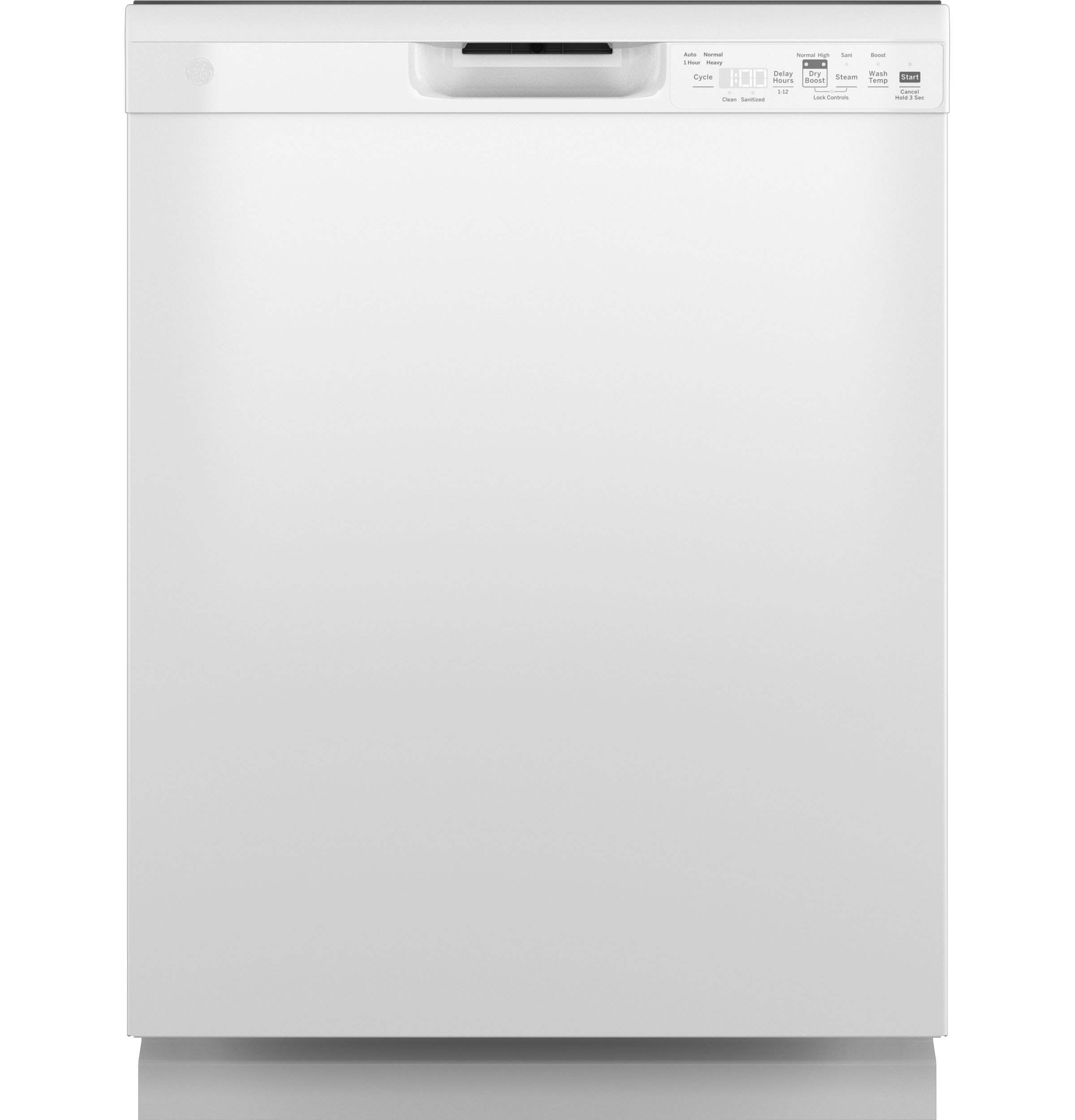
- If the sanitize light is blinking, the dishwasher is warning you: The sanitize cycle did not finish as expected, or the water did not get hot enough.
A blinking sanitize light does not always mean your dishwasher is broken. But it does mean you should check for problems before using it again.
Why Does The Sanitize Light Start Blinking?
There are several reasons why your Whirlpool dishwasher’s sanitize light may blink. Some are simple, and others may require technical help.
1. Water Did Not Get Hot Enough
Whirlpool dishwashers need hot water from your home’s supply. If the water is not hot enough at the start, the machine cannot sanitize your dishes.
- Common causes: Water heater set too low, someone just used hot water elsewhere (like a shower), or hot water takes too long to reach the dishwasher.
2. Faulty Heating Element
The heating element inside the dishwasher helps raise water temperature. If it fails, the water won’t get hot enough during the cycle.
- Symptoms: Dishes are not dry, the inside feels cool after a cycle, and the sanitize light blinks at the end.
3. Clogged Or Dirty Filters
Clogged filters block water flow and can keep the machine from reaching high temperatures.
- Tip: Whirlpool recommends cleaning filters every month, or more often if you use the dishwasher daily.
4. Sensor Or Thermistor Problem
A dishwasher has sensors that check water temperature and cycle progress. If these sensors fail, the machine may think the water never got hot—even if it did.
- Clue: If you recently replaced parts, check the wiring and connections.
5. Error In The Control Board
Sometimes, the control board (the dishwasher’s “brain”) gets confused by a power surge or glitch. This may cause the sanitize light to blink even if there’s no real problem.
6. Door Not Properly Latched
If the door opens slightly during the sanitize cycle, the dishwasher will stop and the sanitize light may blink.
- Reminder: Always push the door closed until you hear a click.
7. Interrupted Or Cancelled Cycle
If you open the door, press cancel, or lose power during sanitizing, the light will blink to show the cycle did not finish.
8. Hard Water Issues
Hard water can leave mineral build-up on heating elements and sensors, making it harder for your dishwasher to heat water properly.
- Solution: Use a dishwasher cleaner or water softener if your area has hard water.
9. Faulty Sanitize Button Or Led
Rarely, the sanitize button or the light itself may break. If everything else works, this could be the reason.
Credit: www.tacappliance.com
How To Troubleshoot A Blinking Sanitize Light
If your Whirlpool dishwasher’s sanitize light is blinking, don’t panic. Most problems are fixable at home. Here are steps you can follow.
Step 1: Make Sure Water Is Hot Enough
- Before starting a cycle, run your kitchen sink faucet on hot for 1-2 minutes.
- Check your water heater. Set it to at least 120°F (49°C), but not over 140°F (60°C) to avoid burns.
- If your dishwasher is far from your water heater, it may take longer for hot water to reach it.
Step 2: Clean The Dishwasher Filters
- Open the bottom rack and remove the filter.
- Rinse the filter under running water. Use a soft brush for stubborn food bits.
- Replace the filter. Make sure it clicks into place.
Step 3: Check The Heating Element
- After a cycle, open the door (carefully—it may be hot).
- Touch the heating element. If it feels cold, it might be broken.
- Look for hard water deposits or burns on the element.
Step 4: Inspect The Door Latch
- Clean the door latch area with a cloth.
- Make sure nothing blocks the door from closing fully.
Step 5: Reset The Dishwasher
- Turn off the power at the circuit breaker for 1 minute.
- Turn it back on. This can fix minor control board glitches.
Step 6: Run A Test Cycle
- Run the dishwasher empty with the sanitize option selected.
- If the light blinks again, you may need a technician.
Step 7: Look For Error Codes
Many Whirlpool models show error codes on the display. Check your user manual for code meanings. Some codes point directly to a heating or sensor problem.
Examples: How Homeowners Fixed Their Blinking Sanitize Light
Real-life stories can help you understand what to expect. Here are examples from Whirlpool owners:
- Water Heater Adjustment: “I found my water heater was set to 110°F. I turned it up to 125°F and the sanitize light stopped blinking after the next wash.”
- Filter Cleaning: “My dishes were not drying and the light blinked every time. Cleaning the filter and the spray arms fixed everything.”
- Heating Element Replacement: “After 5 years, my heating element failed. I bought a new one online and replaced it myself after watching a video. The blinking light disappeared.”
- Sensor Error: “A technician found a bad temperature sensor. After it was replaced, the sanitize cycle worked again.”
- Power Surge Reset: “After a storm, my dishwasher acted strange. Flipping the breaker off and on fixed the blinking sanitize light.”
Credit: www.reddit.com
Whirlpool Dishwasher Sanitize Features Compared To Other Brands
People often wonder if Whirlpool’s sanitize system is unique. Here is a comparison with other popular dishwasher brands:
| Brand | Sanitize Temperature | Sanitize Certification | Common Sanitize Light Issues |
|---|---|---|---|
| Whirlpool | 150-160°F | NSF Certified | Blinking due to low temp, sensor, or error |
| Bosch | 155-162°F | NSF Certified | Sanitize/Check light, mostly heating issues |
| GE | 140-155°F | NSF Certified | Sanitize LED blinks if water is not hot enough |
| Samsung | 150-163°F | NSF Certified | Sanitize light may blink, but less common |
Insight: Most brands use similar sanitize temperatures and standards. The blinking sanitize light is not unique to Whirlpool, but the way errors are shown may differ.
Table: Whirlpool Dishwasher Error Codes Related To Sanitize Cycle
Understanding error codes can save time. Here’s a quick reference for codes you may see if the sanitize cycle fails:
| Error Code | Meaning | What to Check |
|---|---|---|
| F7/E1 | No Heat | Heating element, wiring, control board |
| F8/E2 | Drain Motor Issue | Drain pump, filters, hoses |
| F6/E4 | Float Switch Open | Water leak, float stuck |
| F7/E2 | Heater Stuck On | Control board, relay |
| F9/E1 | Long Drain Time | Clogs, drain hose, pump |
If your display shows one of these, focus your troubleshooting on the matching parts.
When Should You Call A Technician?
While many sanitize light issues can be solved at home, some need professional help. Call a qualified technician if:
- The heating element is broken and you’re not comfortable replacing it.
- You see wiring or control board errors.
- There is a persistent error code you cannot clear.
- The door latch is damaged.
- Water leaks from the machine.
Cost tip: Common repairs like heating element replacement usually cost between $100–$250 for parts and labor in the US.
Preventing Sanitize Light Problems
Regular care makes a big difference. Here are habits that help prevent a blinking sanitize light:
- Run Hot Water First: Before starting your dishwasher, run the kitchen faucet until the water feels hot.
- Clean Filters Monthly: Dirty filters block water and make the machine work harder.
- Use Dishwasher Cleaner: Once a month, use a dishwasher cleaner to remove mineral buildup.
- Check for Hard Water: If you see white spots on glasses, your water may be hard. Use a softener or special detergent.
- Load Dishes Properly: Overloading can block spray arms and sensors.
- Don’t Ignore Blinking Lights: Address them early, not after weeks of trouble.
- Inspect Door Latch and Gasket: Make sure the door seals tightly every cycle.
Common Misunderstandings About The Sanitize Light
People often believe a blinking sanitize light means their dishes are dirty or unsafe. In reality, it usually means the machine could not confirm sanitization according to NSF standards. The dishes may still be clean, but the dishwasher cannot guarantee it reached the temperature needed to kill all germs.
Non-obvious insight: Even if your dishwasher’s sanitize light blinks, handwashing with hot, soapy water (above 120°F) can offer similar sanitizing results for most everyday use.
Another misunderstanding is that only new dishwashers have this feature. In fact, many Whirlpool dishwashers made after 2010 have this light, and older models may show a “clean” or “sanitized” message instead.
Whirlpool Dishwasher Models: Which Ones Have A Sanitize Light?
Not all Whirlpool dishwashers have the same controls. Here’s how some popular models handle the sanitize feature:
| Model Series | Sanitize Light | Sanitize Button |
|---|---|---|
| WDF520PADM | Yes | Yes |
| WDT710PAHZ | Yes | Yes |
| WDTA50SAKZ | Yes | Yes |
| DU1055XTVS | No | No |
| WDF330PAHW | Yes | Yes |
Tip: Check your user manual or look for a sanitize button or light on the control panel.

Credit: www.youtube.com
How To Use The Sanitize Cycle Properly
To get the best from your Whirlpool dishwasher’s sanitize cycle, follow these steps:
- Scrape Excess Food: Remove large food pieces before loading dishes.
- Load Dishes So Water Reaches All Surfaces: Don’t block spray arms or sensors.
- Select the Sanitize Option: Press the sanitize button before starting.
- Run Hot Water at Sink: Help the dishwasher start with hot water.
- Don’t Interrupt the Cycle: Let it finish completely for full sanitization.
- Check the Light at the End: If it’s steady, sanitization succeeded. If it’s blinking, review the troubleshooting steps above.
Extra insight: Many people skip running hot water at the sink, but this simple step increases the chance of a successful sanitize cycle, especially in cold climates.
Safety Note: What If You Ignore The Blinking Light?
If you ignore a blinking sanitize light, your dishes may not be fully sanitized. This is especially risky if someone in your home is sick, young, or has a weak immune system. For everyday use, dishes are usually clean enough, but for baby bottles or cutting boards, full sanitization is important.
When Is It Safe To Use The Dishwasher Again?
You can use your Whirlpool dishwasher again after following the troubleshooting steps. If the light keeps blinking, it’s best to avoid using the sanitize option until you solve the problem. Regular cycles will still clean your dishes, but they may not kill all germs.
Where To Find More Help
Whirlpool’s official website and user manuals offer support for specific models. For more technical details, you can visit the Whirlpool Customer Support page.
Some users find answers by searching online forums or watching video guides. Just be careful: not all advice you see online is safe or correct for your specific machine.
Frequently Asked Questions
Why Does My Whirlpool Dishwasher Sanitize Light Blink Even After Cleaning The Filter?
If the sanitize light still blinks after filter cleaning, the problem may be with the heating element, water temperature, or a sensor. Make sure your water heater is set to at least 120°F, and check that the heating element works. If the light keeps blinking, the temperature sensor or control board could be faulty.
How Do I Reset The Sanitize Light On My Whirlpool Dishwasher?
To reset the sanitize light, turn off the dishwasher at the circuit breaker for 1 minute, then turn it back on. Start a new cycle with the sanitize option. If the light blinks again, a real issue may need fixing.
Is It Safe To Use Dishes If The Sanitize Light Was Blinking?
Usually, dishes are clean, but not fully sanitized by NSF standards. For everyday meals, this is fine. For baby bottles, cutting boards, or if someone is sick, handwash those items with hot, soapy water as a safer choice.
Does Every Whirlpool Dishwasher Have A Sanitize Light?
No. Most newer Whirlpool dishwashers have a sanitize light and button, but some older or basic models do not. Check your user manual or control panel for details.
Can I Fix A Blinking Sanitize Light Myself, Or Do I Need A Technician?
Many problems can be fixed at home: check water temperature, clean filters, reset the dishwasher, or check the door latch. If these steps do not work, or you see error codes about the heating element or control board, it’s best to call a technician.
Conclusion
A blinking Whirlpool dishwasher sanitize light is usually your machine’s way of asking for a little help. Most problems are simple to fix if you follow the steps above, and regular care will keep your dishes clean and safe. If you’re ever unsure, don’t guess—ask an expert or check the manual. With the right approach, you can enjoy the full benefits of your Whirlpool dishwasher for years to come.