
Vaporesso Blinking Red: What It Means, How to Fix It, and Expert Guidance
If you use a Vaporesso vape device, you may have faced a blinking red light. This can be confusing, especially if you’re new to vaping. Is your device broken? Is it unsafe to use? Or is it just a small issue? Understanding what a blinking red light means is important for your safety and for keeping your vape working well. In this guide, you’ll learn what causes the blinking red, how to fix it, and how to prevent it in the future. You’ll also see real examples, practical troubleshooting steps, and comparisons to help you make smart choices.
What Does Vaporesso Blinking Red Mean?
The blinking red light on a Vaporesso device is a warning signal. It tells you something is wrong or needs attention. Depending on your model and situation, the blinking red can mean different things:
- Low battery: The most common reason. Your battery needs charging.
- Connection issue: The device cannot detect the coil or atomizer.
- Short circuit: There’s a problem inside the device, often related to the coil or wiring.
- Overheating: The device is too hot, so it stops working to protect you.
- Other errors: Sometimes, the red light blinks for less common issues like over-discharge or firmware errors.
Knowing why your device blinks red is the first step to fixing it. Every Vaporesso model has its own way of showing errors, but these are the main reasons.
Understanding Vaporesso Device Models
Vaporesso makes many devices. Some are simple pens, others are advanced mods. The blinking red light works a bit differently in each one. Here’s a comparison of popular Vaporesso models and how they show error signals:
| Device Model | Blinking Red Meaning | How to Reset |
|---|---|---|
| Vaporesso XROS | Low battery or connection error | Charge or clean contacts |
| Vaporesso Luxe | Short circuit or overheating | Replace coil or cool down device |
| Vaporesso Target PM80 | Coil error or battery issue | Replace coil or recharge |
| Vaporesso GEN S | Battery or atomizer error | Check battery and atomizer |
If your device is not listed, check the manual for error signals. Most new Vaporesso devices have a LED indicator or screen that explains errors.
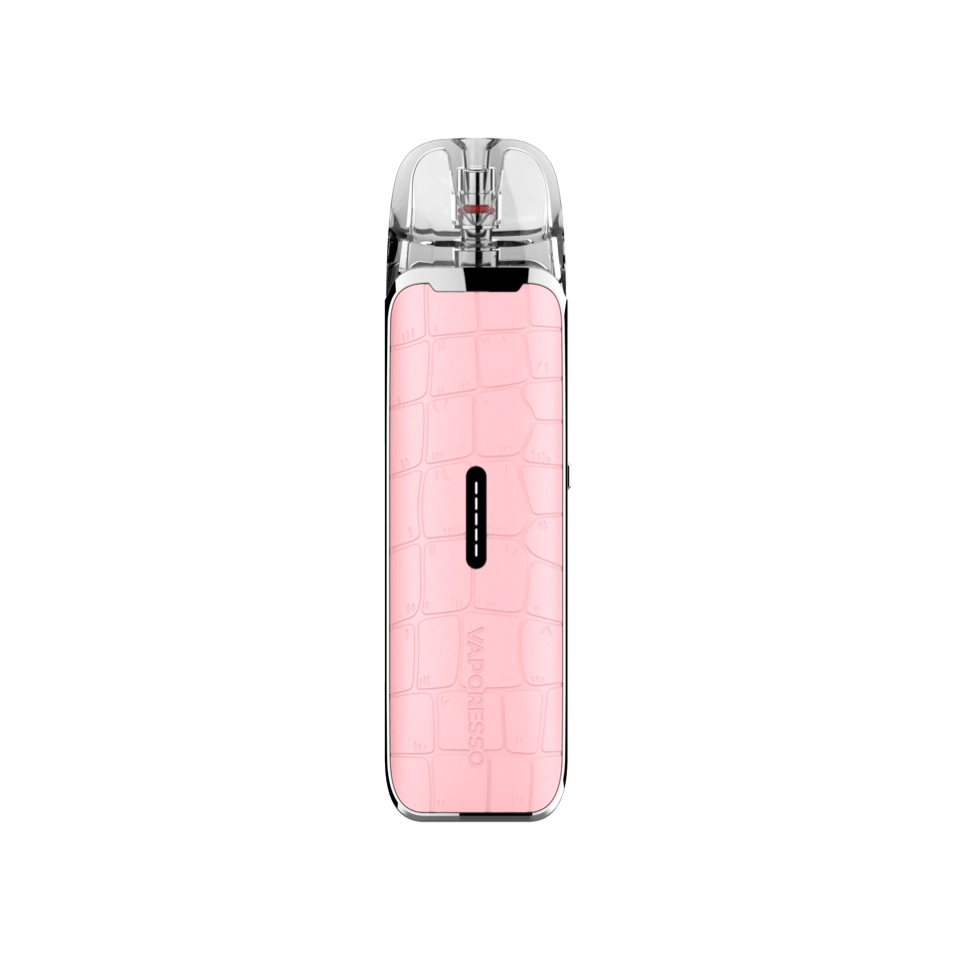
Credit: www.vaporesso.com
Main Causes Of Blinking Red Light
Let’s look at the most common reasons for the blinking red light. Understanding these helps you solve the problem faster.
1. Low Battery
If your battery is almost empty, the device will blink red. This is to prevent damage from over-discharge. The fix is simple: charge your device. Sometimes, a very drained battery needs a few minutes of charging before the light turns off.
2. Coil Or Atomizer Connection Error
Vaporesso devices need a good connection between the battery and the coil. If the contacts are dirty or the coil is not installed correctly, the device can’t fire. The red light blinks as a warning.
How to fix:
- Remove the pod or tank.
- Clean the contacts with a dry cloth.
- Check if the coil is installed tightly.
- Reassemble and try again.
3. Short Circuit
A short circuit is a serious problem. It means electricity is flowing where it shouldn’t, often because the coil is damaged or there’s liquid inside the device. The red blinking warns you to stop using the device.
How to fix:
- Remove the coil and check for damage.
- If you see liquid inside, dry it out completely.
- Replace the coil if needed.
4. Overheating
If you use your device too much, or it’s in a hot place, it can overheat. The red light blinks to protect you and the device.
How to fix:
- Stop vaping for a while.
- Let the device cool down.
- Keep it out of direct sunlight.
5. Firmware Or Internal Error
Sometimes, the device’s software has an error. This is rare, but it can cause the red light to blink. Usually, this needs a reset or firmware update.
How to fix:
- Turn off the device, wait, then turn it on again.
- Check the manual for reset instructions.
- If possible, update the firmware.
Troubleshooting Steps For Vaporesso Blinking Red
If your Vaporesso device blinks red, follow these steps to find and fix the problem. This method works for most models.
- Check battery level: Plug in your device and let it charge for at least 15 minutes.
- Inspect coil and contacts: Remove the pod or tank, clean contacts, and check the coil.
- Replace coil: If cleaning doesn’t work, try a new coil.
- Let device cool down: If you’ve been vaping a lot, put the device aside for 10-15 minutes.
- Reset device: If nothing works, turn the device off and on. Some models have a reset button.
- Check for leaks: Look for liquid inside the device. If present, dry it completely.
- Update firmware: Visit the Vaporesso site for updates if your model supports it.
Following these steps solves most red blinking problems. If your device still blinks red after all these, it may need professional repair.

Credit: www.lamamapasteis.com.br
Real-life Examples And Data
Many users report blinking red lights on forums and review sites. Let’s look at a few real-world cases:
- Case 1: Vaporesso XROS blinking red after charging: The user found the coil was loose. Tightening the coil fixed the issue.
- Case 2: Vaporesso Luxe blinking red during use: The device was hot after long vaping sessions. Waiting 20 minutes stopped the blinking.
- Case 3: Vaporesso Target PM80 blinking red with new coil: The coil was damaged. Replacing it solved the error.
Data from Vaporesso’s official support shows that about 60% of blinking red cases are due to low battery, 25% from coil issues, and 15% from overheating or short circuit.
Comparing Vaporesso Error Signals With Other Brands
Vaporesso isn’t the only brand using blinking lights for errors. Here’s a quick comparison of error signals in popular vape brands:
| Brand | Error Signal | Common Causes |
|---|---|---|
| Vaporesso | Blinking red light | Battery, coil, overheating |
| SMOK | Blinking LED | Battery, coil, short circuit |
| Voopoo | Blinking screen or LED | Coil, battery, firmware |
| GeekVape | Screen message + LED blink | Battery, coil, temperature |
Vaporesso’s blinking red is simple but effective. Other brands may use screen messages or different colors for errors.
Preventing Vaporesso Blinking Red Problems
You can avoid most blinking red issues by taking care of your device. Here are practical tips:
- Charge regularly: Don’t let the battery run very low.
- Clean contacts often: Dust and liquid cause connection problems.
- Replace coils before they burn out: Old coils can cause short circuits or errors.
- Avoid chain vaping: Long sessions make devices hot.
- Store in cool places: Heat damages batteries and electronics.
- Check for leaks: If you see liquid, clean it immediately.
- Update firmware: If your device supports updates, keep it current.
- Use original parts: Generic coils may not fit well.
- Handle with care: Drops can cause internal errors.
- Read the manual: Each device has special instructions.
Most beginners don’t realize that using old coils or generic parts is a leading cause of blinking errors. Also, charging with a cheap cable can cause battery faults—always use the cable that comes with your device.
When To Seek Professional Help
Some blinking red problems are easy to fix, but others need expert attention. If you notice these signs, get help:
- Red light blinks after every fix: Your device may have a hardware fault.
- Device feels hot even when not in use: Possible battery problem.
- Burning smell: Stop using immediately.
- Liquid inside battery compartment: Risk of short circuit.
Contact Vaporesso support or visit a vape shop for repairs. Don’t try to fix serious problems yourself—safety comes first.
Advanced Tips And Non-obvious Insights
Most guides stop at basic troubleshooting, but here are deeper tips:
- Check USB port quality: Cheap or damaged USB ports can cause charging errors. Try a different port or charger.
- Inspect pod magnets: Weak magnets cause poor connection. If your pod doesn’t snap tightly, error signals may appear.
- Battery age matters: Vape batteries lose power after 300–500 cycles. If your device is old, the blinking red may be a sign to replace the battery.
- Firmware glitches: Rare, but if you reset and the error returns, a firmware update may solve it. Visit Vaporesso Official Site for updates.
- Temperature sensors: Some high-end models have sensors that can malfunction. If your device blinks red for overheating but feels cool, the sensor may be faulty.
Beginners often overlook the impact of humidity and dust. These can build up inside the device and cause connection issues. A monthly deep cleaning can prevent most problems.
How To Replace A Vaporesso Coil Safely
Changing the coil is a common fix for blinking red lights. Here’s a safe method:
- Turn off the device.
- Remove the pod or tank.
- Unscrew or pull out the old coil.
- Wipe contacts with a dry cloth.
- Insert the new coil firmly.
- Reassemble the device.
- Let the coil soak for 5 minutes if you’re using a new pod (prevents burning).
- Turn on and test.
Always use a coil made for your device. If you use a generic coil, check the specs carefully.

Credit: nicsaingenieria.es
How To Clean Vaporesso Contacts And Pod
Cleaning is simple but often skipped by new vapers. Here’s how:
- Remove the pod/tank.
- Use a cotton swab to wipe the metal contacts.
- If there’s liquid, dry it completely.
- Avoid water—moisture can cause short circuits.
- Reassemble and test.
Regular cleaning keeps your device working and prevents blinking errors.
Battery Safety And Charging Tips
Charging mistakes are a hidden cause of blinking red lights. Follow these tips:
- Use the original charger.
- Avoid fast chargers unless recommended.
- Don’t charge overnight—overcharging can damage batteries.
- If your device feels warm during charging, unplug it.
Most users don’t realize that using a damaged cable can cause false error signals. If your device blinks red during charging, try a new cable.
Vaporesso Blinking Red Vs. Other Color Signals
Vaporesso devices use different colors for different errors. Here’s a quick summary:
| Color | Meaning | Action Needed |
|---|---|---|
| Red | Error or warning | Check battery, coil, temperature |
| Green | Normal operation | No action |
| Blue | Medium battery | Consider charging soon |
| White | Full battery or startup | No action |
If your device blinks red, always check the manual for your model. Some advanced devices show messages on the screen, but most use color signals.
Common Mistakes And How To Avoid Them
Many vapers make mistakes that cause blinking red lights. Here are the biggest ones:
- Ignoring the manual: Each device has special error codes.
- Using old or dirty coils: This causes connection errors.
- Charging with cheap cables: Leads to battery faults.
- Vaping too fast: Overheats the device.
- Not cleaning contacts: Dirt causes poor connection.
- Dropping the device: Can damage internal parts.
Avoid these mistakes to keep your device working and safe.
Frequently Asked Questions
Why Does My Vaporesso Device Blink Red When I Press The Button?
Usually, this means low battery or a coil connection error. Try charging your device first. If the light still blinks, check and clean the coil and contacts.
Can I Fix Blinking Red Without Changing The Coil?
Sometimes, yes. If the coil is not damaged, cleaning the contacts or charging the battery may solve the problem. But if the coil is old or burnt, you need a new one.
Is It Safe To Use My Device When It Blinks Red?
No, it’s not safe. The blinking red light is a warning. Using the device can cause damage or be unsafe. Always fix the problem first.
How Often Should I Clean My Vaporesso Device?
Clean the contacts every week, and do a deep cleaning every month. If you see liquid or dirt, clean it right away.
Where Can I Get Official Firmware Updates For My Vaporesso Device?
Go to the Vaporesso Official Site. Download updates only from trusted sources.
Conclusion
Taking care of your Vaporesso device stops most blinking red issues before they start. Remember, the blinking red is there to protect you. Use the tips in this guide to troubleshoot, fix, and prevent errors. With regular maintenance and smart habits, your vape will last longer and work better.
If problems are serious or keep coming back, get professional help. Stay safe and enjoy vaping with confidence.