
A blinking green light on your Spectrum router can be confusing—and sometimes frustrating. Many people see this light and wonder if their internet is working, if something is wrong, or if they need to call for help. The truth is, a blinking green light often signals something about your network status, but it doesn’t always mean a big problem.
Understanding what this light means, how to respond, and how to keep your internet running smoothly can save you time, money, and stress. In this guide, you’ll learn exactly what the Spectrum router blinking green means, how to fix common issues, and what you can do to avoid future problems.
What Does The Blinking Green Light Mean On A Spectrum Router?
The blinking green light on a Spectrum router is a status indicator. Routers use lights to show their current state, and green is usually a good sign. However, when it blinks, the meaning changes depending on how fast it flashes and what else is happening with your internet.
- Solid green: Everything is working well. Your router is connected to the internet and your devices can use Wi-Fi.
- Slow blinking green: The router is trying to connect to the internet. It’s starting up, updating, or re-establishing a connection.
- Rapid blinking green: The router is processing data or experiencing a temporary communication issue.
- Blinking green with other lights: If you see green blinking with orange or red, there may be a deeper problem.
In most cases, a blinking green light means your router is starting up or trying to connect. If the blinking stops and becomes solid, your internet should work. If it keeps blinking for more than a few minutes, there may be a connection problem you need to fix.
Common Reasons For A Spectrum Router Blinking Green
Many things can make your router’s green light blink. Here are the most common causes, along with why each might happen:
- Startup Process
- When you turn your router on, it goes through a series of checks. The green light blinks as it tests the connection and communicates with Spectrum’s servers.
- Firmware Update
- Your router updates itself to stay secure and fast. During an update, the green light often blinks until the process is complete.
- Loose or Damaged Cables
- If the cable that connects your router to the modem (or wall outlet) is loose or damaged, the router may blink green as it fails to establish a stable connection.
- Service Outage
- Sometimes, Spectrum itself has an outage in your area. In these cases, your router keeps trying to connect, which makes the green light blink.
- Overheating
- If your router gets too hot, it may temporarily lose connection or slow down, causing the green light to blink.
- Modem Issues
- If your modem isn’t working right, your router can’t get online—even if the router itself is fine.
- Network Congestion
- Too many devices using the network at once can slow things down and make your router struggle to keep up.
- Incorrect Setup
- If you set up the router incorrectly (wrong cables, wrong port), the green light might blink as the device fails to connect.
Some of these problems are easy to fix, while others may need more help. The first step is always to check the basics before trying advanced solutions.
How To Troubleshoot A Blinking Green Light
When you see a blinking green light, you don’t need to panic. Follow these steps to quickly identify and fix the problem.
1. Check All Cables And Connections
The most common cause is a loose or unplugged cable. Make sure:
- The power cable is securely plugged into the router and the wall.
- The Ethernet cable connects the router to the modem (or wall outlet) tightly.
- None of the cables look frayed or damaged.
2. Restart Your Router And Modem
A simple restart can solve many network issues.
- Turn off your router and modem by unplugging them from power.
- Wait at least 60 seconds.
- Plug the modem back in first. Wait until all its lights are stable.
- Plug the router back in. Wait for the lights to settle.
3. Check For Local Service Outages
Sometimes, the problem is not at your home. Visit the Spectrum Outage Map or call Spectrum support to see if there’s an outage in your area. You can also ask neighbors if they are having similar issues.
4. Move The Router To A Cooler, Open Space
Overheating can cause connection issues. Make sure your router is in a well-ventilated place, away from direct sunlight and not stacked with other electronics.
5. Update Router Firmware
Outdated firmware can cause performance problems. Many Spectrum routers update automatically, but you can check the settings page (usually at 192.168.1.1 or 192.168.0.1) to see if an update is available.
6. Reset The Router To Factory Settings
If nothing works, a factory reset may help. Use a paperclip to press the reset button on the back of the router for 10 seconds. This will erase all custom settings, so you’ll need to set up your network again.
7. Test With Fewer Devices
Disconnect some devices from the Wi-Fi. If the blinking stops, network congestion might be the cause.
8. Replace Damaged Equipment
If you notice broken cables or if the router is old, replacing them can solve ongoing issues. Spectrum will usually replace rented routers for free if they are faulty.
9. Contact Spectrum Support
If you’ve tried everything and the light still blinks, call Spectrum support. They can run remote tests or schedule a technician visit.
Spectrum Router Light Patterns: What Each One Means
To better understand your Spectrum router, here’s a quick comparison of common light patterns and what they signal:
| Light Pattern | Meaning | What to Do |
|---|---|---|
| Solid Green | Normal operation; connected | No action needed |
| Blinking Green | Connecting or updating | Wait or check connections |
| Rapid Blinking Green | Heavy data traffic or temporary issue | Monitor; restart if needed |
| Blinking Green & Orange | Firmware update or error | Wait or restart |
| Solid Red or Orange | Error or no connection | Check cables, restart, or call support |
Knowing these patterns helps you quickly respond to issues and avoid unnecessary troubleshooting.
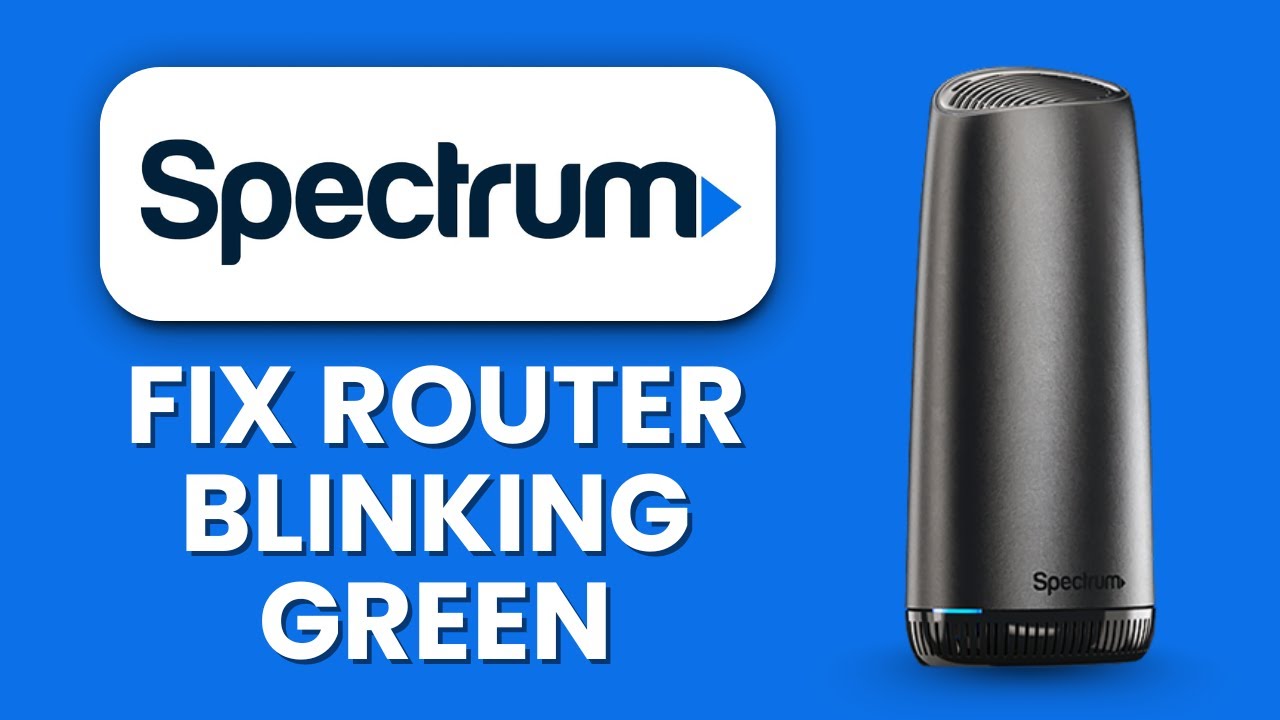
Credit: www.youtube.com
How Spectrum Routers Connect To The Internet
Spectrum routers connect through a simple process, but understanding it helps you see where things can go wrong.
- The modem connects to the internet using a coaxial cable.
- The router connects to the modem with an Ethernet cable.
- The router creates a Wi-Fi network for your devices.
If the modem loses its connection, the router’s green light blinks as it tries to reconnect. If the connection between router and modem breaks, the same thing happens. Problems at any step can cause the blinking green light.
Typical Connection Speeds And Stability
Spectrum offers several internet plans. Your router’s performance depends on your plan and network setup.
| Plan | Download Speed | Expected Stability |
|---|---|---|
| Spectrum Internet | Up to 300 Mbps | High |
| Spectrum Internet Ultra | Up to 500 Mbps | Very High |
| Spectrum Internet Gig | Up to 1000 Mbps | Very High |
If your router blinks green but you pay for high speed, a deeper issue may be affecting your service.
Less-obvious Causes For A Blinking Green Light
Most people check cables and restart their router, but some less obvious issues can also trigger a blinking green light:
- Power supply fluctuations: If your home’s power supply is unstable, your router may reset frequently.
- ISP maintenance: Sometimes Spectrum does quiet maintenance at night, causing brief interruptions.
- Splitters and signal amplifiers: If your coax cable uses a splitter (to share TV and internet), it can reduce signal strength.
- Incorrect MAC address settings: Some advanced users change their router’s MAC address, which can block connection.
If you’ve tried basic fixes, consider these less common issues. Sometimes, replacing a cheap power strip or removing a splitter can solve the problem.
When To Replace Your Spectrum Router
Routers don’t last forever. If your router is old, slow, or keeps disconnecting, it may be time for a replacement. Here’s how to know:
- Frequent disconnects: If your router loses connection often, hardware could be failing.
- Slow speeds: If your speed is much lower than your plan, even after troubleshooting, the router may be outdated.
- No firmware updates: Older routers may not get important security updates.
- Physical damage: Cracks, broken ports, or burnt smells are red flags.
Spectrum will replace routers that are rented as part of your plan. If you bought your own, you may need to buy a new one. Consider models with dual-band Wi-Fi, MU-MIMO (for multiple devices), and strong user reviews.
Spectrum Router Vs. Other Brands: Reliability Comparison
How does a Spectrum router compare to popular brands like Netgear, TP-Link, and Linksys? Here’s a quick look:
| Router Brand | Average Uptime | Update Frequency | Ease of Use |
|---|---|---|---|
| Spectrum | 99.2% | Automatic | Very Easy |
| Netgear | 99.5% | User-initiated | Easy |
| TP-Link | 99.3% | User-initiated | Moderate |
| Linksys | 99.4% | User-initiated | Easy |
Spectrum routers are designed for plug-and-play use, so you usually don’t need to adjust settings. However, third-party routers may offer more features and slightly better performance for advanced users.
Preventing Future Blinking Green Light Issues
Once you solve the blinking green issue, you want to keep it from happening again. Here are some practical ways to prevent future problems:
- Keep the router in a cool, open space.
- Check cables every few months for damage or loose connections.
- Restart your router once a month to clear memory and improve performance.
- Update firmware regularly, even if it isn’t automatic.
- Use surge protectors to prevent damage from power fluctuations.
- Limit the number of devices connected at once, especially for older routers.
- Avoid splitters if possible, to keep signal strength high.
- Replace outdated equipment every 3–5 years for the best reliability.
A few minutes of regular care can save you hours of troubleshooting.
Real-world Example: Solving A Persistent Blinking Green Light
Let’s look at an example. Maria, a Spectrum customer in Texas, saw her router blinking green for several hours. She restarted it, checked cables, and even moved it to a new room. Nothing worked. When she called Spectrum, they found a signal strength issue caused by a splitter on her coax cable.
Removing the splitter and connecting the cable directly fixed the problem in minutes.
Insight: Not all issues are inside your home. Sometimes, small things like splitters or old cables can cause hours of frustration.

Credit: www.reddit.com
When To Call For Professional Help
If you’ve followed all the steps above and your router still blinks green, it’s time for expert help. Call Spectrum support if:
- The blinking green light lasts more than 10–15 minutes after a restart.
- You see other error lights (red, orange) at the same time.
- You hear buzzing, smell burning, or see physical damage.
- You’ve checked for outages and none are reported.
Spectrum can run tests on your line and schedule a technician if needed. Don’t wait too long—waiting can lead to bigger issues or loss of service.
Frequently Asked Questions
Why Does My Spectrum Router Blink Green After A Power Outage?
A power outage can disrupt your router’s connection. When power returns, the router restarts and tries to reconnect to Spectrum’s network, causing the green light to blink. If it doesn’t stop after a few minutes, check your cables and restart your equipment.
Can A Blinking Green Light Mean My Router Is Hacked?
Usually, a blinking green light is not a sign of hacking. It’s almost always related to connection or hardware issues. However, keep your router’s firmware updated to protect against security threats. For more on router security, check official resources like the FCC guide.
How Long Should A Spectrum Router Blink Green During Startup?
Most routers blink green for 2–5 minutes during startup. If it blinks longer than 10 minutes, there’s likely a problem with your connection, cables, or service.
Will Resetting My Router Erase All My Settings?
Yes. A full factory reset will erase your Wi-Fi name (SSID), password, and any custom settings. You’ll need to set up your network again after a reset.
Is It Safe To Use My Internet If The Green Light Is Blinking?
If the green light is blinking, your router is not fully connected. Internet may not work, or it may be unstable. Wait until you see a solid green light before using the internet for important tasks.
Conclusion
A blinking green light on your Spectrum router is a sign that your device is trying to connect or facing a temporary issue. With careful troubleshooting and regular maintenance, you can keep your home network stable and reliable. If problems continue, Spectrum support is ready to help.
Understanding these signals turns confusion into confidence—so you can get back online without worry.
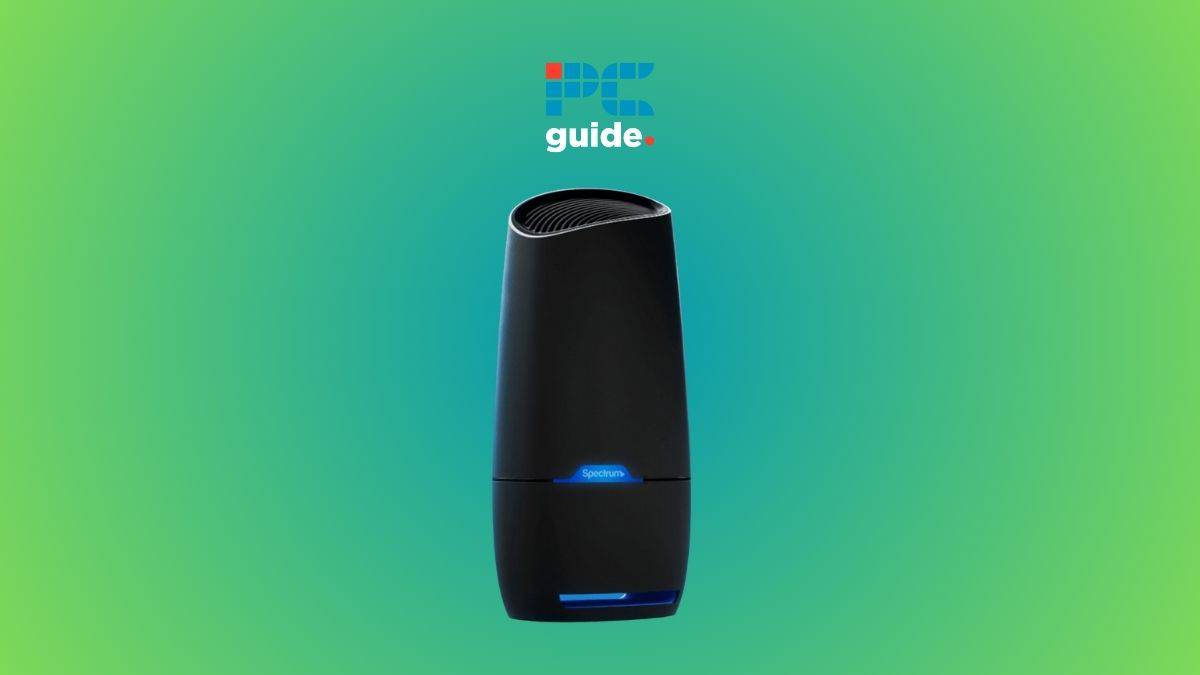
Credit: www.pcguide.com